1 – Introduction
17
1.5.2 Symbols and Connections Used on the Equipment
The following symbols and connections are used on the
BD BACTEC™ FX40
instrument:
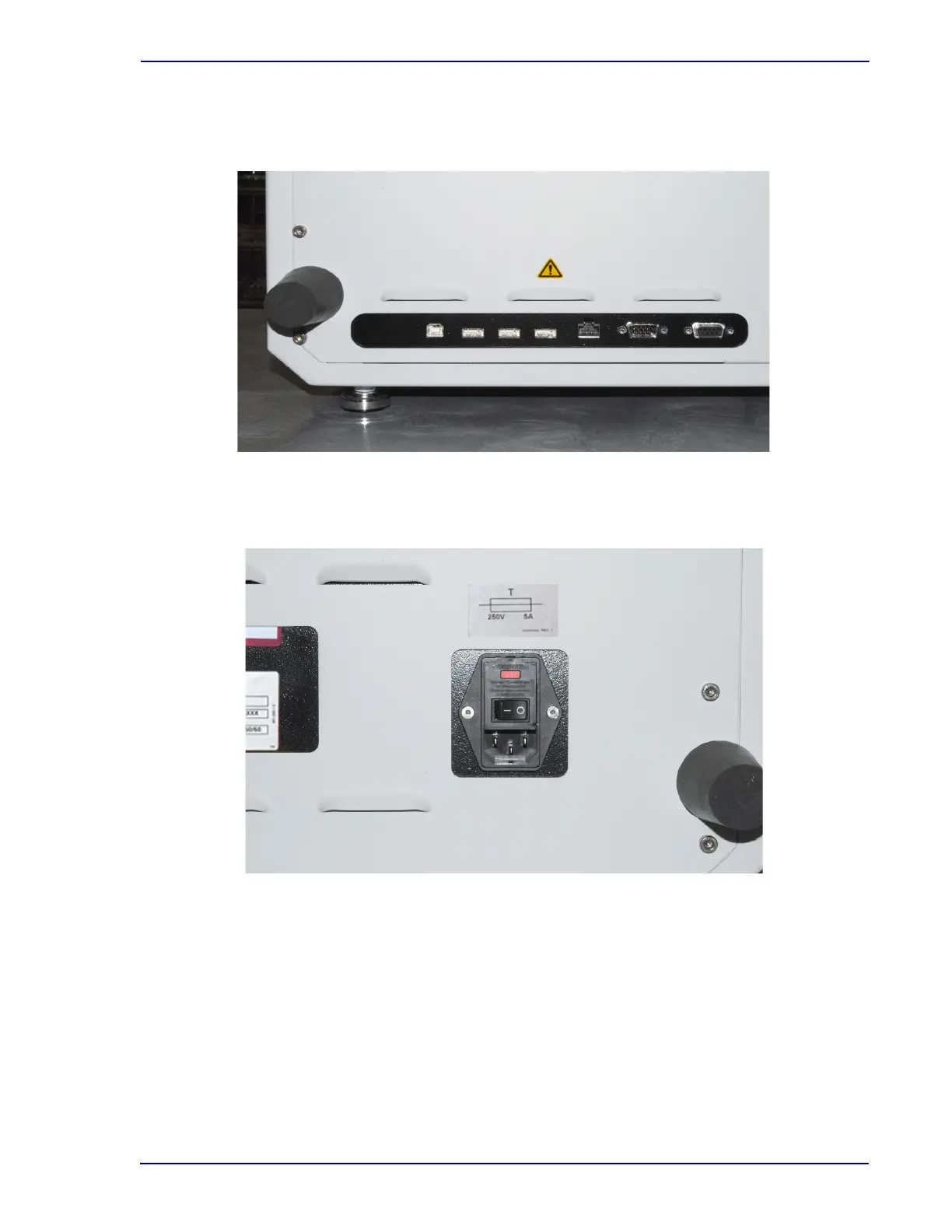
Figure 1-4 – Instrument Rear Connections (bottom left)
From left to right: USB Host connector (to tablet computer); USB connectors (3); Network (BD EpiCenter™) connector;
Serial (LIS) connector; Remote Alarm connector
Figure 1-5 – Instrument Rear Connections (bottom right)
AC Power input











 To Next Page