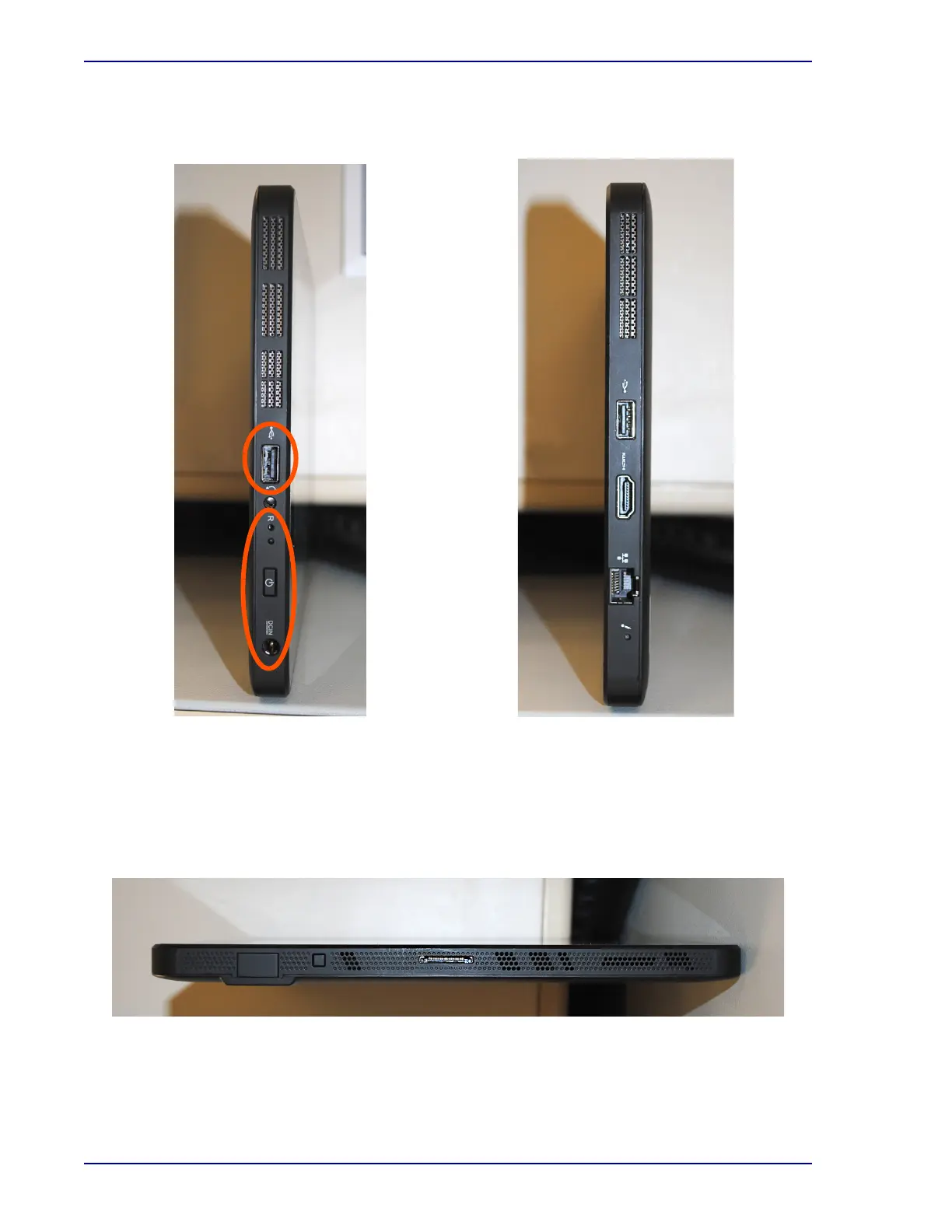
Figure 1-6 – Tablet Connections (left side)
Figure 1-7 – Tablet Connections (right side)
BD BACTEC™ FX40 Instrument User’s Manual
18
Figure 1-8 – Tablet Connections (bottom)
Center: Dock connection (not used)
From top to bottom: USB connection (to instrument);
he
adphone/speaker input; reset switch, power switch,
and power input. Controls and ports that are typically
used are circled.
From top to bottom: USB connection; HDMI output; and
network connector.











 To Next Page