BD BACTEC™ FX40 Instrument User’s Manual
46
3.6.2 Operation
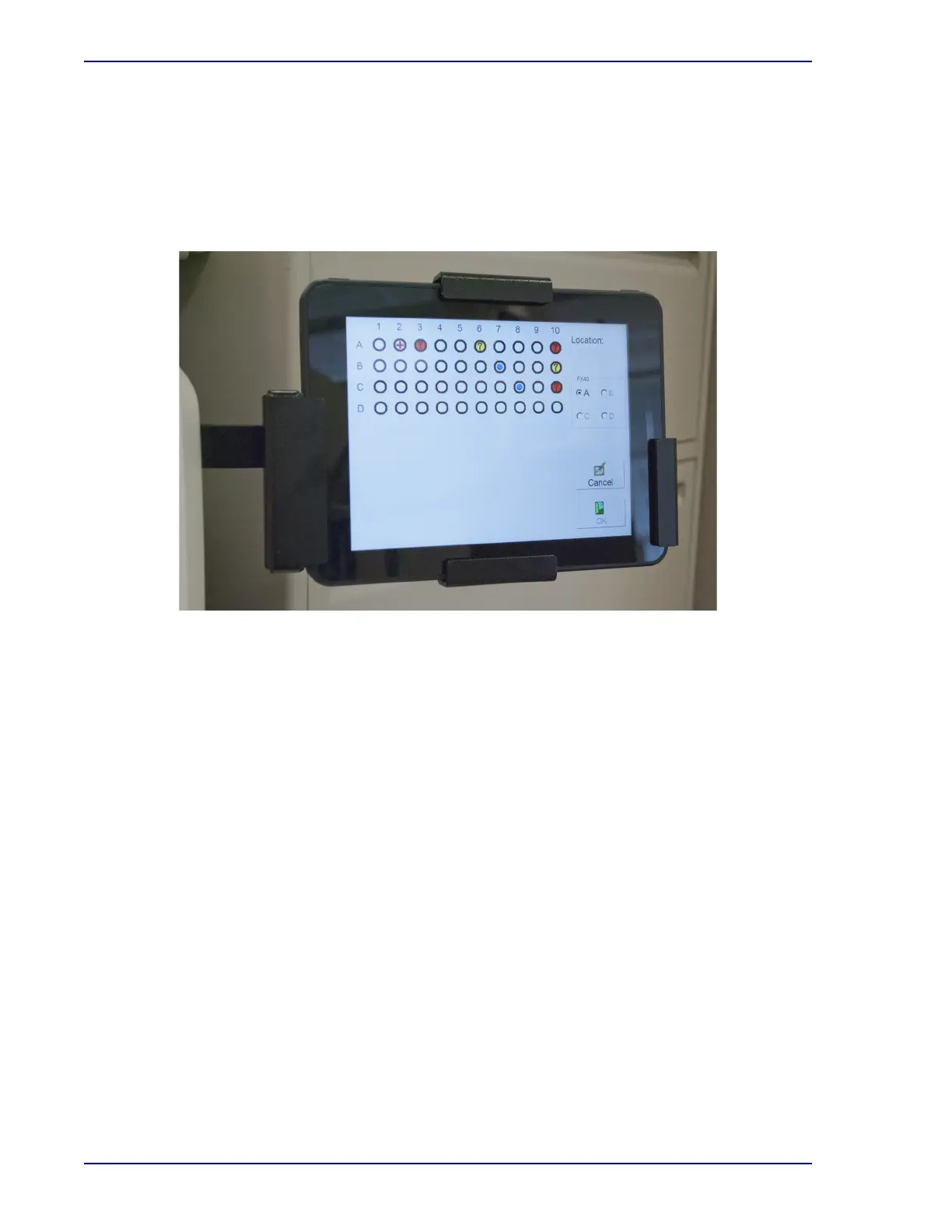
After the instrument completes its startup process, the Status Display appears. Other displays appear
as you perform various operations.
More information on displays is presented in Section 5.
Figure 3-4 – Tablet Computer in Bracket
3.7 Station Indicators
3.7.1 Location
Each station has a set of LED indicators that inform you of the station or vial's status. The status
indicators are located above each station.
Station indicators are defined in the table below. Figure 3-5 shows the actual station indicators.











 To Next Page