4 – Operation
63
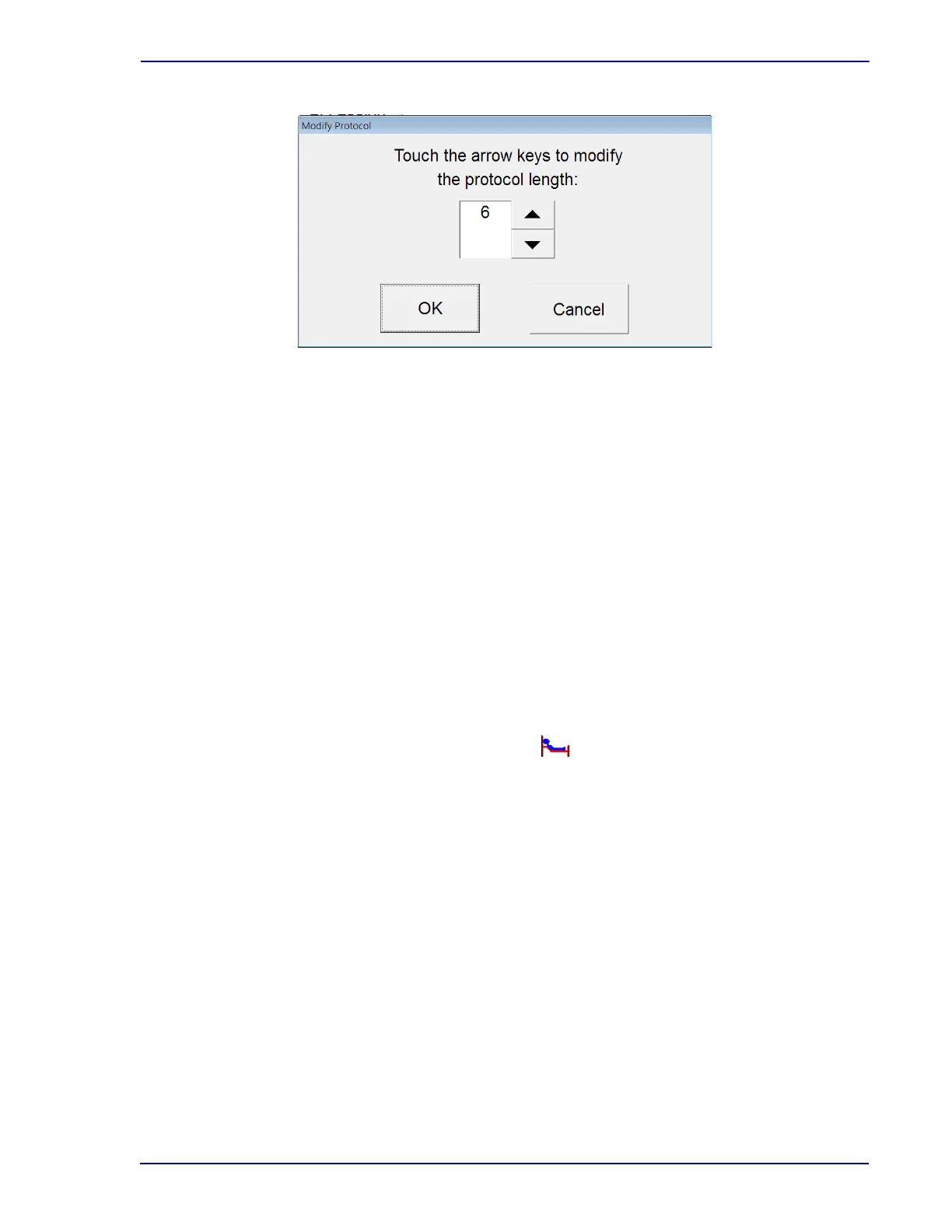
Figure 4-6 – Modify Protocol Window
Protocols cannot be extended beyond
14/30/42 days (depending on medium type). To test a
culture longer than the protocol maximum, apply a spare media barcode label to the vial and use
Vial Entry to enter it as a new vial.
Changing vial status:
Recall the desired vial record in the Culture – Vial display.
Select the Drop Down
Arrow next to the Status field.
Select the desired status by selecting it in the drop-down box.
Select Save
to save the information.
4.6.3 Specimen Data
Note that in a BD EpiCenter™ configuration, you cannot enter Hospital Service or Collection Date/
Time at the instrument. This operation can only be performed at the BD EpiCenter™ system.
Recalling specimen records:
From the Status display, tap the “culture” button.
The Culture – Patient display appears.
Select the Specimen tab to access the Culture – Specimen display.
Select the Accession field. The onscreen keyboard appears.
Enter accession number, then select ENTE
R.
The desired specimen record appears.
Adding specimen data:
Recall the desired specimen
record in the Culture – Specimen display.
To enter a hospital Service,
select the Service field.
The onscreen keyboard appears.
Enter the Service from which the specimen was collected, then select ENTER.











 To Next Page