4 – Operation
55
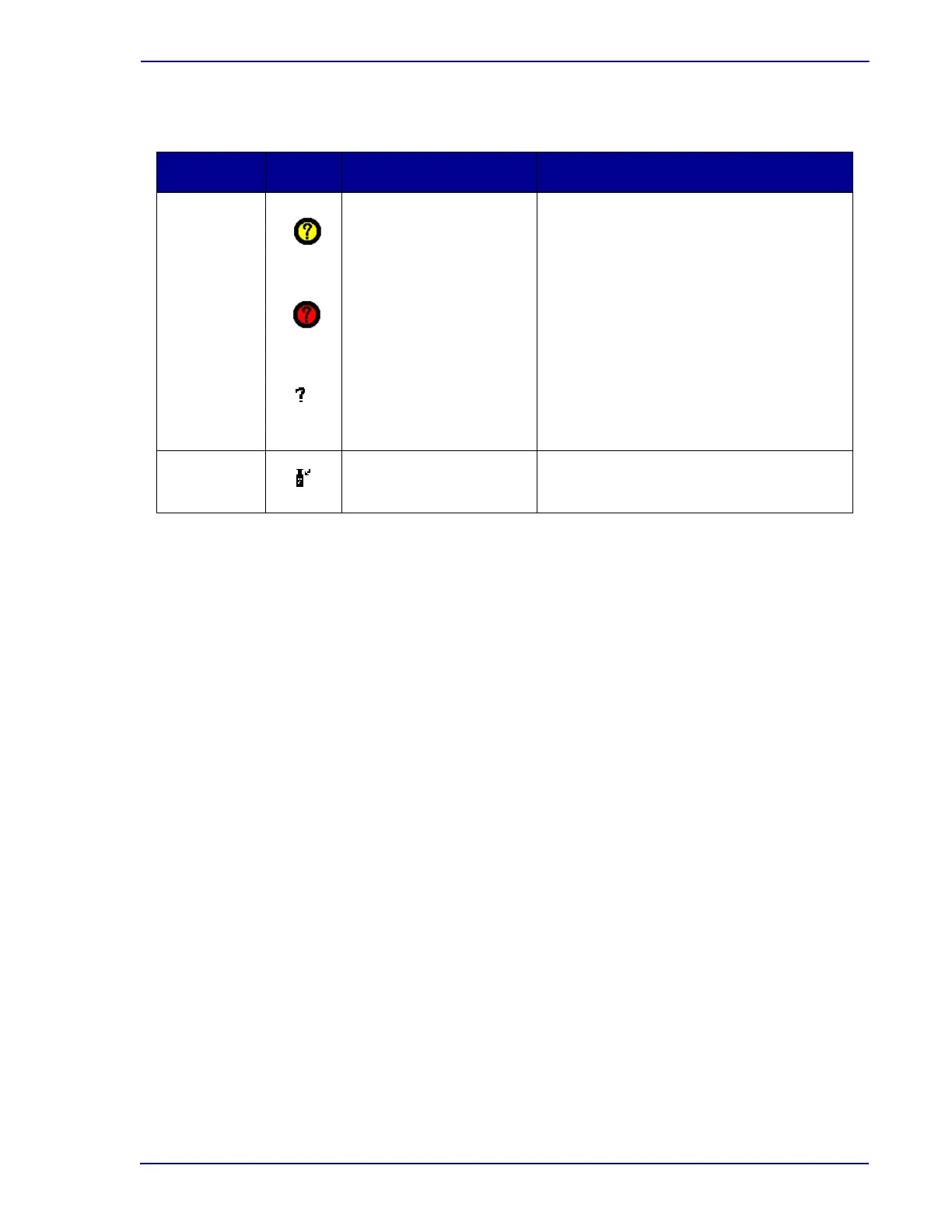
The vial states are:
4.3 Daily Maintenance
Each day several simple maintenance procedures should be performed. The best time to perform
maintenance is first thing in the morning, but it may be done at any time you find convenient.
The following procedures should be performed:
1 Check the paper supply to the printer. If the paper supply is low or exhausted, replace the
paper as explained in the operating manual furnished separately.
2 Select the Maintenance tab. The Test display appears.
3 Select the Q.C. button to print the Maintenance QC Report. The Maintenance QC Report can
be set to print automatically in Configuration > Reports.
4 Open instrument A. Select the Red button to illuminate the red station indicators. Record any
station that does not illuminate red.
5 Next select the Green button to illuminate the green station indicators. Record any station that
does not illuminate green.
6 Check and record the temperature on the temperature QC vial.
7 Repeat Steps 4–6 for each of the instruments in the cluster.
8 Close the door.
9 Select the Alarm button to verify that the audible alarm is functioning.
10 Finally, select the Status button to illuminate the system status indicators. All the indicators
(amber, red, and green) should illuminate. If any indicator does not light, contact your local BD
representative for service.
11 Information can be recorded on the Maintenance QC Report.
State Icon Meaning How Indicated
Anonymous
(Ongoing)
(Positive)
(Report)
Vial was physically
placed in instrument
without its barcode
sequence number being
scanned
Test results are collected
while it is in instrument
and general positivity
criteria are applied
Station Indicators: FLASHING YELLOW--
Ongoing
FLASHING YELLOW / RED (alternating) --
Positive
Anonymous vial tone plays when vial is
placed in station without scanning
Identify Anonymous Vials icon yellow on
Status display
Identify Anonymous Vials button active on
Status display when door is opened
Anonymous counter on activity displays
On reports, shown as a question mark next
to the Status
Current Vial is in instrument
Reports only, shown as a vial next to the
Status











 To Next Page