BD BACTEC™ FX40 Instrument User’s Manual
54
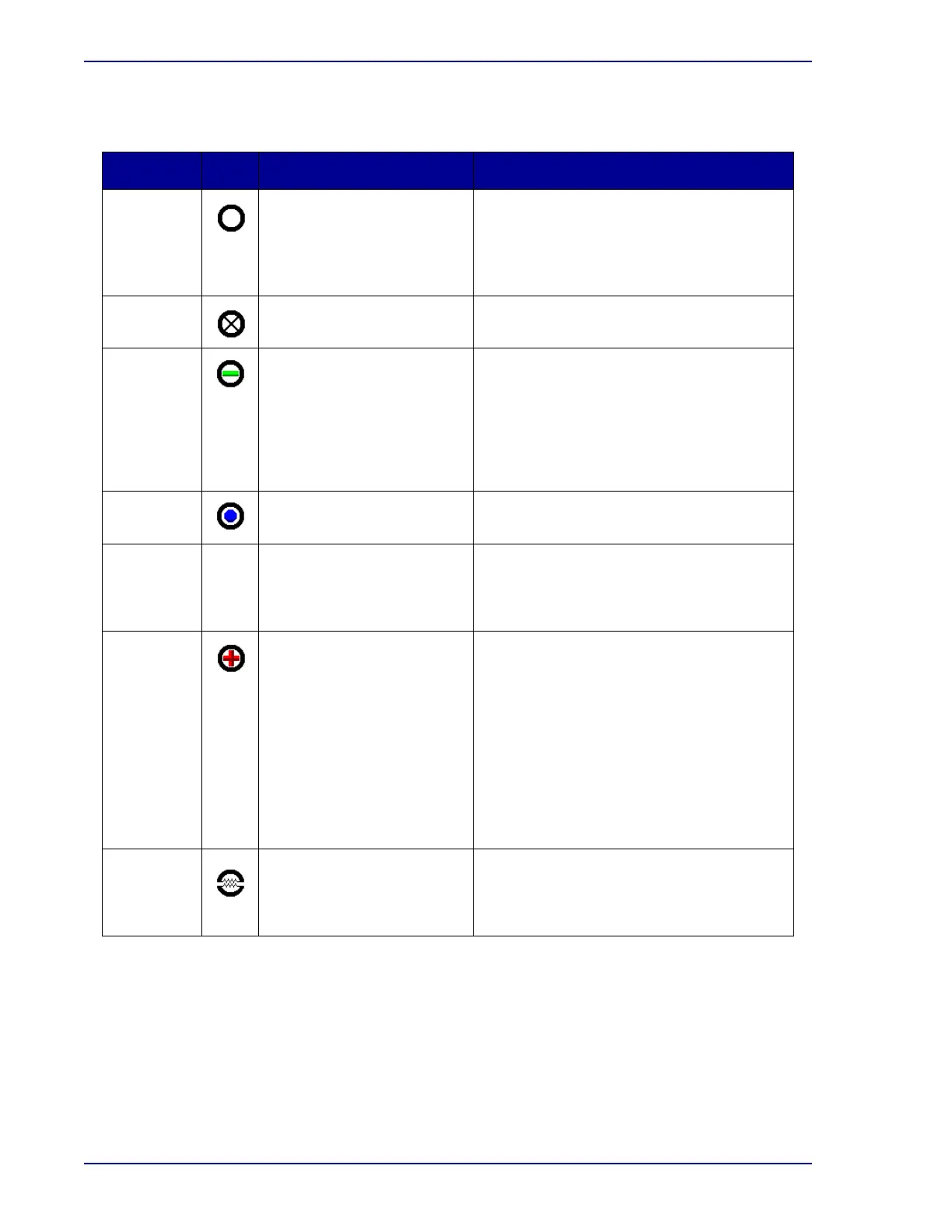
Vial and station statuses in the View Stations display are:
Status Icon Meaning How Indicated
Available There is no vial in station Station Indicators: GREEN
Vial Entry icon in color on Status display
Vial Entry button active on Status display
when door is opened
Available counter on activity displays
Blocked User has manually blocked
station
Station Indicators: OFF
Blocked counter on activity displays
Negative Vial completed protocol with
no evidence of positivity
For Manual Negative: User
forced vial negative in
Culture display
Station Indicators: FLASHING GREEN
Remove Negative Vials icon green on
Status display
Remove Negative Vials button active on
Status display when door is opened
Negative Vial System indicator lights
Negative counter on activity displays
Ongoing Vial is in instrument and is in
protocol
Station Indicators: OFF
Ongoing counter on activity displays
Pending N/A Vial information has been
entered but vial has not
been physically scanned
into the instrument
No instrument indication; can see on reports
and Culture display
Positive Instrument has detected
evidence of microbial growth
For Manual Positive: User
forced vial positive in
Culture display
For Anonymous Positive:
see below
Station Indicators: FLASHING RED or
FLASHING YELLOW / RED (alternating) –
Anonymous Positive
Remove Positive Vials icon red on Status
display
Remove Positive Vials button active on
Status display when door is opened
Message box on screen
Positive Vial audible alarm sounds
Positive Vial system indicator lights
Positive counter on activity displays
Unusable Instrument has detected a
hardware problem with the
station; ongoing vials must
be moved to good stations
Cracked circle superimposed on existing
status icon
Blocked counter on activity displays











 To Next Page