5 – Reference
93
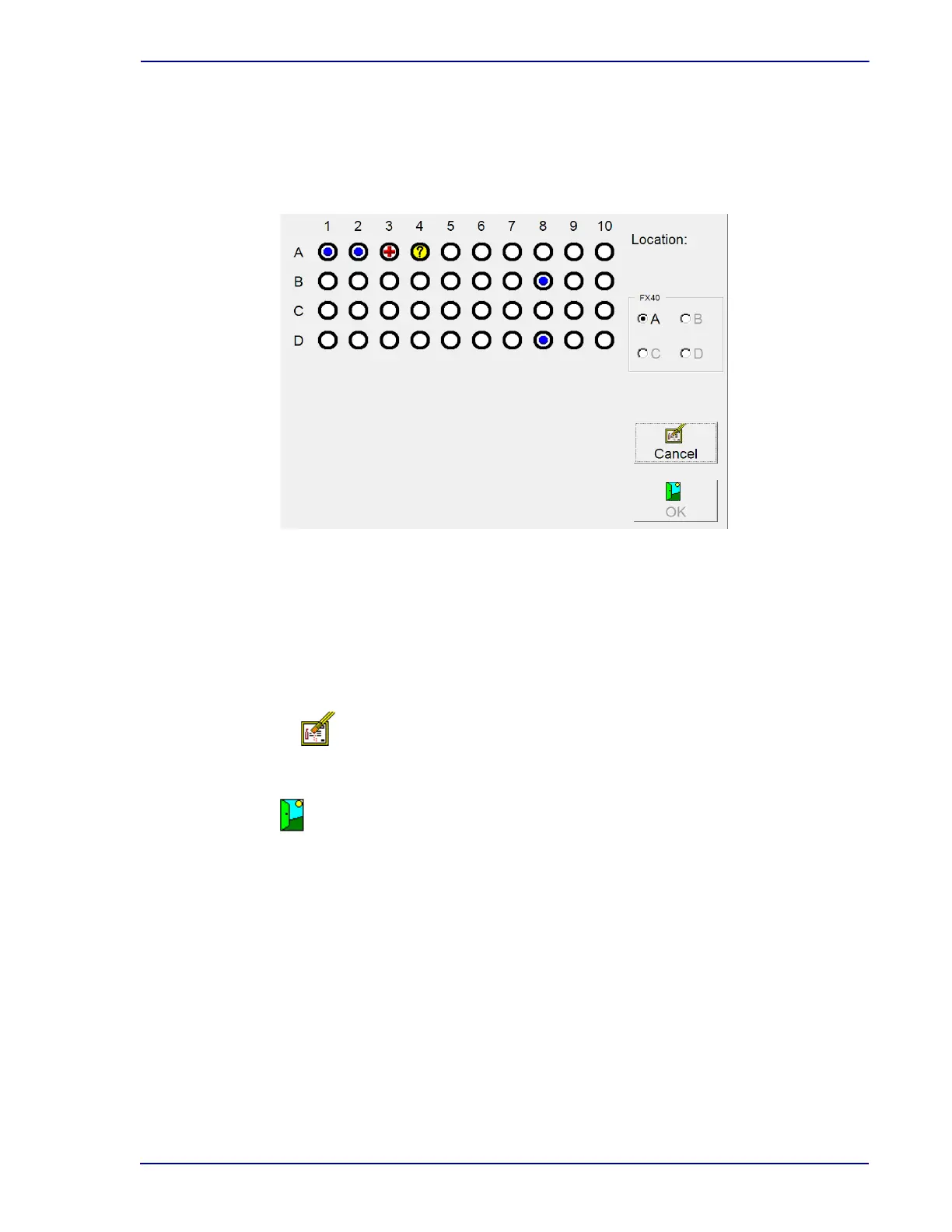
Location
Read-only field showing the current selected station. That station is also highlighted with a
gray box surrounding it. To select a Location (station), select the station in the left portion of the
display.
Figure 5-7 – View Stations Display
View Stations Buttons:
“FX40” radio button
Selected instrument is in
dicated by filled in radio button. Any currently open instrument is
highlighted in green. To select a different instrument, select the empty radio button to the left of
the letter (A, B, C, D).
Cancel button
Select to exit the display and return to the Status display.
OK button
Select to access the Culture – Vial display for the station shown in the Location field.
5.3.7 Culture – Patient Display
Culture – Patient appears when you select Culture from the Status display. It shows patient related
information for any specimens. Culture – Patient is primarily intended for searching for specimens
attached to a particular patient record. These functions can be performed:
• Recall all specimen records for the entered patient ID
• Disassociate an accession from the patient recor
d (see Disassoc(iate) button below)
• Change a patient name
When the Culture – Patient display is first accessed, it is
in search mode (indicated by Search icon at
top left of the display. To locate the desired information, select either the Patient ID or Patient Name











 To Next Page