BD BACTEC™ FX40 Instrument User’s Manual
138
6.4.5 Change Password
To change the password:
1 Select Change Password.
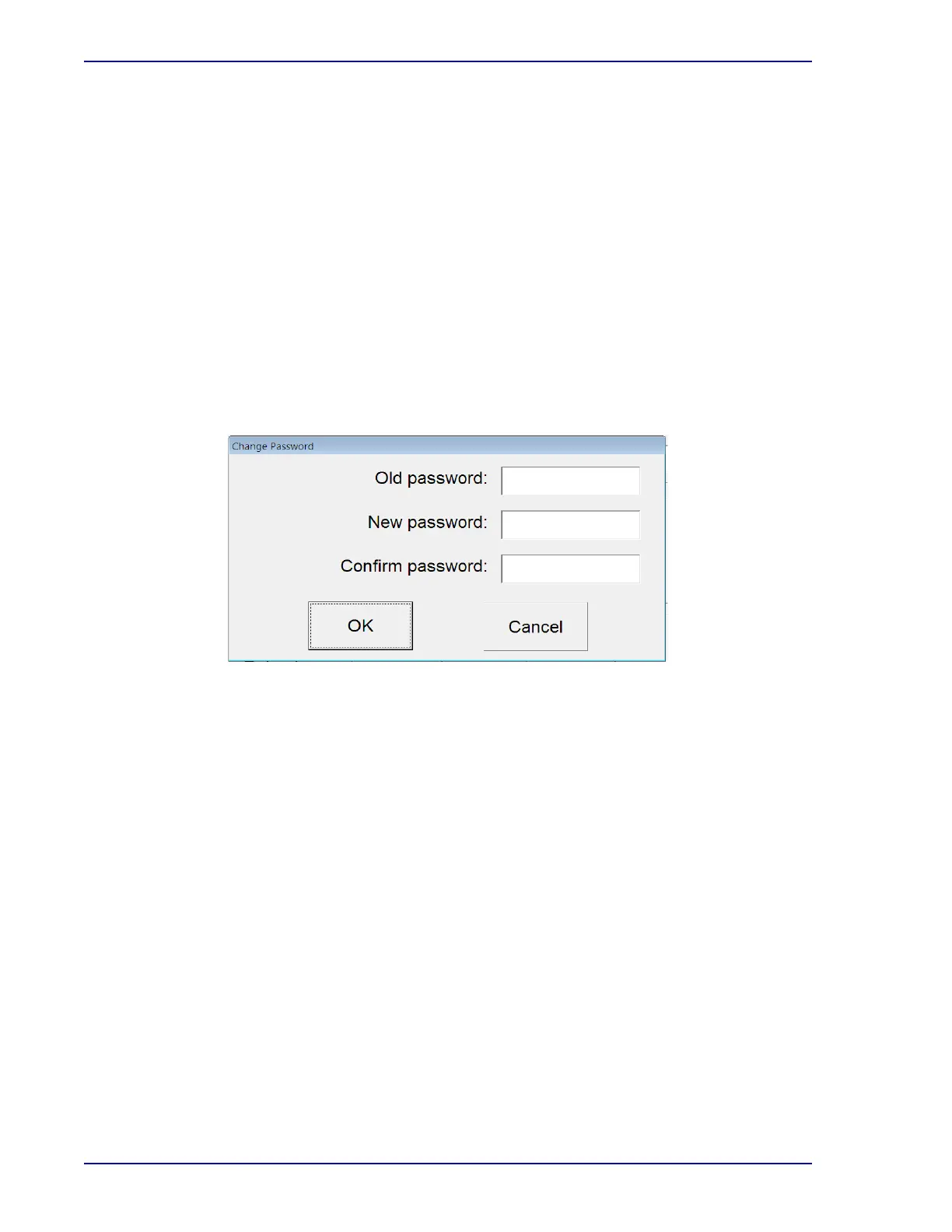
2 The password window appears.
3 Enter the current password in the Old Password field.
4 Enter the new password in the New Password field.
5 Repeat the new password in the Confirm Password field.
6 Select OK.
If the same password has been entered in the New Password and Confirm Password fields, and the
new password conforms to the requirements, a message appears confirming that the password was
changed.
For additional information, refer to Section 5.5.3.5.
Figure 6-6 – Change Password Window
6.4.6 BD Utilities
This function is for BD use only.











 To Next Page