BD BACTEC™ FX40 Instrument User’s Manual
136
6.3 Maintenance – Test
For operational information on the Maintenance – Test functions, refer to Section 6.2. For reference
information, refer to Section 5.5.1.
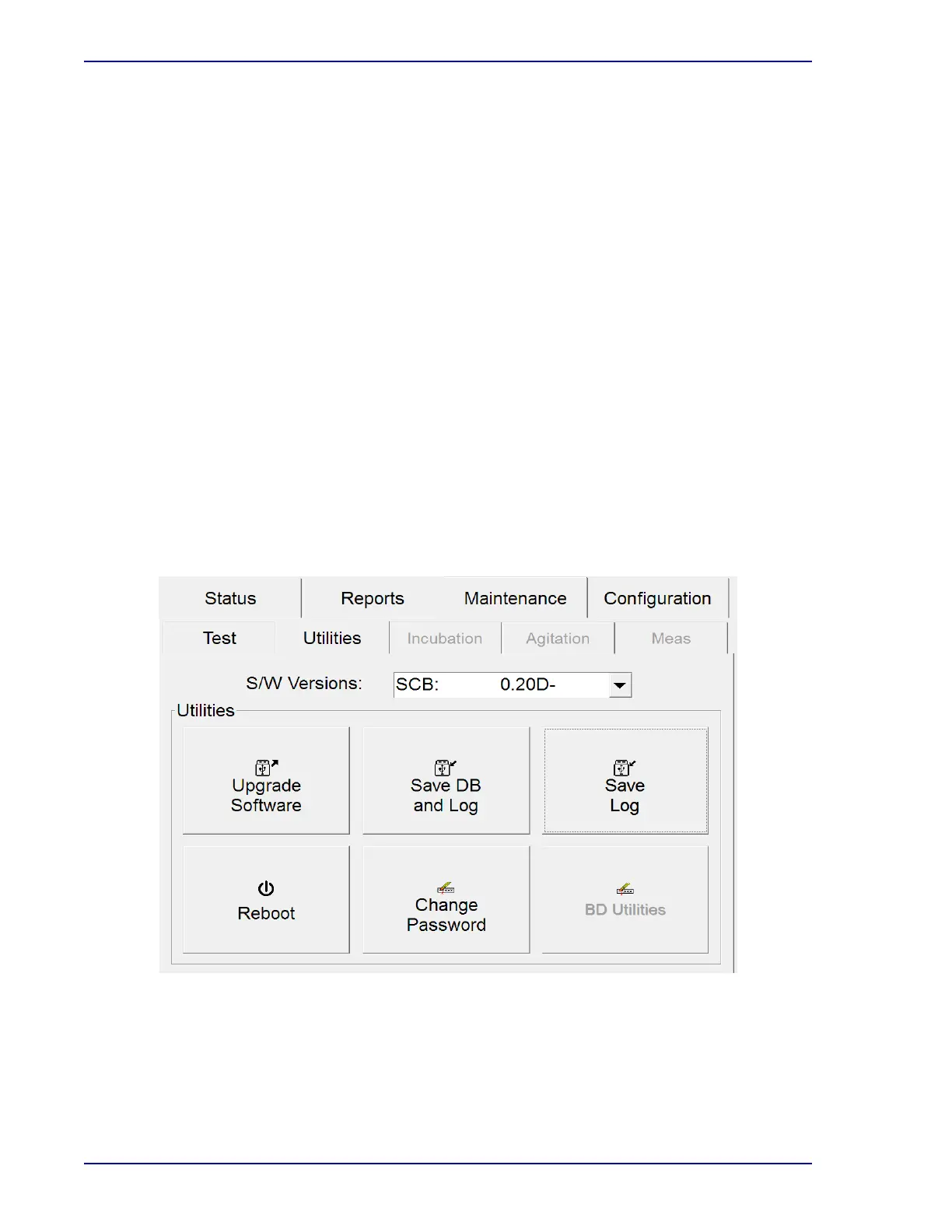
6.4 Maintenance – Utilities Menu
The Maintenance – Utilities menu provides access to the following functions:
• Upgrade Software – update the instrument software to a new version
• Save DB and Log – save the vial database and event log to a USB flash drive
• Save Log – save the event log (only) to a USB flash drive
• Reboot – restart the tablet PC
• Change Password – change the default/existing password required to save configuration
changes
• BD Utilities – for BD use only
Maintenance – Utilities Fields
S/W Versions
Drop-down list shows the current versions of instrument software modules. These modules
include the Tablet PC (SCB), the FX40 Control Board (FCB), and the Row Board (RB).
Figure 6-5 – Maintenance – Utilities Menu











 To Next Page