BD BACTEC FX40™ Instrument User’s Manual
84
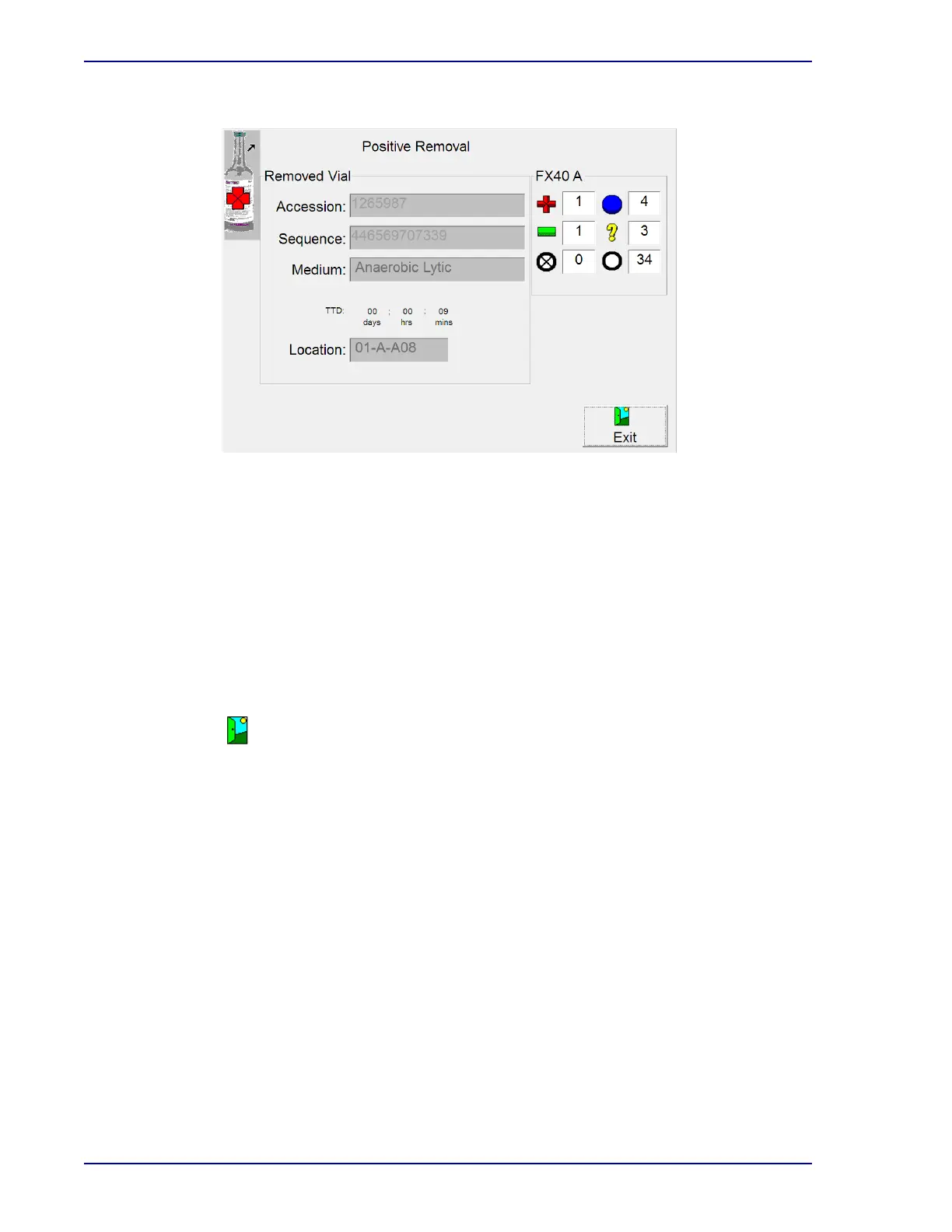
Figure 5-2 – Positive Removal Display
Positive Removal Buttons:
Verified button
Appears only if the vial sequence number was entered manually. Select to confirm to the
system
that the displayed vial sequence number is correct.
Wrong button
Appears only if the vial sequence number was entered manually. Select to inform the system
tha
t the displayed vial sequence number is incorrect. Message WE06 then appears (see
Section 7). Related vials are not shown if you select the wrong button.
Exit button
Select to exit the display and return to the Status display.
5.3.2 Negative Removal Display
The Negative Removal display appears when you initiate the remove negative vials activity, by
scanning a negative vial barcode sequence number, removing a negative or manual negative vial from
a station, or by selecting Remove Negatives. It provides information about the negative vial that was
scanned.
You are informed of negative vials by the following:
• GREEN System indicator illuminated
• Station indicators: FLASHING GREEN
• Remove Negative vials indicator
/button on Status display
• Negative counter on activity displays
See Figure 5-3 for a sample negative removal display.











 To Next Page