3 – Controls and Indicators
45
3.5.2 Operation
NOTE
Accepted barcode symbologies include Code 128, Codabar,
Code 39, and Interleaved 2 of 5.
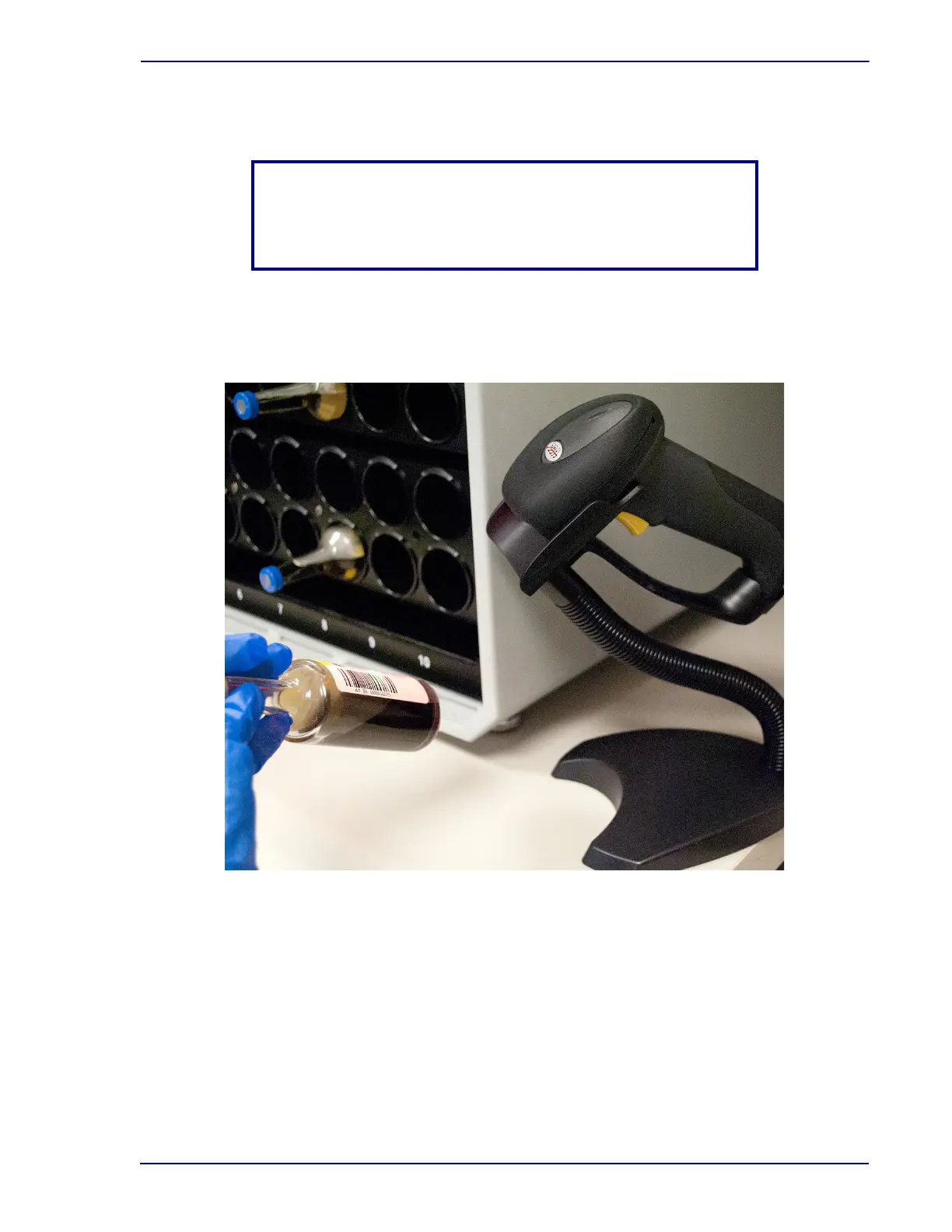
The scanner turns on when the instrument is ready to read a barcode. To scan a barcode, place the
vial in the scanner’s red beam with the barcode label facing the scanner. If necessary, slowly turn the
vial until the acknowledgment beep sounds (indicating that the barcode was scanned successfully).
Figure 3-3 – Barcode Scanner in Operation
3.6 Tablet PC / Touchscreen
3.6.1 Location
The tablet computer (PC) is attached to an articulating bracket mount on the right side of the
instrument. The arm can be moved to a position that is convenient to you. The tablet contains all the
software that runs the instrument / cluster, and it presents screens that provide information, as well as
on-screen buttons that allow you to initiate routine operations.
The tablet is shown in Figure 3-4.











 To Next Page