BD BACTEC FX40™ Instrument User’s Manual
126
Exit button
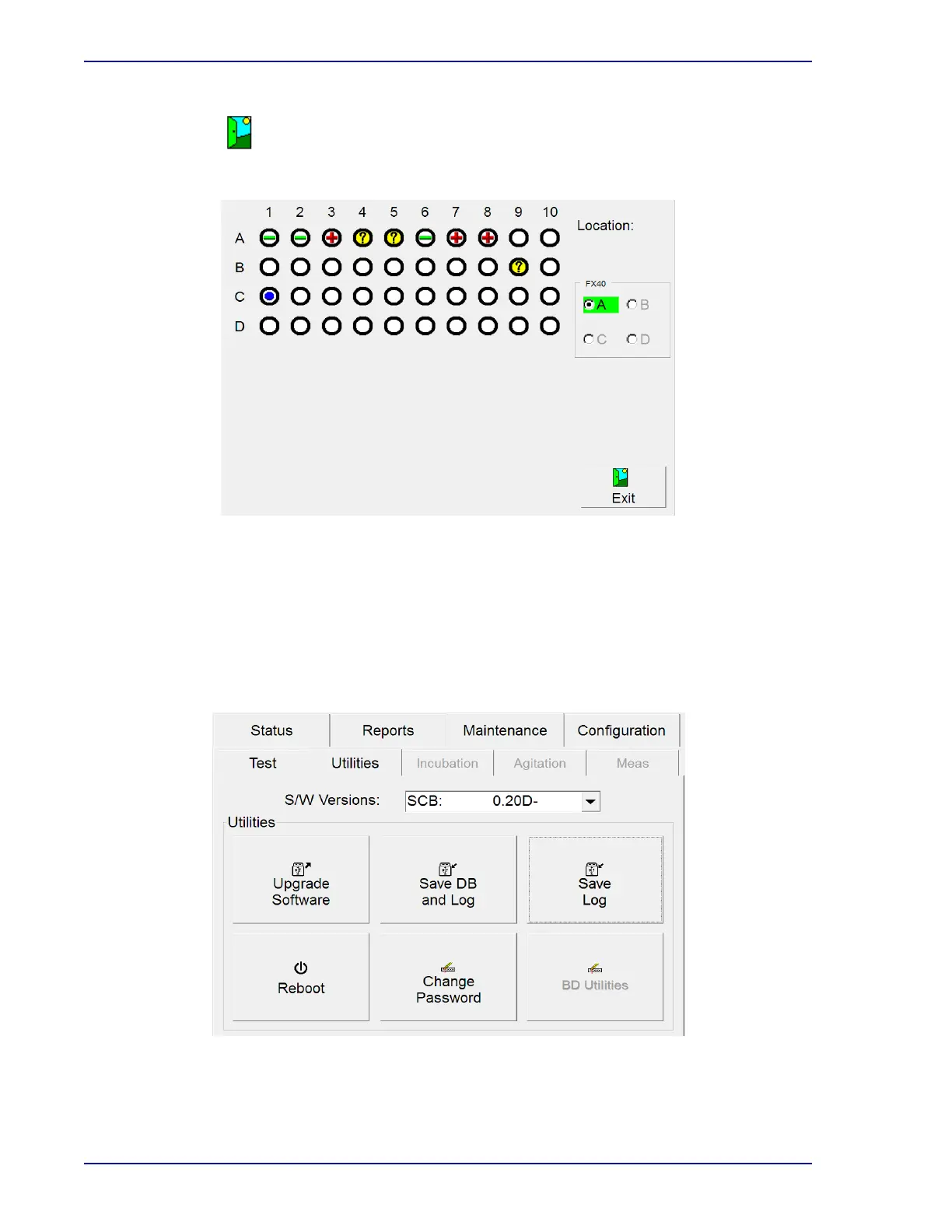
Select to exit the Block/Unblock display and return to the Maintenance – Test display.
Figure 5-30 – Block/Unblock Stations Display
5.5.3 Utilities Display
To access Maintenance – Utilities:
• From the Status display, select the Maint
enance tab
• From the Maintenance – Test display, select the U
tilities tab
Figure 5-31 – Utilities Display











 To Next Page