BD BACTEC™ FX40 Instrument User’s Manual
164
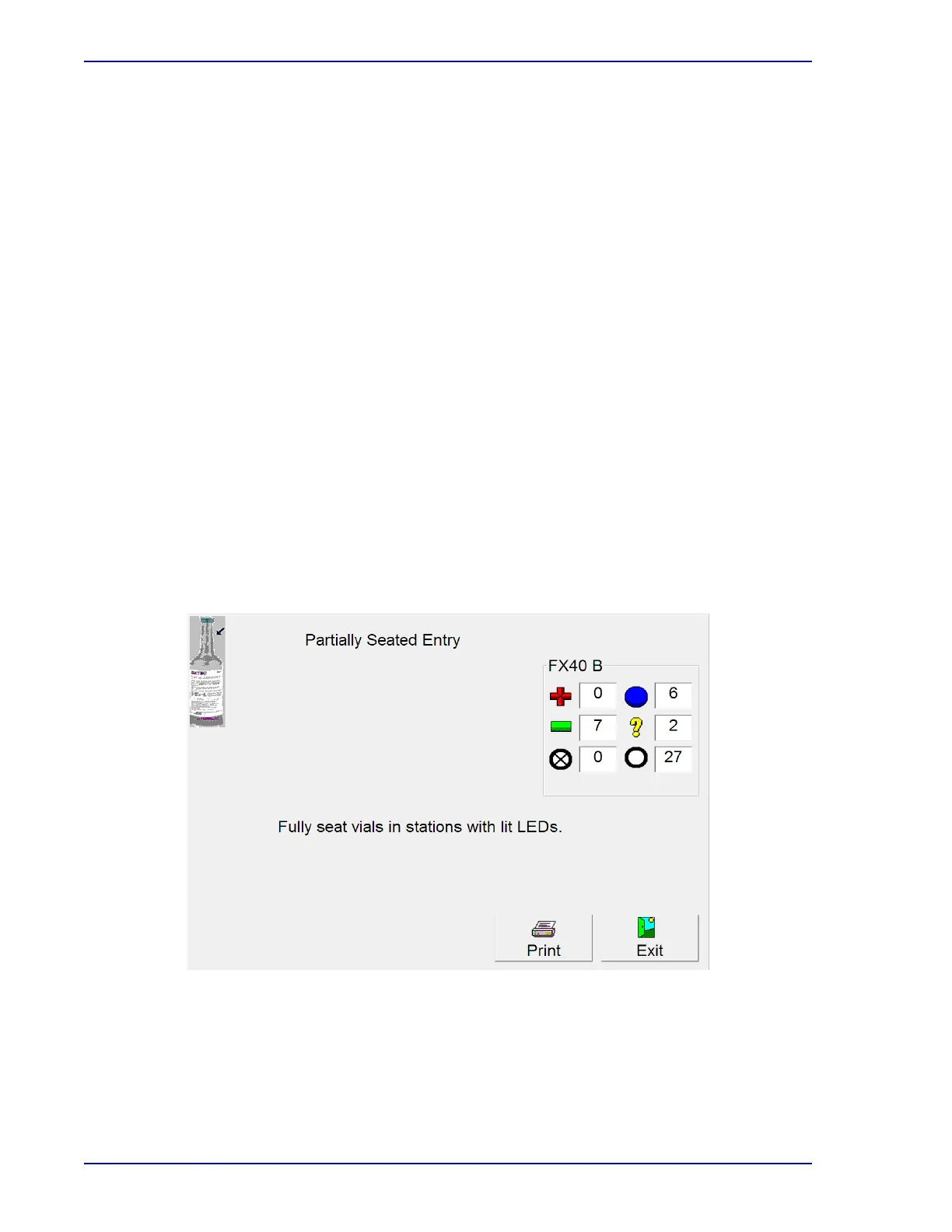
To address a WE53 Partially Seated Vial message box:
1 Select Now in the message box.
2 Push the vials with the RED (solid) LEDs into their stations. There may be no audible sound,
or, there may be the sound of an anonymous vial insertion if the vial was out of the station far
enough that the station sensor thought the vial was removed.
3 Close drawer and check for anonymous vials. If anonymous vials exist, identify them using the
ID Anonymous activity.
4 Close the drawer and wait for a test cycle to occur (indicated on Status display).
5 When the test cycle is complete, open the drawer again.
6 If message WE53 does not recur, you resolved the Partial Seated Station condition.
7 If the message recurs, one of two causes is likely: either the station is bad, or the vial sensor is
bad.
8 Block the recurring Partial Seated station by following the procedure in Section 6.2.3.1.
9 Use Vial Entry to enter the vial into a new station.
10 If message WE53 does not recur in the new drawer, the original station (the one you blocked
in Step 8) was bad.
11 If the message recurs, a problem may exist with the vial. For optimal recovery, you should
subculture that vial, incubate it offline, and subculture or visually inspect for positivity daily. A
terminal subculture may also be performed.
12
Also, if the error is a result of a bad vial sensor, then you can unblock the station (Section 6.2.3.2)
you blocked in Step 8, since it was not the cause of the Partial Seated Station error.
Figure 7-2 – Partial Seated Entry Display











 To Next Page