BD BACTEC™ FX40 Instrument User’s Manual
34
Stop Bits
Select the Drop Down Arrow to select the number of stop bits used in serial communications
with the LIS. Select 1 (default) or 2.
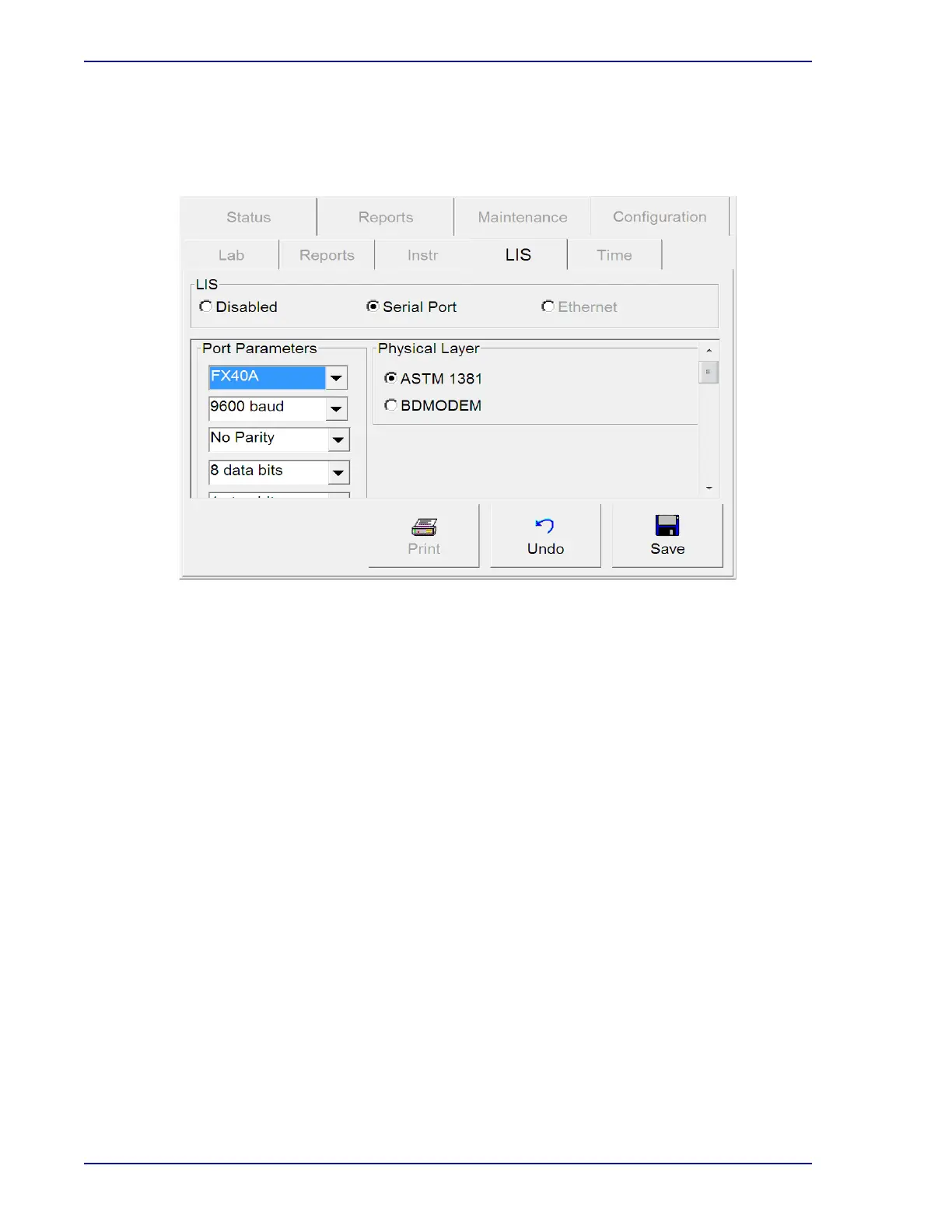
Figure 2-7 – LIS Configuration Display
Physical Layer Window fields:
ASTM 1381 radio button
Select ASTM 1381 to use the ASTM 1381 LIS Communications protocol for communications
with the BD BACTEC™ FX40 instrument. Refer to the LIS Vendor Interface Document for
additional information.
BDMODEM radio button
Select BDMODEM to use the BD Modem™ Communications protocol for communications
with the BD BACTEC™ FX40 instrument. This protocol is the default selection when LIS is
enabled. Refer to the LIS Vendor Interface Document for additional information.
LIS Options Window fields:
Upload Pos Results checkbox
Tap the checkbox to enable the upload of positive results. Uploading negative results is
automatically enabled, however uploading positive results is optional and must be enabled.
Results for orphan vials are not uploaded. The default value is unchecked.
LIS Solicited Result checkbox
Select the checkbox to enable Solicited Results. In Solicited Mode, results are uploaded by
the BD BACTEC™ FX40 instrument ONLY when requested by the LIS. In Unsolicited mode
(unchecked), the instrument uploads results to the LIS automatically (default setting)
whenever a vial status changes. In unsolicited mode, The BD BACTEC™ FX40 instrument still











 To Next Page