5 – Reference
95
Culture – Patient Display Buttons/Icons:
Search Mode indicator
A binocular icon appears at the top left of the display when it is in search mode.
Add Mode indicator
A patient icon with a plus sign appears at the top left of the display when it is in add mode.
This icon appears only when BD EpiCenter™ communications is disabled.
Disassoc(iate) button
Select to disassociate a specimen (accession) from the patient record. The specimen to be
disassociated must be selected in the Specimen Window. If all specimens are disassociated
from the patient record, the record is removed from the database.
This button is active only when BD EpiCenter™ communications is disabled.
Save button
Select to save any new or modified information to the database.
Clear button
Select to clear the information currently on the display (all 3 tabs).
Exit button
Select to exit the display and return to the Status display.
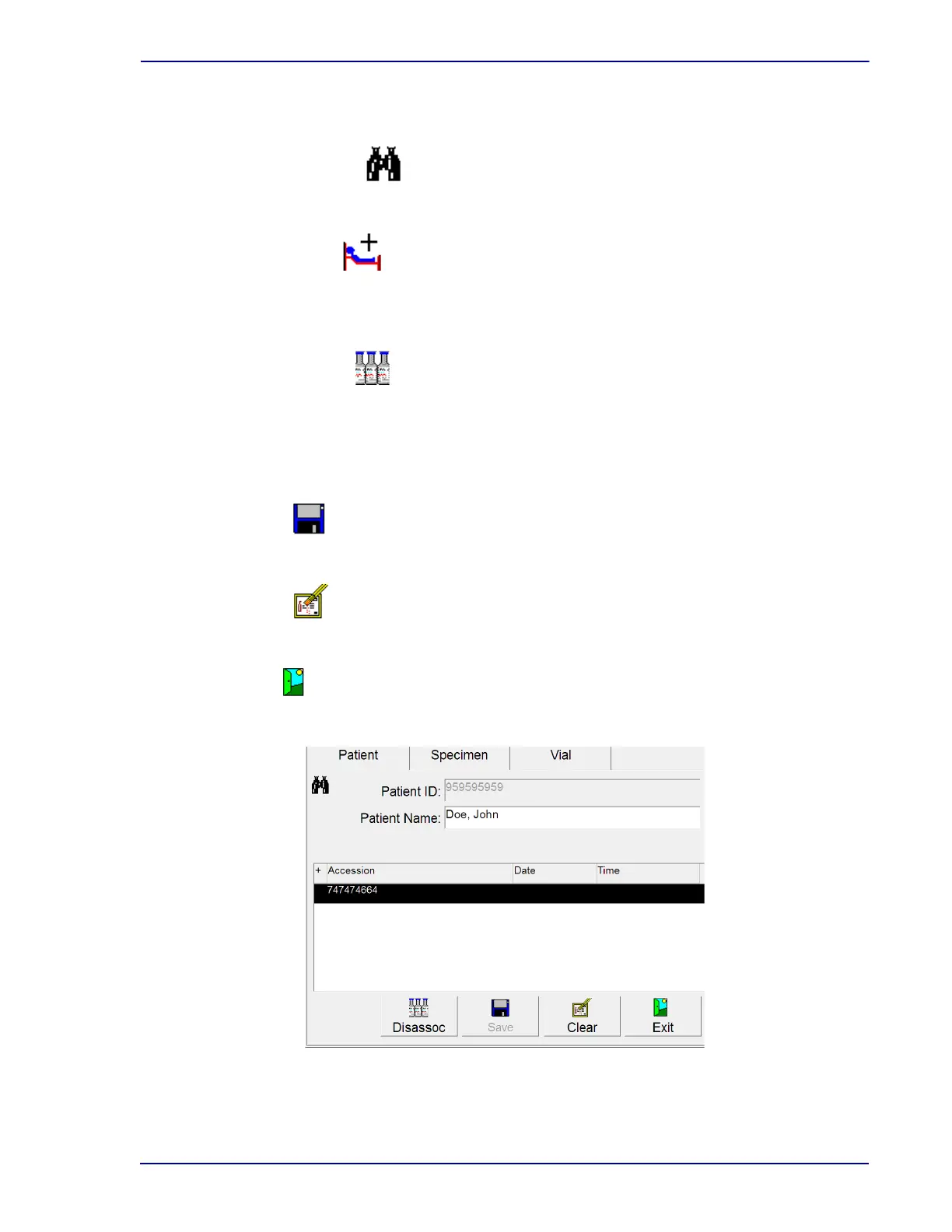
Figure 5-8 – Culture – Patient Display (Search mode)
Highlighted field names indicate information that is added or changed.











 To Next Page