100
Settings
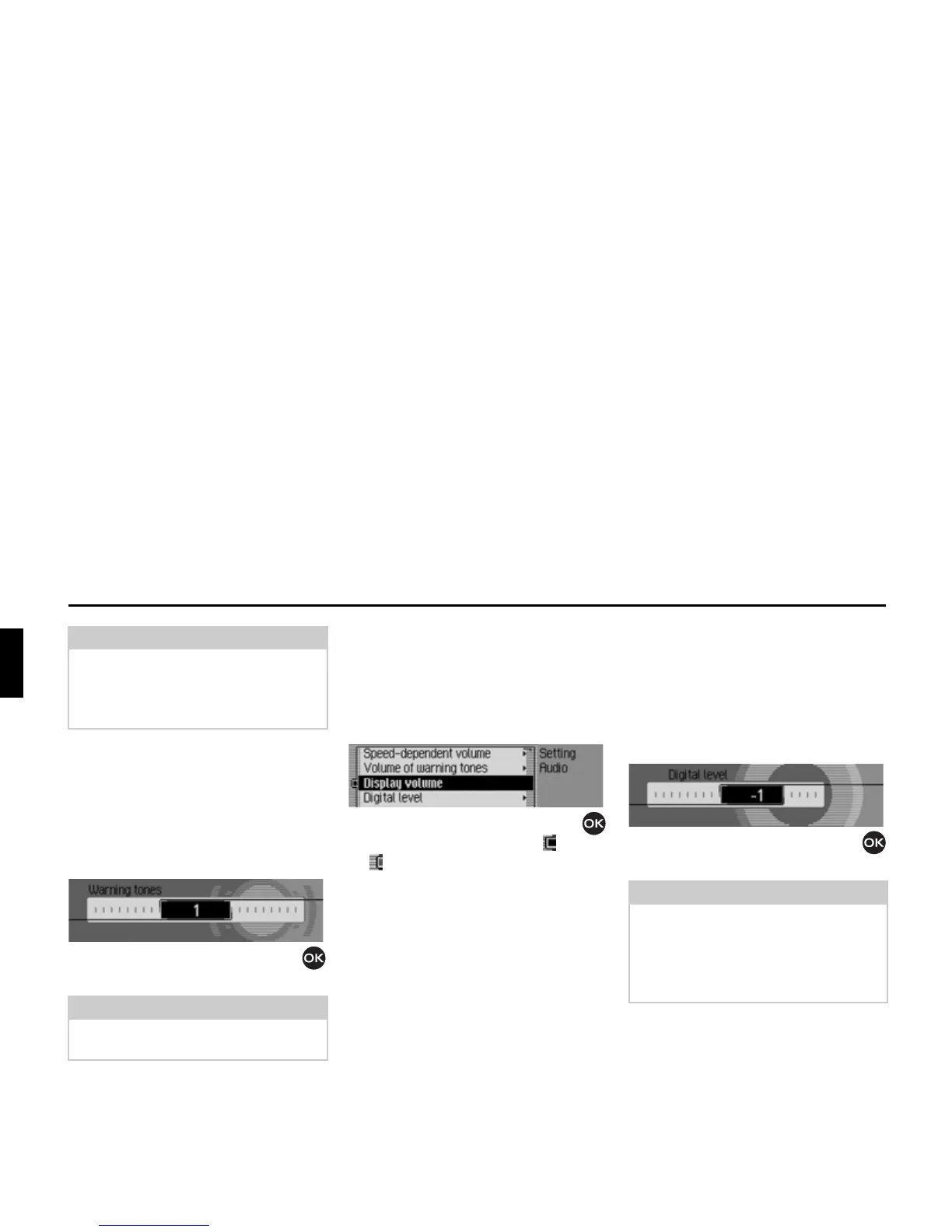
Volume for acoustic signals
You can change the volume for acoustic
signals.
X Select $XGLR in the system settings.
X Select 9ROXPHRIZDUQLQJWRQHV.
X Turn the rotary control/push button
to select the required value.
Displaying the volume
You can activate/deactivate the display of
a change in volume in graphics format.
X Select $XGLR in the system settings.
X Select 'LVSOD\YROXPH.
X Turn the rotary control/push button
to switch the function on ( ) or off
().
Digital level
You can adapt the volume level of digital
audio sources (MP3) to analogue audio
sources (radio).
X Select $XGLR in the system settings.
X Select 'LJLWDOOHYHO.
X Turn the rotary control/push button
to select the required value.
Note:
A setting of “0” indicates no increase in
volume.
A setting of “10” indicates the maximum
increase in volume.
Note:
A low value indicates a low volume for
acoustic signals.
7018
Note:
A setting of “0” indicates no decrease in
volume.
A setting of “10” indicates a significant
decrease in the volume of the digital
audio source.
7019















 To Next Page