84
Address book
Address book
You can store complete addresses with
telephone numbers and other informa-
tion in the address book. You can set up
address book entries so that navigation
to the selected address can be started
directly from the address book. The
address book then also serves as a desti-
nation memory for navigation.
Calling up the address book
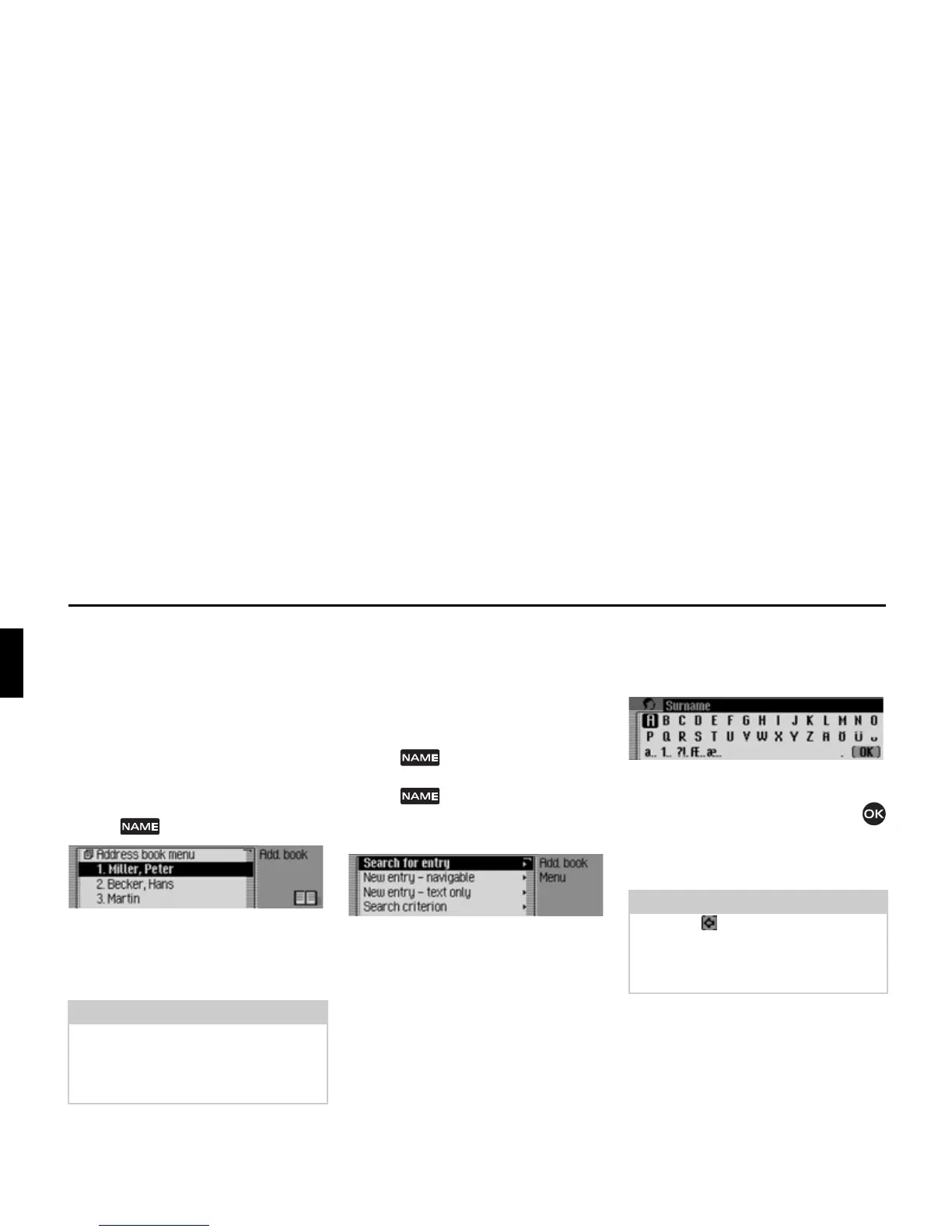
X Press .
The address book is called up.
The address book fast access list appears.
The last 20 address book entries used in
the address book appear here.
Calling up the Address Book
main menu
You can create new entries, find entries
and make voice entries in the Address
Book main menu.
X Press twice in succession.
or
X Press .
The Fast Access menu appears.
X Select the $GGUHVVERRNPHQX entry.
The Address Book main menu appears.
Creating an entry
X In the Address Book main menu,
select the
1HZHQWU\WH[WRQO\ entry.
You are prompted to enter a surname.
X Turn the rotary control/push button
and then press the rotary control/push
button to select each letter one after the
other.
Note
Any address book entries to which
route guidance was started via the navi-
gation system will not appear in the fast
access list.















 To Next Page