101
Settings
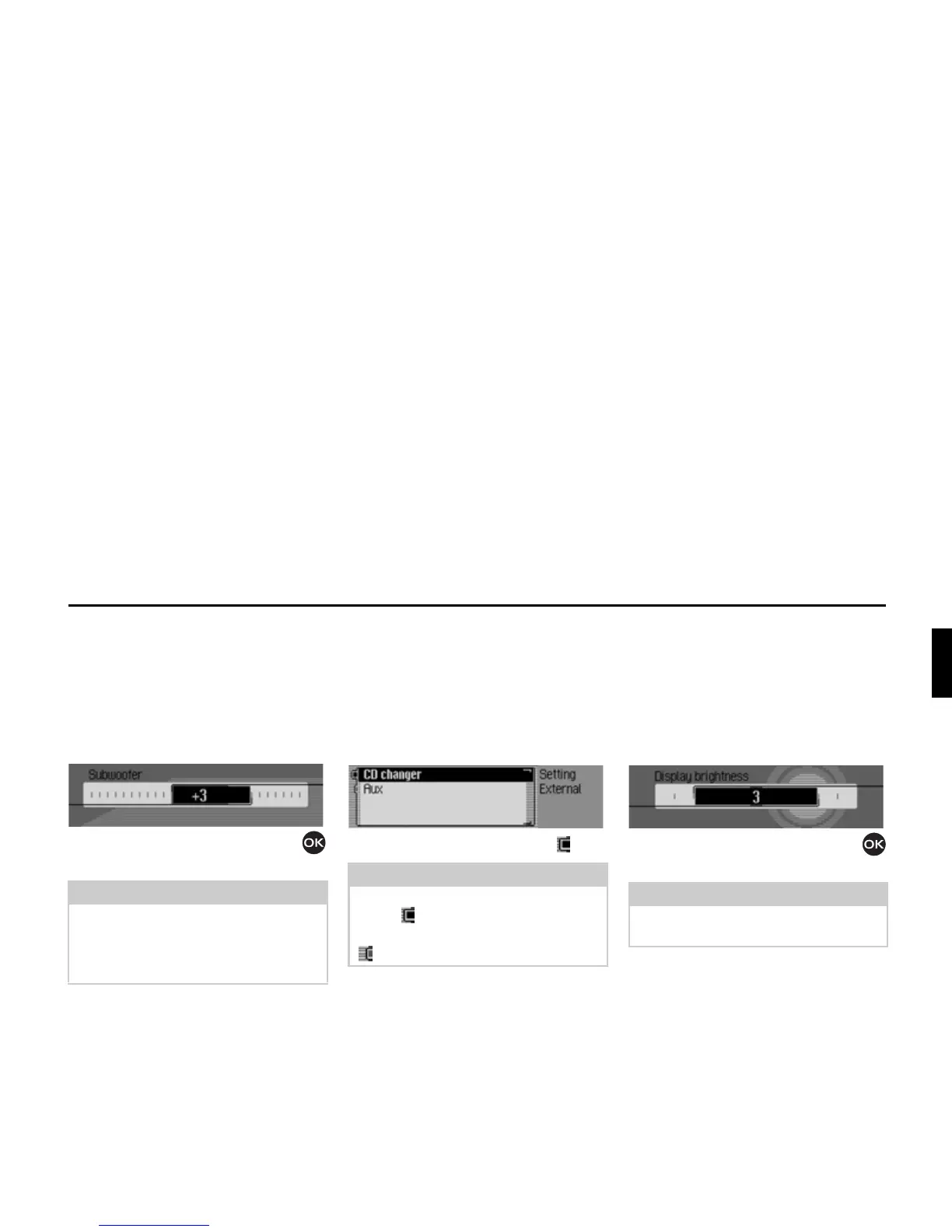
Subwoofer
You can set the volume level of the sub-
woofer output/deactivate the subwoofer
output.
X Select $XGLR in the system settings.
X Select 6XEZRRIHU.
X Turn the rotary control/push button
to select the required value.
External unit
You can specify whether an AUX source
is connected to the Traffic Pro instead of
a CD changer.
X Select ([WHUQDO GHYLFH in the system
settings.
X Select &'FKDQJHU or $X[ (on = ).
Display brightness
You can use this function to set the
display brightness to meet your require-
ments.
X Select 'LVSOD\ EULJKWQHVV in the system
settings.
X Turn the rotary control/push button
to select the required value.
Note:
A setting of “+10” indicates an increase
in the volume of the subwoofer.
Select
RII to deactivate the subwoofer
output.
Note:
Only one of the two settings may be
active ( ) at the same time.
However, both functions may be inactive
( ) at the same time.
7021
Note:
A negative value dims the display.
A positive value brightens the display.
7022















 To Next Page