90
Address book
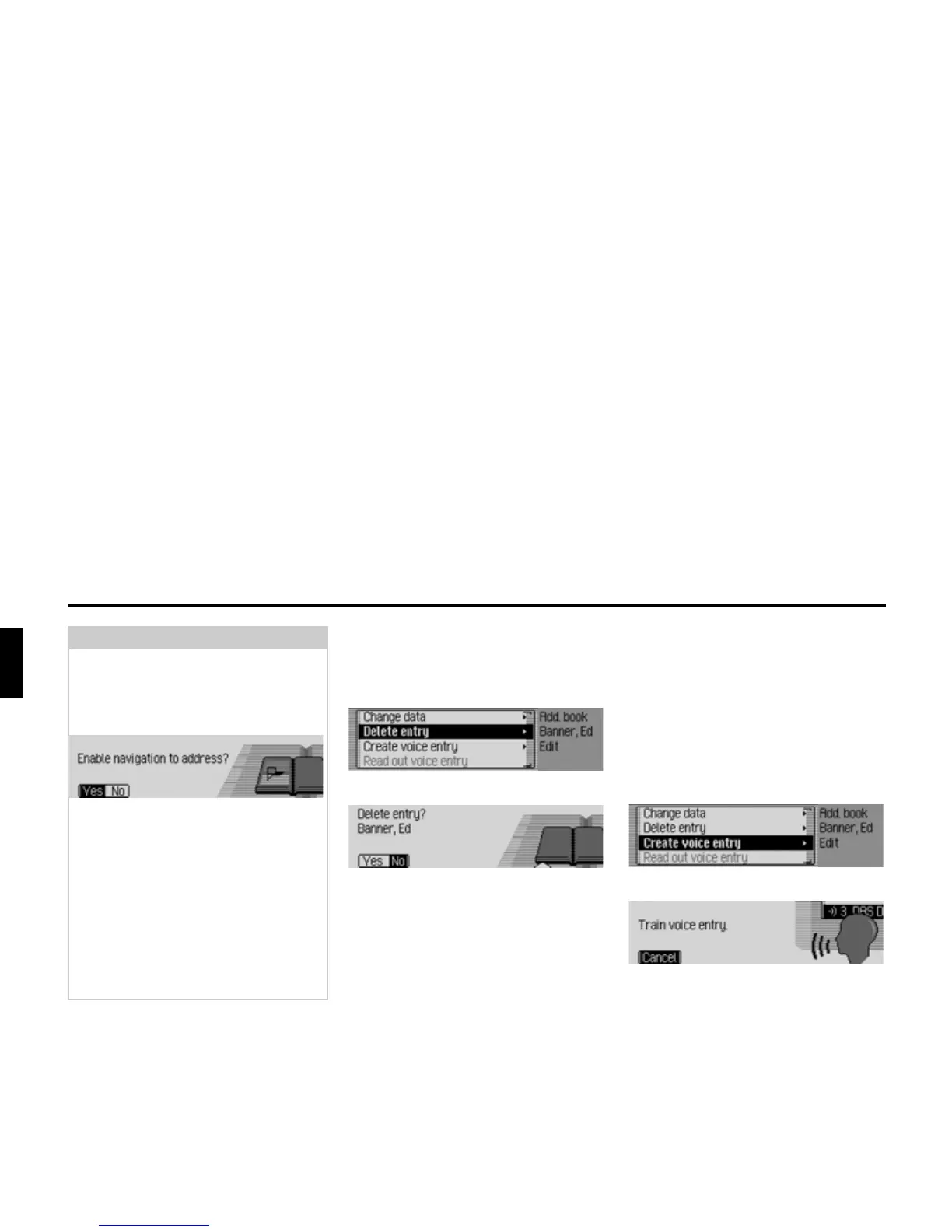
Deleting an entry
X Find the address book entry to be
deleted.
X Select the (GLW entry.
X Select the 'HOHWHHQWU\ entry.
X Select <HV (delete) or 1R (do not delete).
If you select
<HV, the address book entry
will be deleted.
Creating/Deleting voice entries
You can record a voice entry or delete an
existing voice entry for the selected
address book entry.
Create
X Find the address book entry for which
you wish to record a voice entry.
X Select the (GLW entry.
Select the
&UHDWHYRLFHHQWU\ entry.
The recording procedure starts.
Note
If you wish to change part of the
address, the Traffic Pro will prompt you
to confirm if the address supports navi-
gation.
X Select <HV (supports navigation) or 1R
(does not support navigation).
If you select
<HV, you may be prompted
to insert the navigation CD. You can
then modify the address as described in
“Creating an entry which supports navi-
gation” on page 86.
If you select
1R, you can modify the
address data without support from the
navigation data.















 To Next Page