57
Radio mode
FM mode
FM mode combines the two wavebands
)0DOSKDEHWLFDOO\ and )0E\TXDOLW\.
Possible settings for FM stations
A number of possible settings may be
made for selecting stations in FM mode:
• Tuning via station list. See “Station
list” on page 57.
• Scan function. See “Scan function” on
page 58.
• Manual station tuning. See “Manual
station tuning” on page 59.
• Via the station memory. See “Station
memory” on page 68.
Station list
All stations which can be received/iden-
tified appear in the station list.
The display sequence is determined by
the selected waveband
)0DOSKDEHWLFDOO\
or )0E\TXDOLW\.
Stations can be selected using the station
list in two ways:
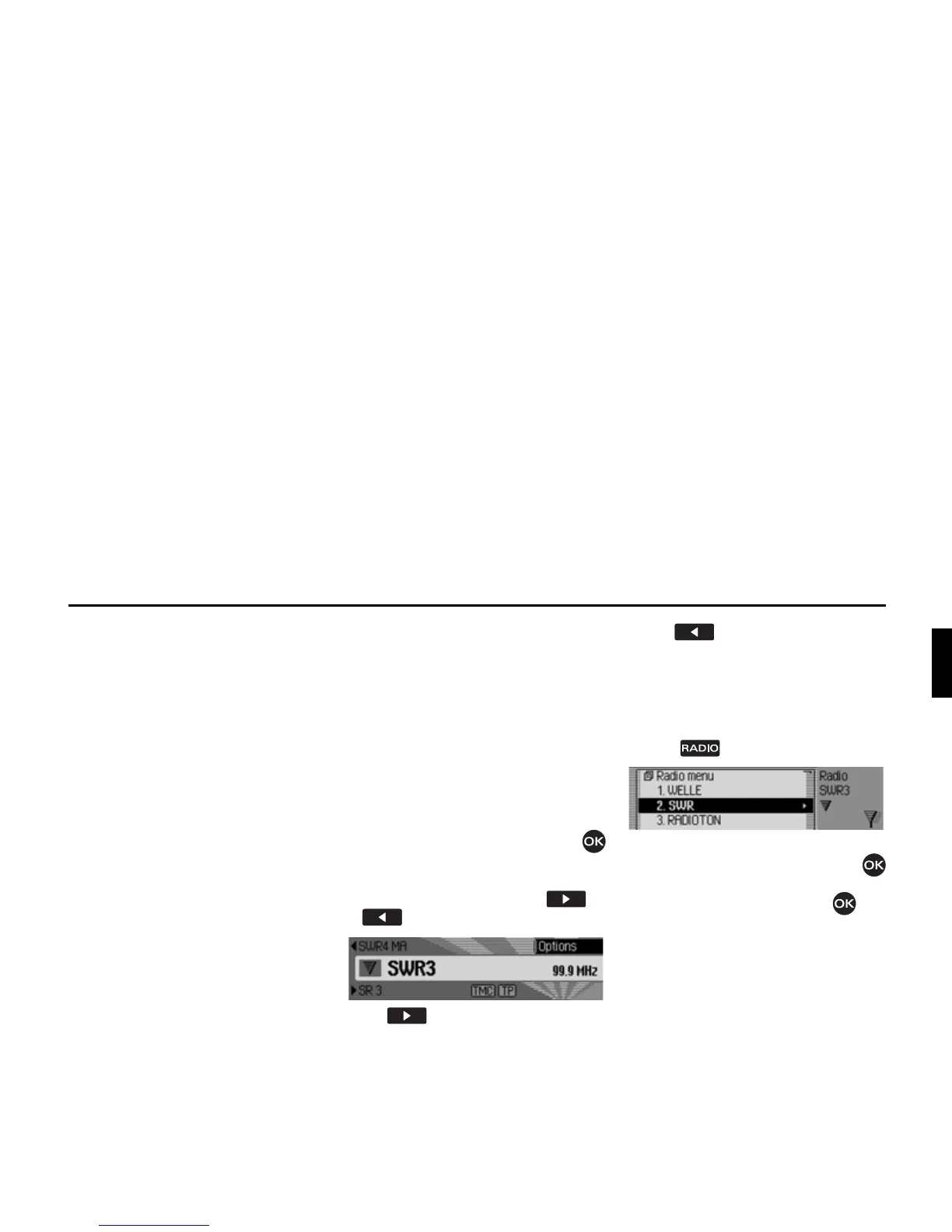
Selection in status display:
X Turn the rotary control/push button
clockwise or counter clockwise.
or
X In the status display, press or
.
Press to select the next station in
the station list. The name of the station
appears underneath the station currently
selected.
Press to select the previous
station in the station list. The name of
the station appears above the station
currently selected.
Selection via fast access.
X Press .
The Fast Access menu appears.
X Turn the rotary control/push button
to select the required station and press
the rotary control/push button .
The selected station is set.
3003
3004















 To Next Page