119
Voice mode
• Set VHF waveband alphabetically.
Say the command FM alphabeti-
cally.
Alternative commands:
[Activate] [FM] alphabetically, [Acti-
vate] [very high frequency] alphabet-
ically, [Activate] [VHF] alphabeti-
cally, [Select] [FM] alphabetically,
[Select] [very high frequenc] alpha-
betically or [Select] [VHF] alphabeti-
cally.
• Call up station memory.
Say the command Station mem-
ory.
Alternative commands:
Activate station memory, Activat
mememory list, Select station mem-
ory or Select memory list.
• Select medium wave waveband.
Say the command AM.
Alternative commands:
[Activate] medium wave, [Select]
medium wave, [Activate] AM or
[Select] AM.
• Select short wave waveband.
Say the command Short wave.
Alternative commands:
[Activate] short wave, [Select] short
wave, [Activate] SW or [Select] SW.
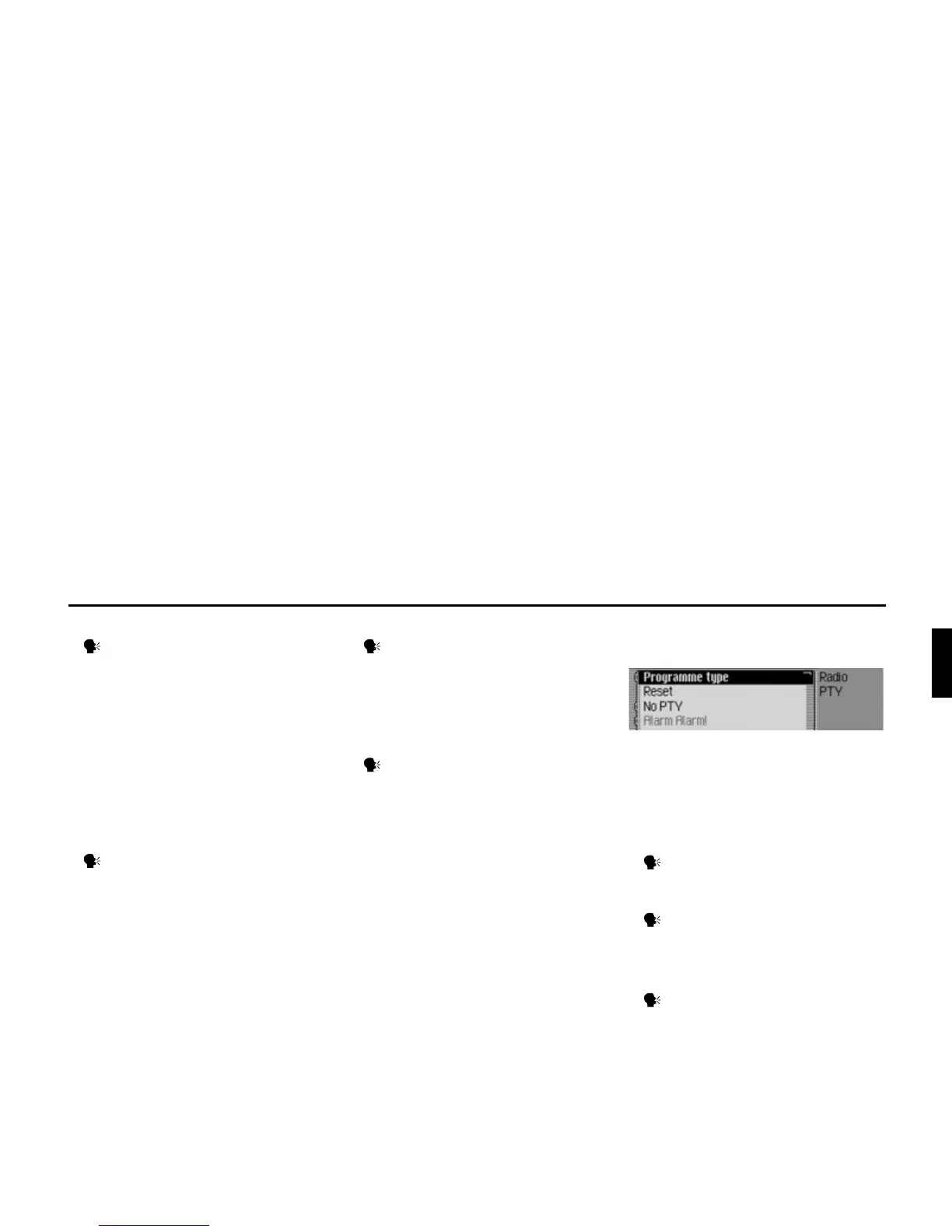
Commands in the Programme Type
menu
In the Programme Type menu, the follow-
ing commands are available (page 61):
• Switch programme type function on/
off.
Switch on:
Say the command Programme
type on or Activate programme type.
Switch off:
Say the command Programme
type off or Deactivate programme
type.
• Set all programme types to on.
Say the command Reset or Reset
programme type.
3007















 To Next Page