33
Navigation mode
Deleting an entry
X Call up the navigation fast access
function.
X Select the entry to be deleted.
X Press the rotary control/push button
until a menu appears.
X Turn the rotary control/push button
and then press the rotary control/push
button to select the
'HOHWHHQWU\ entry.
The entry is deleted from the fast access
list.
Deleting a list
X Call up the navigation fast access
function.
X Press the rotary control/push button
until a menu appears.
X Turn the rotary control/push button
and then press the rotary control/push
button to select the
'HOHWHOLVW entry.
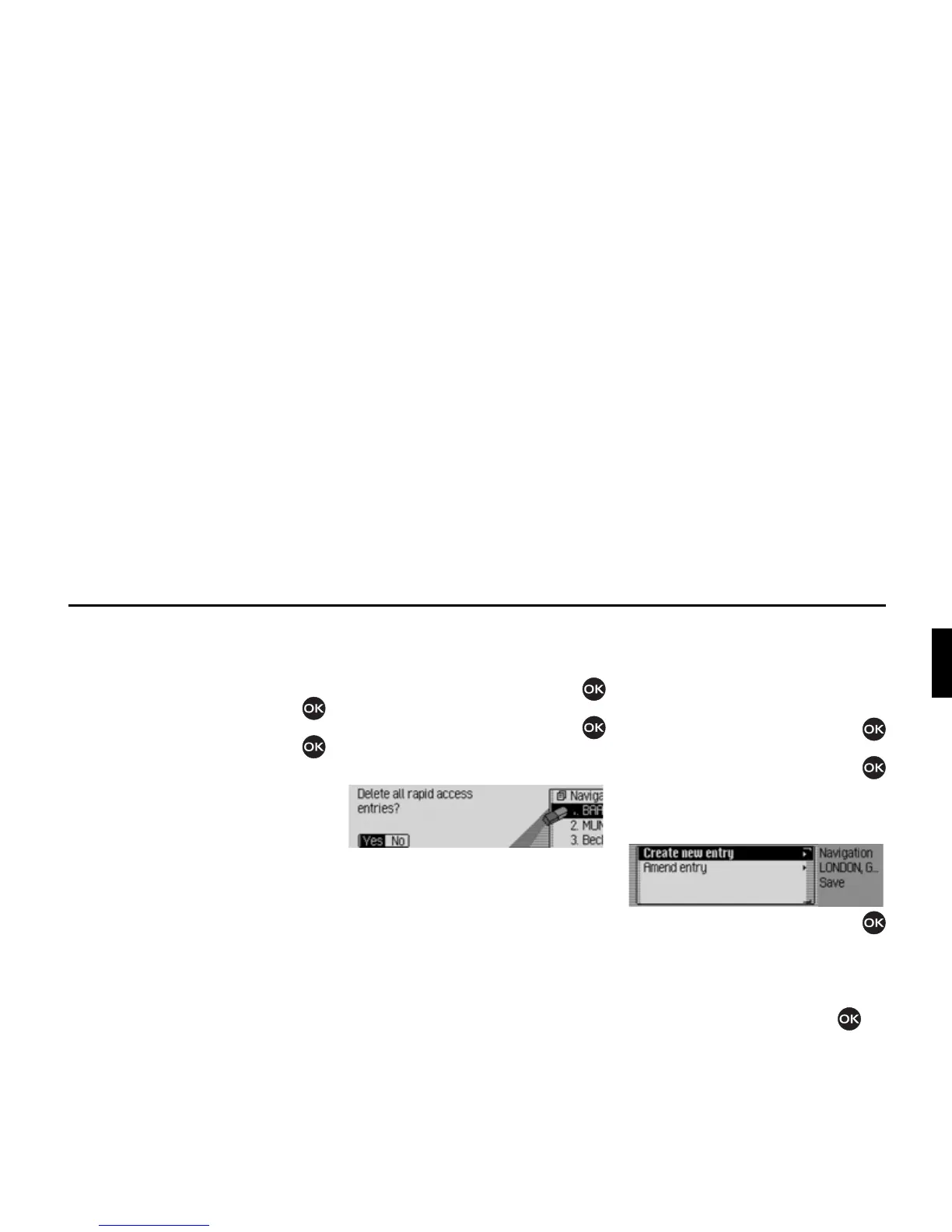
X When the prompt appears, select <HV
to delete the list or 1R to retain it.
If you select
<HV, the list will be deleted
in the fast access function.
Saving an entry in the
address book
X Call up the navigation fast access
function.
X Select the entry to be saved.
X Press the rotary control/push button
until a menu appears.
X Turn the rotary control/push button
and then press the rotary control/push
button to select the
6DYHLQDGGUHVVERRN
entry.
X Turn the rotary control/push button
to select one of the following options:
&UHDWHQHZHQWU\ or
$PHQGHQWU\
X Confirm your selection by pressing
the rotary control/push button .
2028
2029















 To Next Page