38
Navigation mode
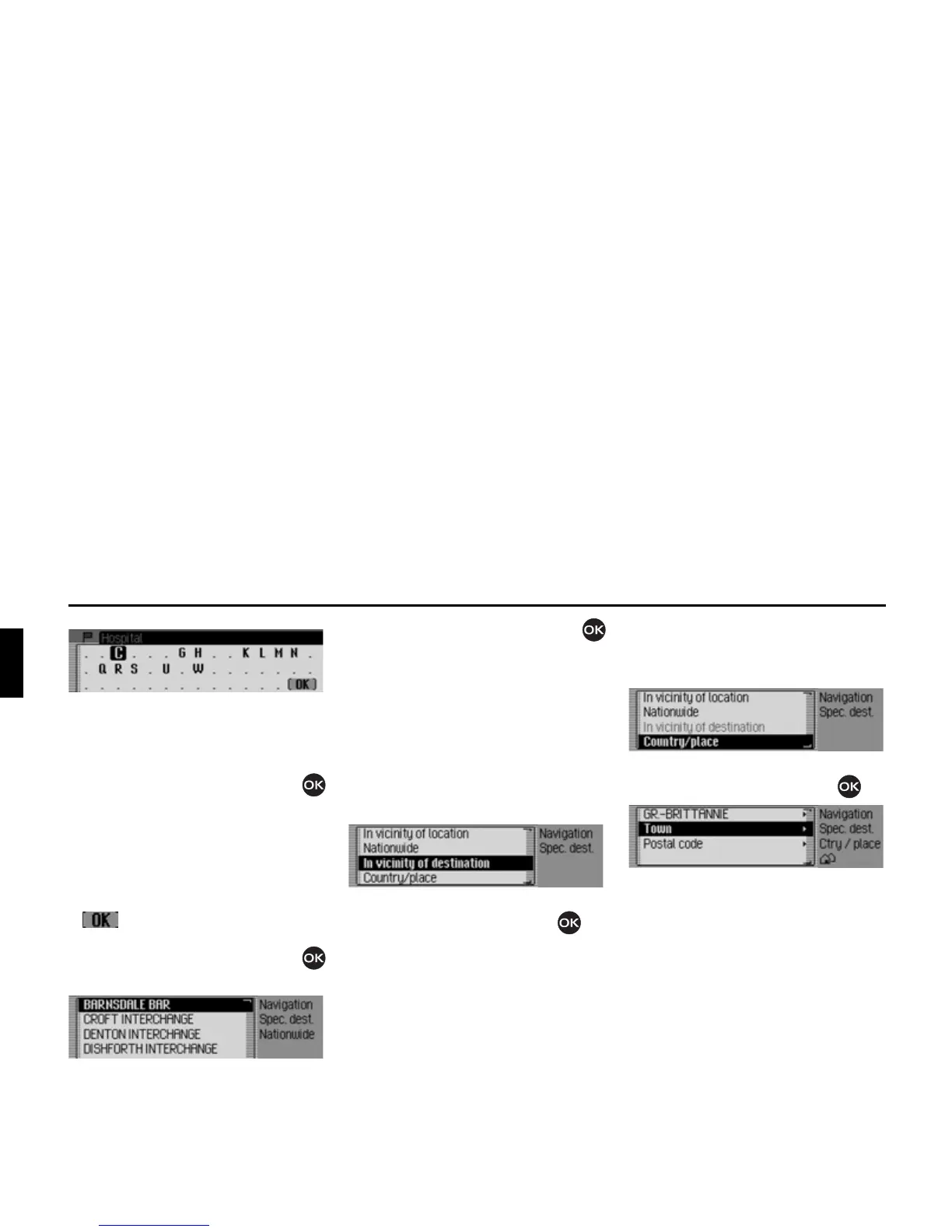
The data entry menu for POIs appears
or, if fewer than 10 POIs are available in
the selected category, the unit switches
directly to the POI list.
X Turn the rotary control/push button
and then press the rotary control/push
button to select each letter one after the
other.
Accept entry:
X In the data entry menu, select the
symbol.
or
X Press the rotary control/push button
and hold it down for at least 2 seconds.
X Turn the rotary control/push button
and then press the rotary control/push
button to select the required POI.
Route guidance to the selected point of
interest is initiated.
Local area of destination
X In the POI menu, select the ,QYLFLQLW\RI
GHVWLQDWLRQ
entry.
X Confirm your selection by pressing
the rotary control/push button .
Proceed as described in “Local” on
page 37. If this option is selected, how-
ever, no directions or distances will
appear in the POI list.
Country/town
X In the POI menu, select the &WU\SODFH
entry.
X Confirm your selection by pressing
the rotary control/push button .
X Select the desired country as described
under “Selecting a country” on
page 25.
X Select the required town as described
under “Entering a destination town”
on page 25.
or
X Select the required postcode as
described under “Selecting destina-
tion via postcode” on page 26.















 To Next Page