50
Navigation mode
Your navigation system can receive
TMC information, whether a TMC sta-
tion is selected or not. However, in order
to guarantee optimal reception of TMC
information, we recommend the selec-
tion of a TMC station.
Displaying traffic information
Current traffic announcements can be
displayed in text form. There are several
options for requesting current traffic
information.
You can call up traffic announcements
via the navigation Options menu and by
pressing . Please refer to the
description in “Traffic announcements”
on page 43 and “Displaying traffic
announcements” on page 47.
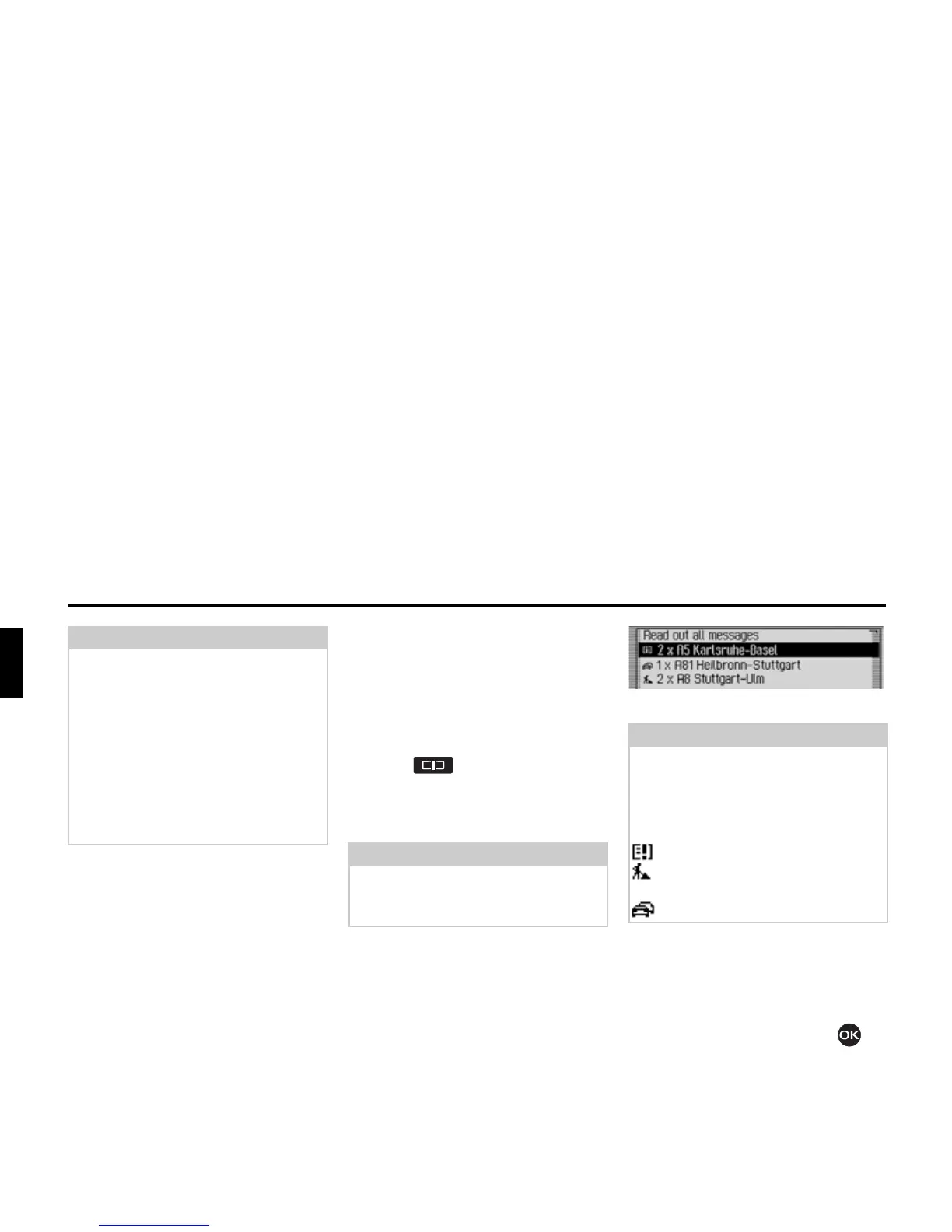
In both cases, the Traffic Pro displays a
list of the up-to-date traffic information
currently available.
All TMC messages are displayed.
X To listen to all announcements, select
the
5HDGRXWDOOPHVVDJHV entry.
or
X Select the required announcement.
X Confirm your selection by pressing
the rotary control/push button .
Note:
If a TMC station cannot be located,
1R
70&UHFHSWLRQDWSUHVHQW'\QURXWHJXLGQRW
SRVVLEOH
appears. The unit reverts to the
route guidance display after a few sec-
onds.
If no TMC stations can be found within
10 minutes,
1R70&UHFHSWLRQDW SUHVHQW
'\QURXWHJXLGQRWSRVVLEOH
will appear on
the display again and a short signal tone
will sound.
Note:
If no up-to-date traffic information is
available, 1R70&PHVVDJHV and 1R 70&
RQURXWH
are displayed.
Note:
Traffic announcements are displayed
sorted according to category and road.
Various symbols appear in front of each
traffic announcement to indicate the
category.
indicates a warning.
indicates building sites and other
obstacles.
indicates traffic jams in general.
2069















 To Next Page