12
General operation
Anti-theft device
Your Traffic Pro features two anti-theft
devices:
• Protection by means of a five-digit
unit code number
• Protection by means of a removable
control panel
Entering unit code numbers
If the Traffic Pro is disconnected from
the electrical supply source, the anti-
theft device prevents it against unauthor-
ised use once it has been reconnected.
You need the five-digit code number
printed on the CODE CARD to start up
the Traffic Pro.
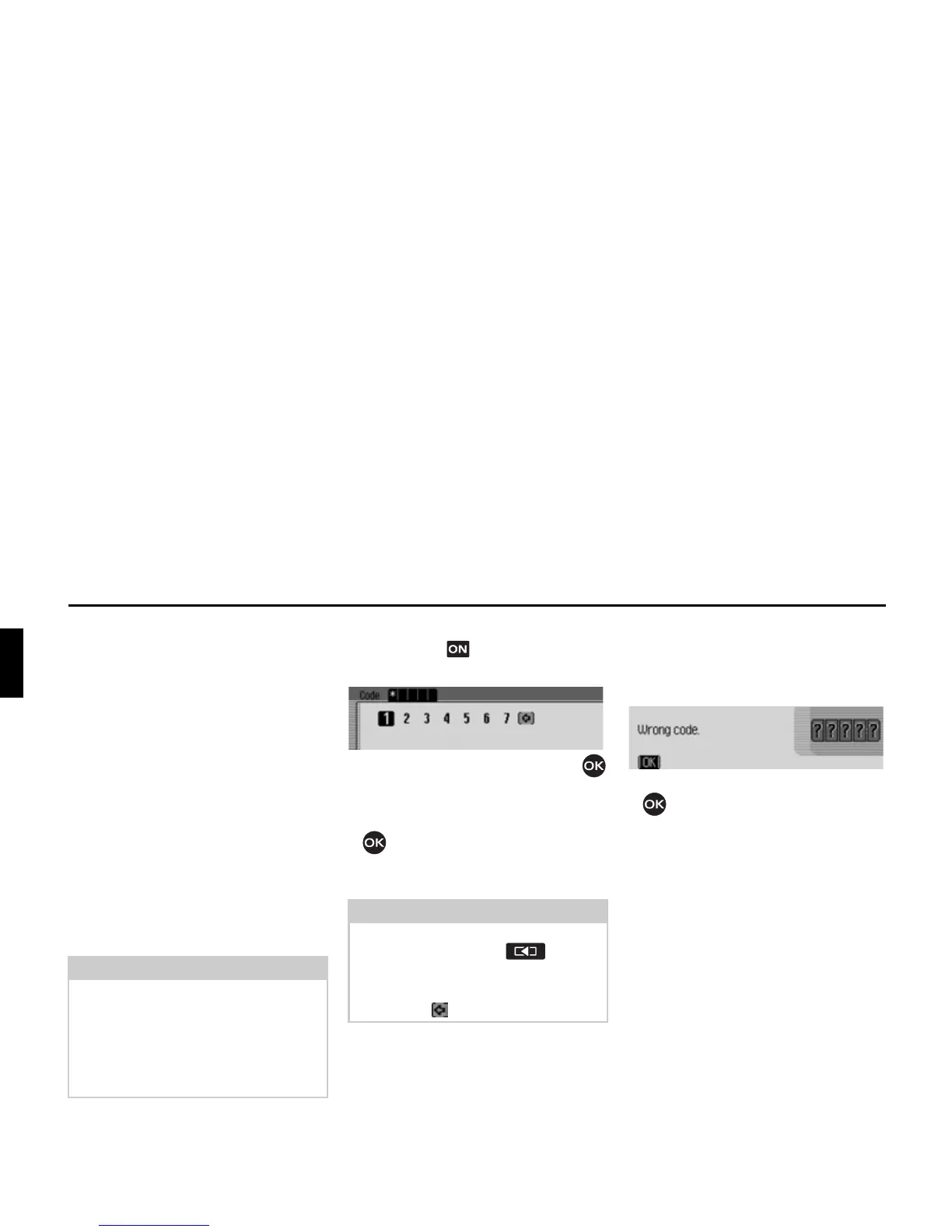
Shortly after the unit has been switched
on by pressing , the data entry menu
for the code number will appear.
X Turn the rotary control/push button
to select the first digit of the code
number.
X Press the rotary control/push button
.
X Enter the remaining digits of the code
number in the same way.
Once you have entered all 5 digits of the
code number correctly, the Traffic Pro
will come on automatically and you can
use all functions.
What to do if an incorrect code number
has been entered
The following message appears if an
incorrect code number is entered.
X Press the rotary control/push button
.
The data entry menu for the code number
appears again.
X Enter the correct code number as
described above.
Note
It is important to store the CODE
CARD in a safe place outside of the
vehicle. This will prevent unauthorised
use. The window stickers provided can
be attached to the windscreen/windows
inside your vehicle.
Note
If you enter an incorrect number:
X Press the back button to delete
the last number entered.
or
X Select the symbol.
1006
1007















 To Next Page