17
General operation
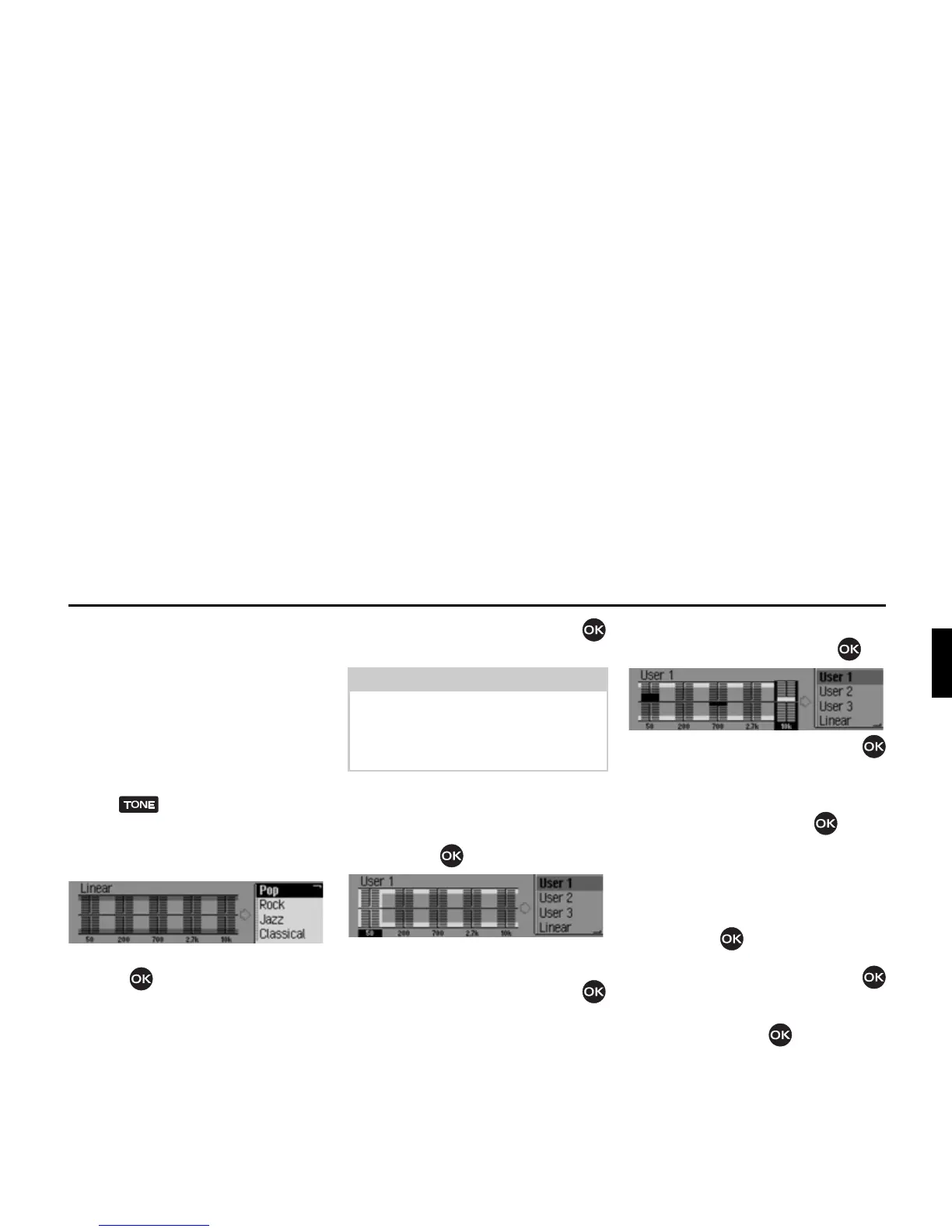
Setting the equalizer
You can switch the acoustic pattern on 5
frequency bands with the equalizer
setting.
3 equalizer presets are also available for
selection. An additional option also
allows you to make another 3 equalizer
settings.
X Press until the equalizer settings
appear.
or
X Select (TXDOLVHU in the sound settings.
X Next, turn the rotary control/push
button to select one of the three
equalizer presets (
5RFN3RS and &ODVVL
FDO
) or one of the three user-defined
equalizer settings (
8VHU - 8VHU or /LQ
HDU
).
X Turn the rotary control/push button
to apply the required equalizer setting.
Defining the equalizer setting
X Select 8VHU, 8VHU or 8VHU.
X Press and hold down the rotary control/
push button .
The cursor jumps to the first frequency
band.
X Turn the rotary control/push button
to select the frequency band to be
changed.
X Confirm your selection by pressing
the rotary control/push button .
X Turn the rotary control/push button
to select the required setting for the
selected frequency band.
X Confirm the setting by pressing the
rotary control/push button .
You may now change other settings.
Once you have made the required set-
tings:
X Press and hold down the rotary control/
push button .
or
X Turn the rotary control/push button
to select the arrow next to the
frequency bands and press the rotary
control/push button .
You may now make other equalizer
settings or select one of the presets.















 To Next Page