77
Media mode
Calling up the Media
main menu
You can make settings for media mode
in the Media main menu.
The following description assumes that
you are in the status display.
X Press twice in succession.
or
X Press .
You are now in media fast access mode.
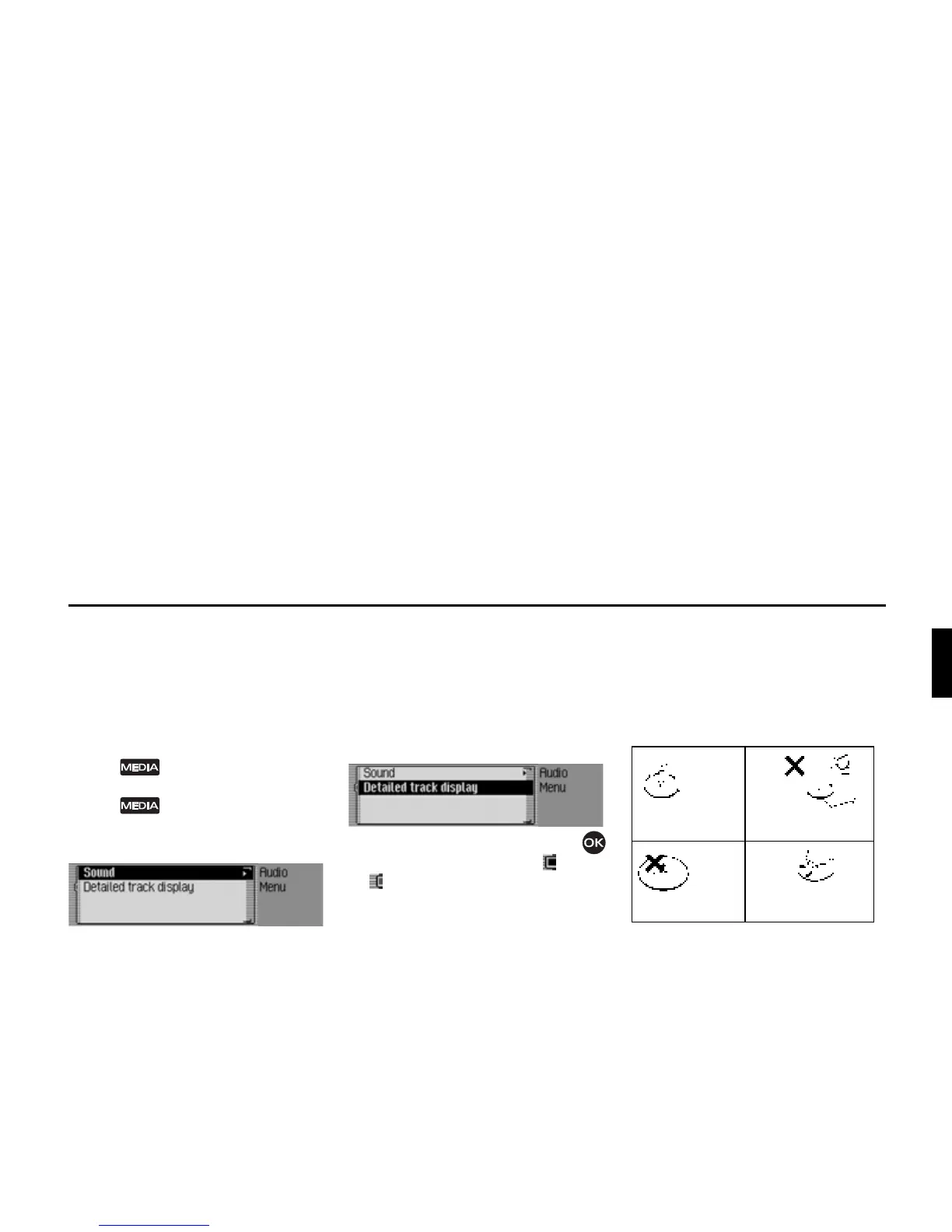
X Select the $XGLRPHQX entry.
The Media main menu appears.
Switching detailed track display on/off
Activate detailed track display to display
the CD/folder name in addition to the
name of the track/ID3 tag (if available).
X In the Media main menu, select the
'HWDLOHGWUDFNGLVSOD\ entry.
X Turn the rotary control/push button
to switch the function on ( ) or off
().
CD mode
Notes on compact discs (CD)
Sound interruptions may occur if the CD
is soiled. In order to ensure the highest
tone quality, please note the following:
• Always touch the CD at the edges
only. Keep the disc clean and never
touch the surface.
• Never stick anything on the CD.
• Protect the CDs against direct sunlight
and from heat sources such as heaters
etc.















 To Next Page