92
Address book
• 'HOHWHDOOHQWULHV
You can delete all stored voice entries.
X When the next prompt appears,
select
<HV to delete the entry or 1R
not to delete.
•
'LDORJXHIRUVDYLQJ
You can switch the automatic dialogue
for recording a voice entry on/off.
X Switch the function on ( ) or off
( ) by pressing the rotary control/
push button .
Fast access functions
The last 20 address book entries used in
the address book appear here.
You may:
• Protect the fast access entries, i.e. the
entry will not be deleted when the
maximum number of entries is
reached. The oldest unprotected entry
will be deleted.
• Delete individual fast access entries.
• Delete the entire fast access list.
X Press .
The address book fast access function
appears.
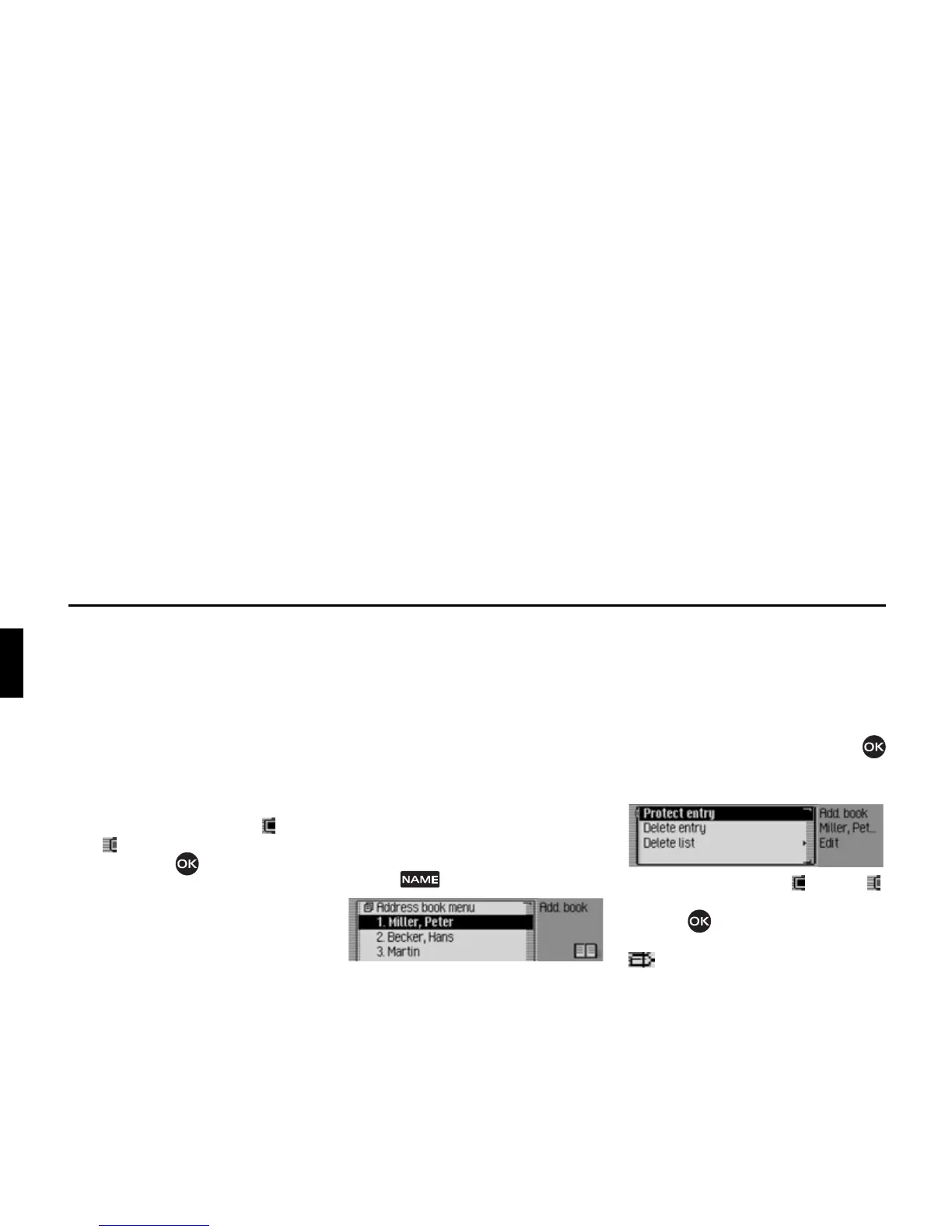
Protecting an entry
X Call up the address book fast access
function.
X In the Fast Access menu which
appears, select the address book entry
to be protected.
X Press the rotary control/push button
until a menu appears.
X Select the 3URWHFWHQWU\ entry.
X Switch protection on ( ) or off ( )
by pressing the rotary control/push
button .
Protected entries are identified by the
symbol.
6001
6026















 To Next Page