27
Navigation mode
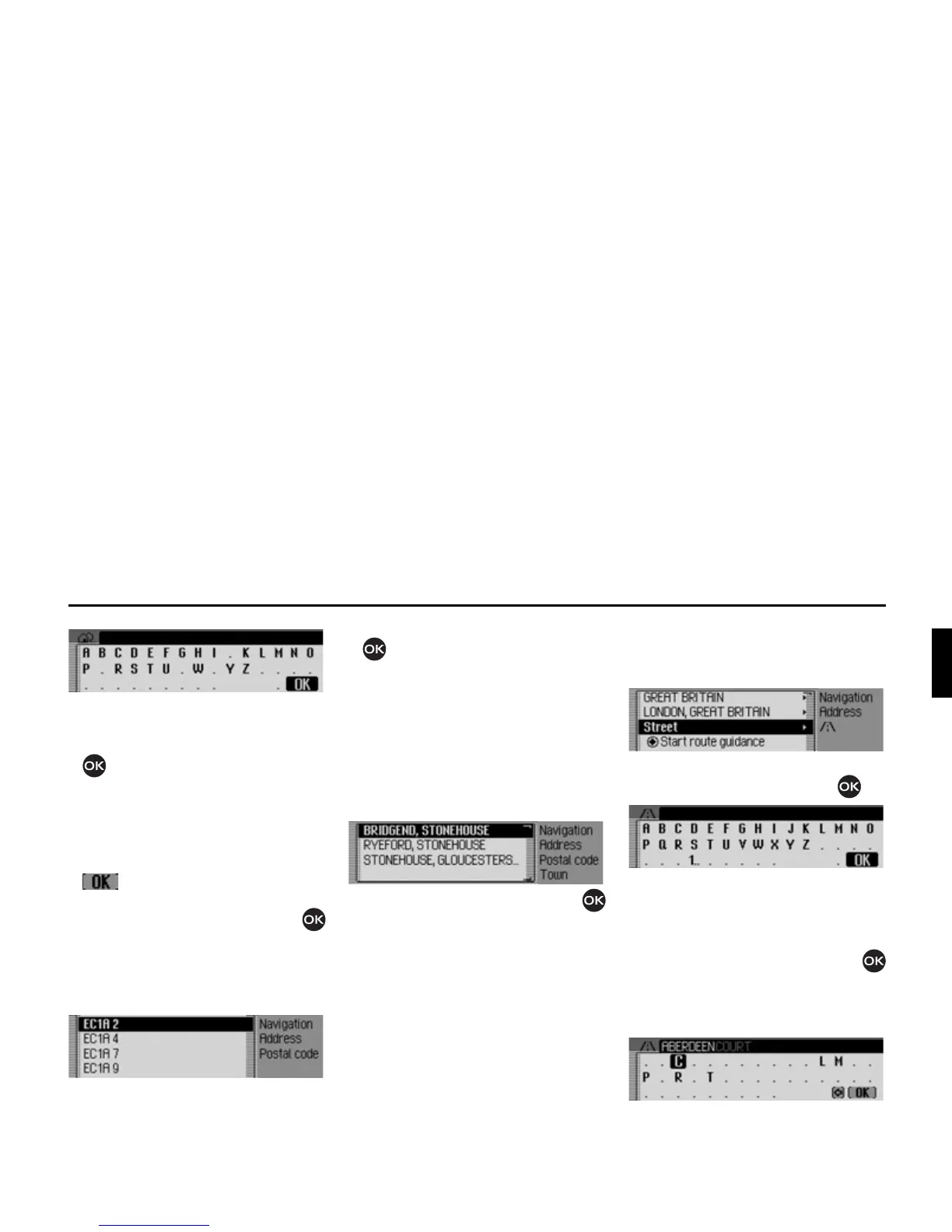
The data entry menu for the postcode
appears.
X Turn the rotary control/push button
and then press the rotary control/
push button to select the numbers and
letters one after the other.
Accept entry:
X In the data entry menu, select the
symbol.
or
X Press the rotary control/push button
and hold it down for at least 2 seconds.
If you have entered an incomplete post-
code, the postcode selection list appears.
X Turn the rotary control/push button
and then press the rotary control/
push button to select the required post-
code.
The display then shows either the desti-
nation corresponding to the postcode in
the Enter Destination menu or, if the
postcode is shared among several towns,
a list containing these towns.
X Turn the rotary control/push button
and then press the rotary control/push
button to select the required town.
You can now continue with entering the
road/centre.
Entering the destination road
X In the Enter Destination menu, select
6WUHHW.
X Confirm your selection by pressing
the rotary control/push button .
The data entry menu for the road appears
or, if fewer than 10 roads are available in
the town, the unit switches directly to the
road list.
X Turn the rotary control/push button
and then press the rotary control/push
button to select each letter one after the
other.















 To Next Page