74
Media mode
Fast forward/rewind
You can start audible fast forward/rewind.
Forward
X Press until you reach the re-
quired point.
X Release .
Playback will continue at normal speed.
Rewind
X Press until you reach the re-
quired point.
X Release .
Playback will continue at normal speed.
Play mode
Play mode includes functions such as
track mix (random play function), the
scan function and the repeat function.
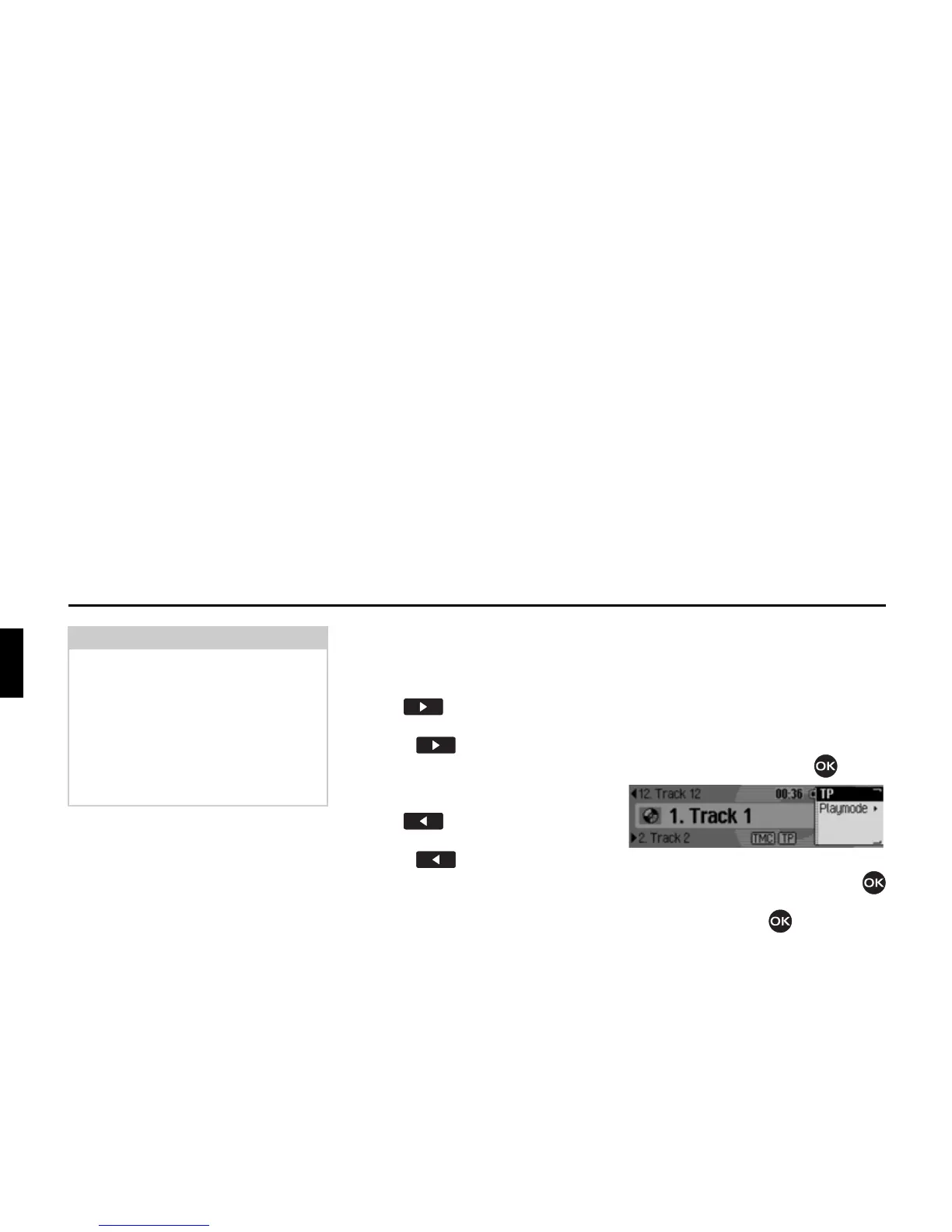
Calling up the Play Mode menu
X In the media status display, press the
rotary control/push button .
The Options menu appears.
X Turn the rotary control/push button
to select
3OD\PRGH and press the rotary
control/push button .
Note:
If track jump selects the first or last
track in a directory or on a CD, the Traf-
fic Pro will attempt to select the first/
last track in the next/previous directory
or on the next/previous CD.
If this is not possible, the unit jumps to
the last or first track in the current direc-
tory or on the current CD.
4004















 To Next Page