44
Navigation mode
Route list
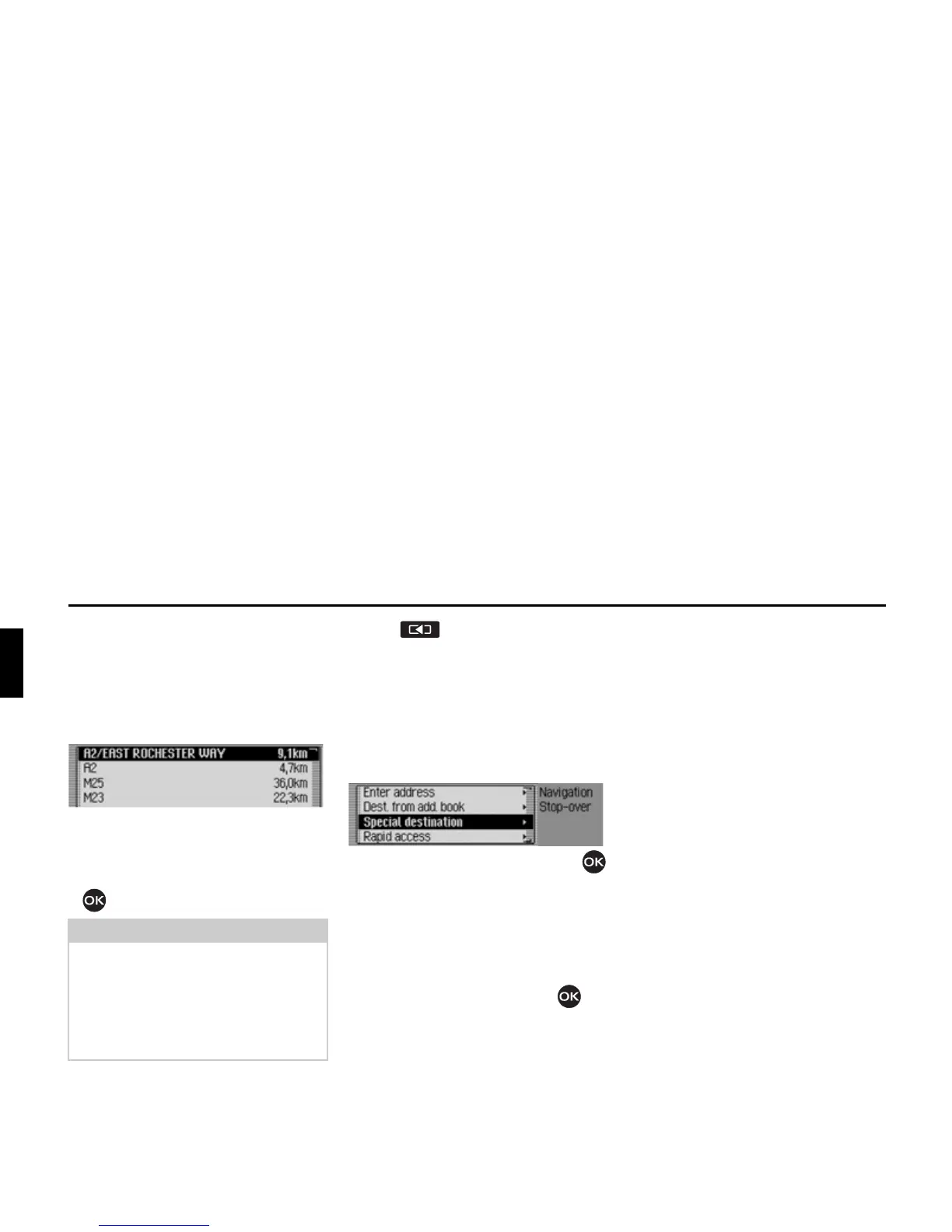
You can display the route planned by the
Traffic Pro.
X In the Options menu, select the 5RXWH
OLVW
entry.
A list of the roads to the destination
appears. The distance to be travelled
along each road appears after its name.
X Turn the rotary control/push button
to scroll through the list.
X Press to exit the route list.
Stopover
You can enter another destination as a
stopover during active navigation.
X In the Options menu, select the 6WRS
RYHU
entry.
X Turn the rotary control/push button
to select one of the following options:
(QWHUDGGUHVV,
$GGERRN,
6SHFLDO'HVW or
5DSLGDFFHVV
X Confirm your selection by pressing
the rotary control/push button .
•
(QWHUDGGUHVV
You can enter a complete address as a
stopover as described in “Entering a
destination” on page 24.
•
$GGERRN
You can enter an address book entry as
a stopover as described in “Selecting a
destination from the address book” on
page 35.
•
6SHFLDO'HVW
You can enter a POI as a stopover as
described in “Point of interest” on
page 36.
•
5DSLGDFFHVV
You can enter a fast access destination
as a stopover as described in “Naviga-
tion fast access” on page 32.
Once the stopover has been selected, the
route is recalculated and route guidance
started to the stopover.
Note:
Once route guidance has started, it
takes a little while for the route list to
appear in full.
If the route list is not available due to
recalculation,
1R URXWH OLVW DYDLODEOH
appears.















 To Next Page