63
Radio mode
Voice entries
You can delete or listen to voice entries
assigned to the station. You can also
activate or deactivate the voice dialogue
for creating new voice entries.
X In the Radio main menu, select 9RLFH
HQWULHV
.
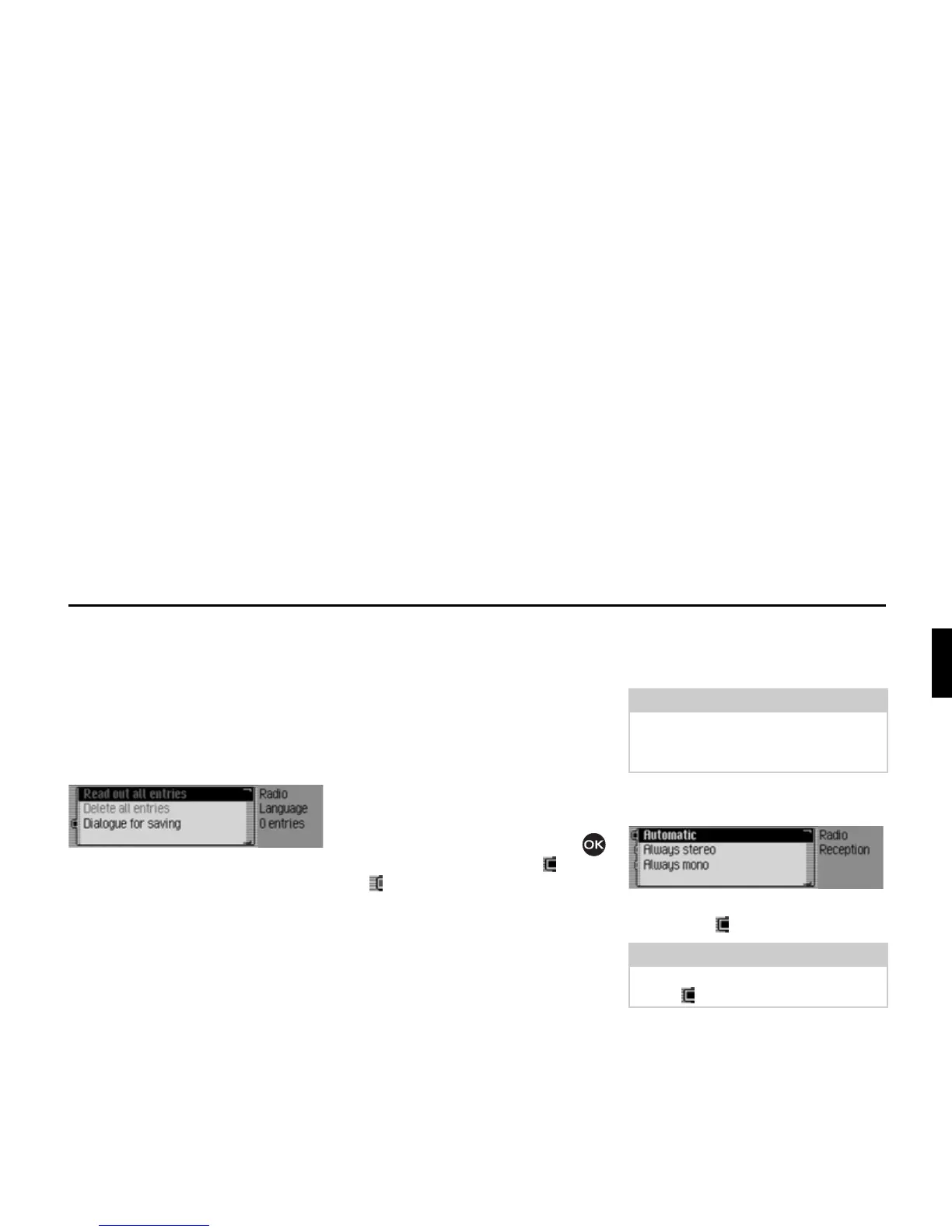
X Select 5HDGRXWDOOHQWULHV, 'HOHWH DOO
HQWULHV
or 'LDORJXHIRUVDYLQJ.
• 5HDGRXWDOOHQWULHV
Select 5HDGRXWDOOHQWULHV to listen to all
voice entries associated with radio sta-
tions.
• 'HOHWHDOOHQWULHV
If 'HOHWHDOOHQWULHV is selected, a prompt
will appear asking you to confirm
whether or not all voice entries should
actually be deleted.
Select
<HV to delete the voice entries or
1R to continue without deletion.
•
'LDORJXHIRUVDYLQJ
If the function is active, when a station
is stored, an automatic dialogue will
appear for assigning a voice entry.
Turn the rotary control/push button
to switch the function on ( ) or off
().
Reception optimisation
You can select one of three settings to
suppress reception-related interference.
X In the Radio main menu, select 5HFHS
WLRQRSWLPLVDWLRQ
.
X Select $XWRPDWLF, $OZD\VVWHUHR or $OZD\V
PRQR
(on = ).
Note:
This setting is irrelevant for the wave-
band station memory, medium wave
and short wave.
Note:
Only one of the entries in the list can be
active ( ).
3012















 To Next Page