117
Voice mode
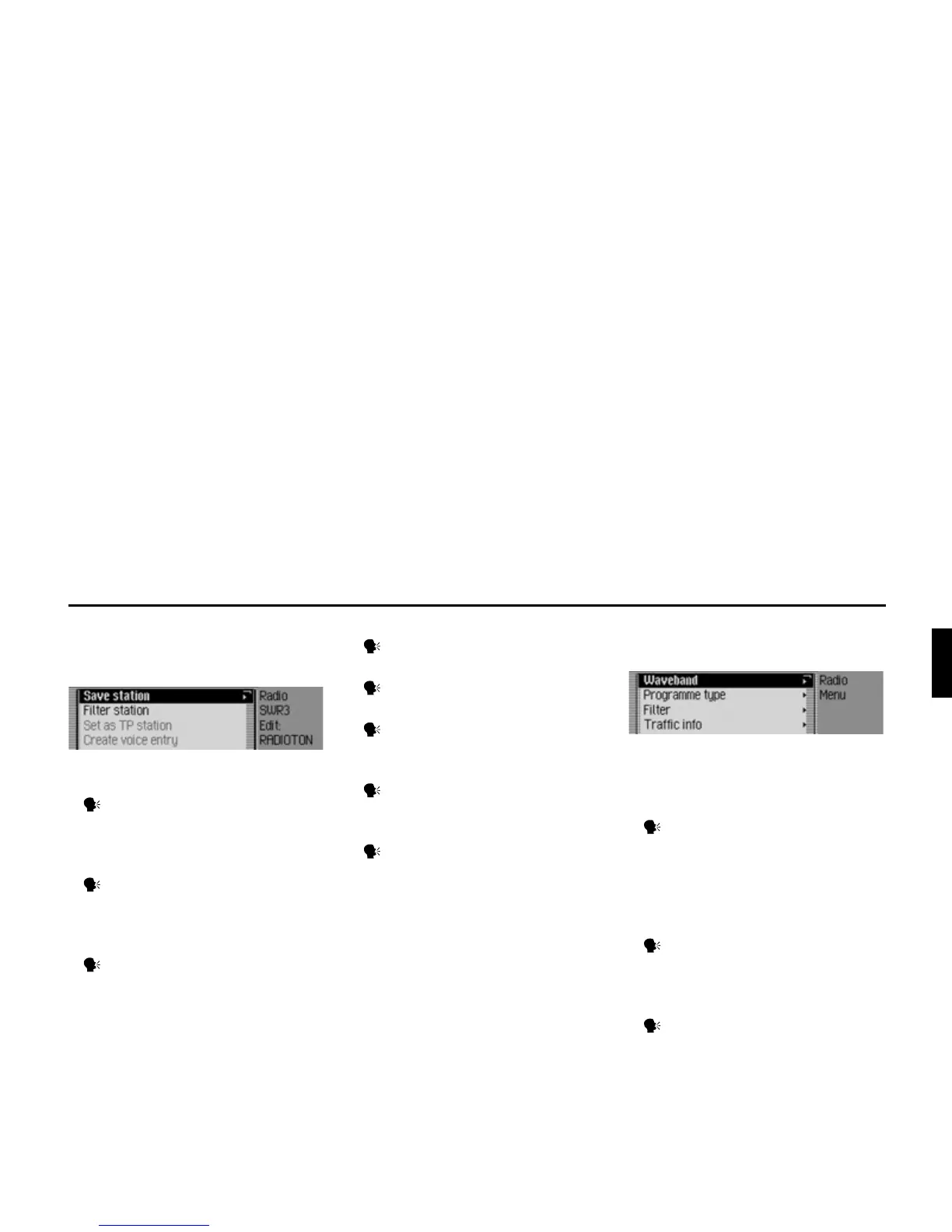
The following commands are available
in the Edit Station menu for the wave-
band station memory:
• Set station to be edited as TP station
(page 65).
Say the command Set as traffic
programme or [Set] station as traffic
programme.
• Store current station (page 68).
Say the command Save current
station here or Save [[current] [sta-
tion [here]]].
• Delete station (page 70).
Say the command Delete [station].
• Move station in memory (page 69).
Say the command Move station.
• Name station in memory (page 70).
Say the command Name station.
• Create voice entry (page 71).
Say the command Create voice
entry.
• Delete voice entry (page 71).
Say the command Delete voice
entry.
• Listen to voice entry (page 71).
Say the command Read out voice
entry or Listen to voice entry.
Commands for the Radio
main menu
In the Radio main menu, the following
commands are available:
• Call up Waveband menu (page 56).
Say the command Waveband.
Alternative commands:
[Open] waveband [menu] or [Open]
station list [menu].
• Call up Programme Type menu
(page 61).
Say the command Programme
type or Open programme type
[menu].
• Call up Filter menu (page 55).
Say the command Open filter
menu or [Change] [to the] filter.















 To Next Page