87
Address book
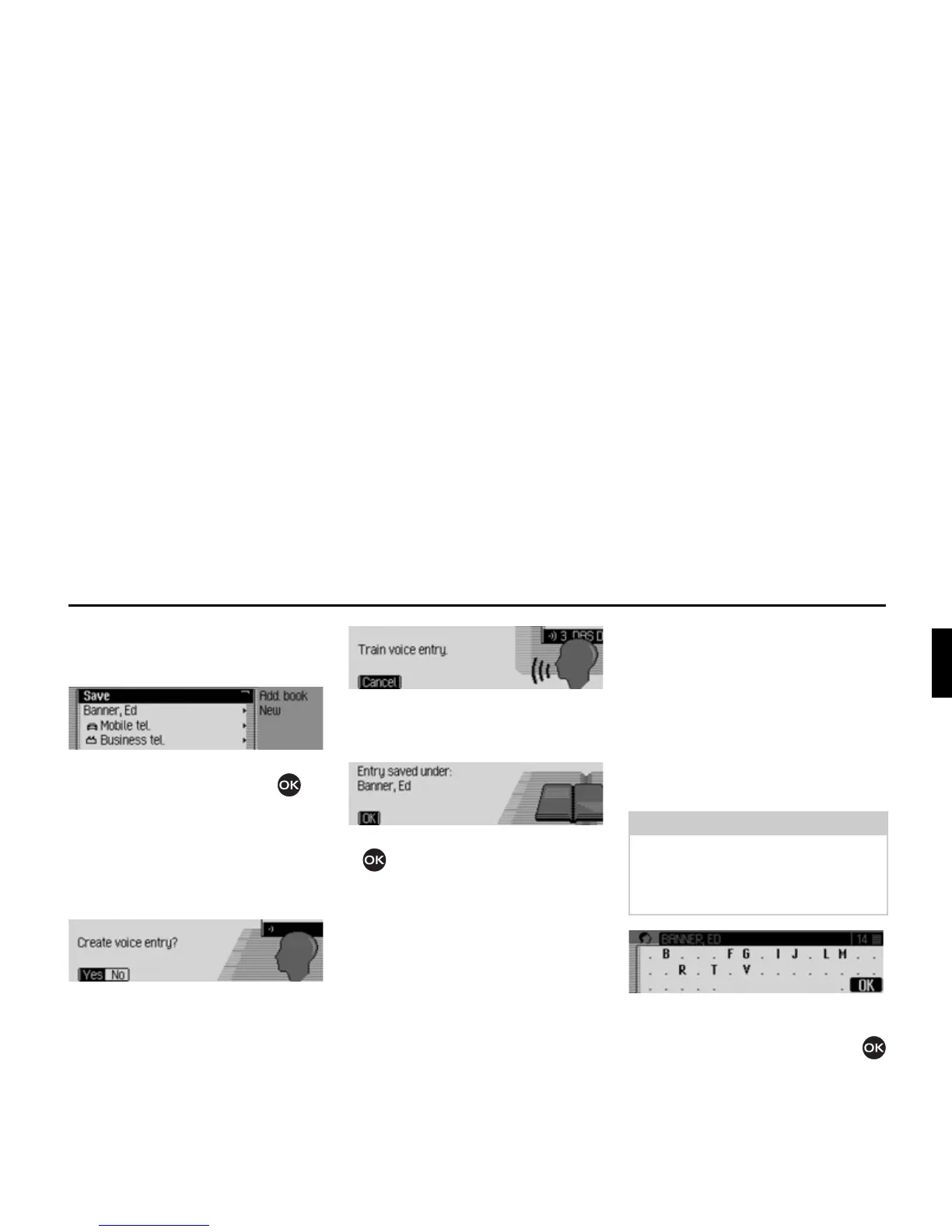
Once you have entered all the informa-
tion, you must save the entry.
X Select the 6DYH entry.
X Confirm your selection by pressing
the rotary control/push button .
If, under “Automatic dialogue” on
page 96, you specified that a prompt to
record a name should appear when an
address entry is created, you will be
prompted to record a name.
X Select <HV (record) or 1R (do not
record).
If you select
<HV, a name will now be
recorded.
Once you have recorded a name, the
following information appears on the
display.
X Press the rotary control/push button
.
The entry is saved.
Find entry
When searching for an address book
entry, you can search based on names or
towns. Please also refer to the descrip-
tion in “Setting the search criterion” on
page 88.
X In the Address Book main menu,
select the
6HDUFKIRUHQWU\ entry.
The data entry menu for the name/loca-
tion appears.
X Turn the rotary control/push button
and then press the rotary control/push
button to select each letter one after the
other.
6008
6009
Note
If more than 10 address book entries
have been saved, a list of entries appears.
You can then select the required entry
from the list.
6011















 To Next Page