59
Radio mode
Manual station tuning
You can set the required frequency
manually.
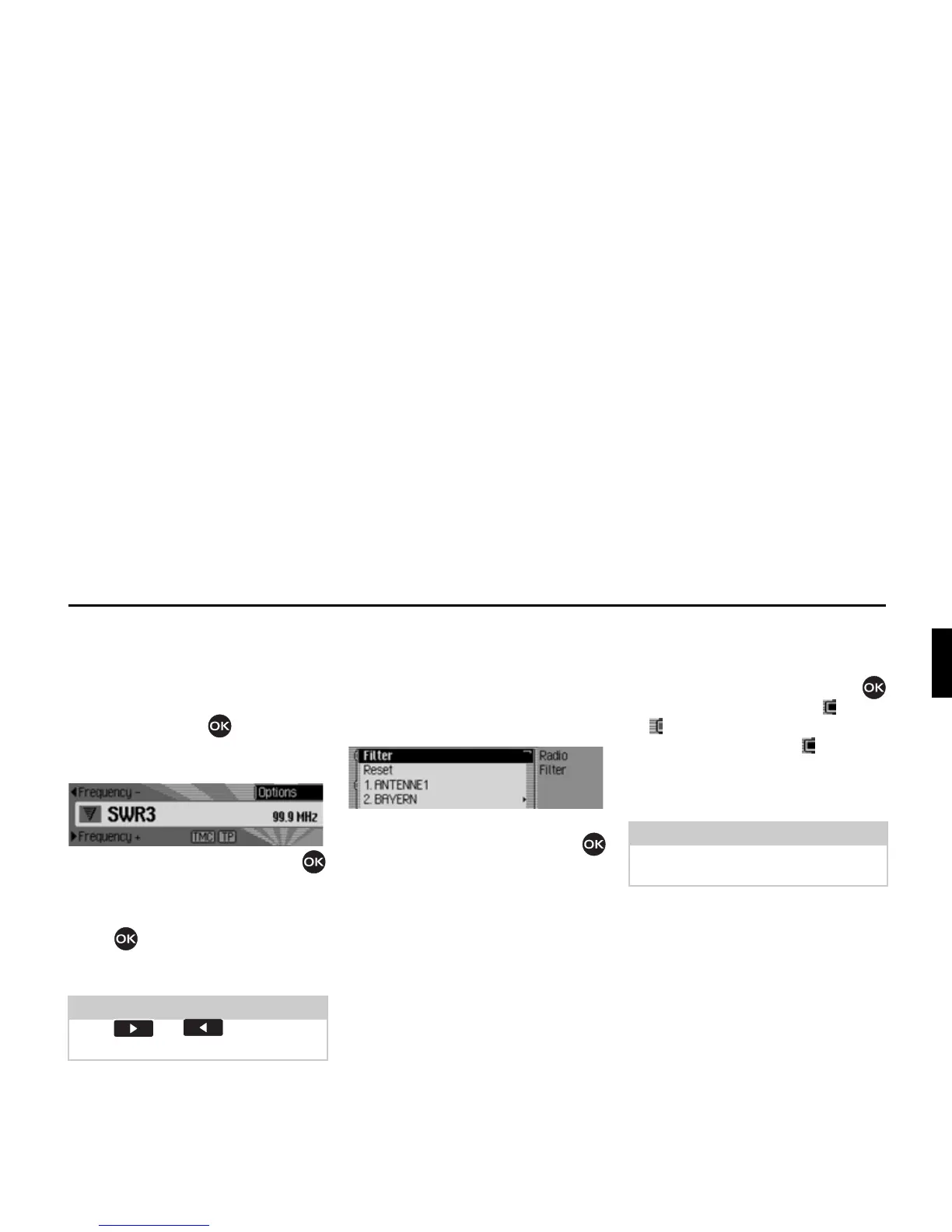
X In the status display, press the rotary
control/push button until
)UHTXHQF\
or )UHTXHQF\ appears on the display
instead of the previous/next station.
X Turn the rotary control/push button
to select the required frequency.
To exit manual station tuning, press and
hold down the rotary control/push
button until
)UHTXHQF\ or )UHTXHQF\
disappears.
The selected frequency remains set.
Filter function
You can use this function to filter
stations or entire station chains out of the
station list.
X In the Radio main menu, select )LOWHU.
The Filter menu appears.
X Turn the rotary control/push button
to select one of the following options:
)LOWHU,
5HVHW or
the stations and station chains which
can currently be received.
Switching the filter function on/off
X In the Filter menu, select the )LOWHU
entry.
X Turn the rotary control/push button
to switch the function on ( ) or off
().
If the function is active ( ), only the
stations and station chains which have
not been filtered out will appear in the
FM station lists.
Note:
Press or to initiate the
search for the next receivable station.















 To Next Page