36
Navigation mode
Point of interest
You can select a POI as a main destina-
tion or a stopover.
POIs include petrol stations, airports or
hospitals, for example.
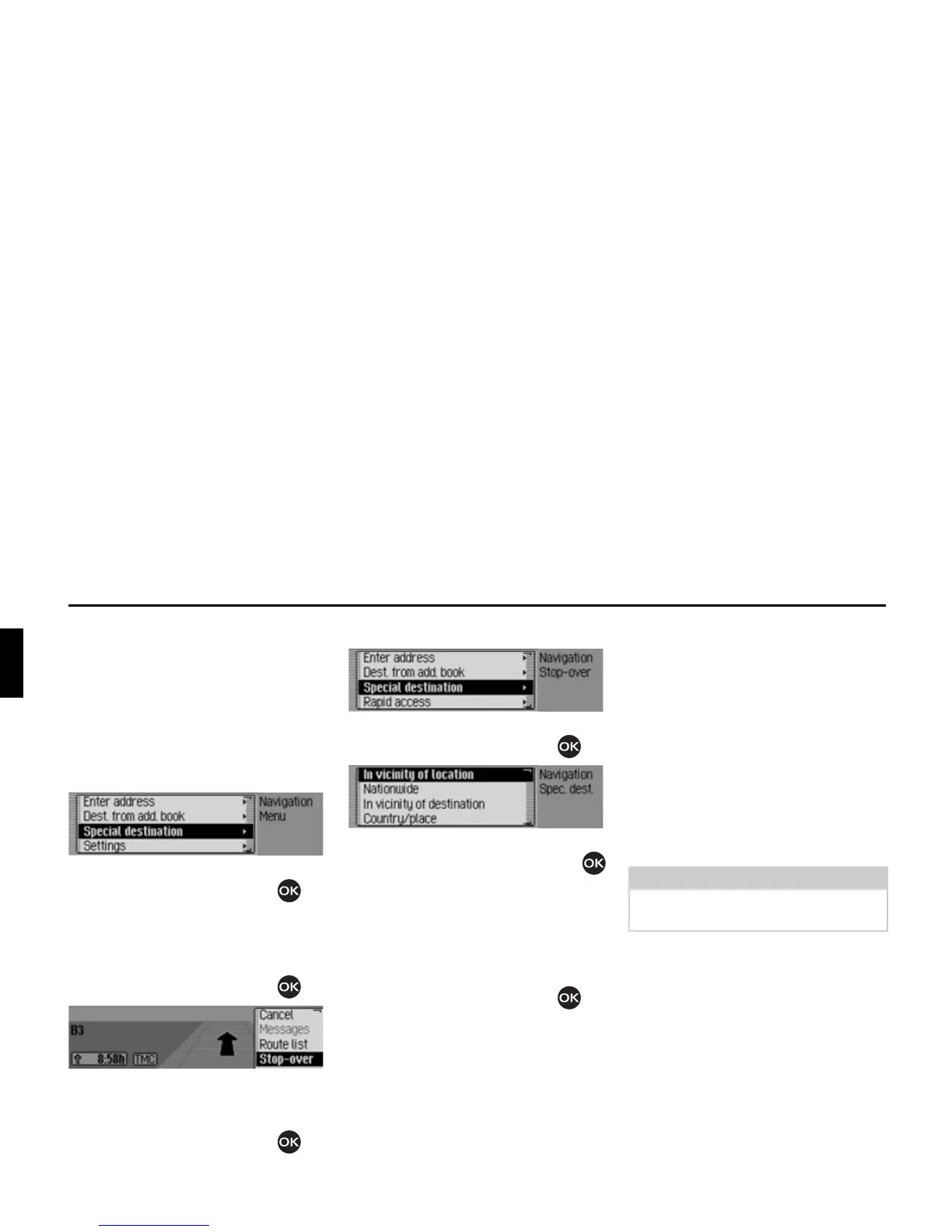
X In the Navigation main menu, select
the
6SHFLDO'HVW entry.
X Confirm your selection by pressing
the rotary control/push button .
or if route guidance is already active
X In the navigation status display, press
the rotary control/push button .
The Options menu appears.
X Select the 6WRSRYHU entry.
X Confirm your selection by pressing
the rotary control/push button .
X Select the 6SHFLDO'HVW entry.
X Confirm your selection by pressing
the rotary control/push button .
The POI menu appears.
X Turn the rotary control/push button
to select one of the following options:
,QYLFLQLW\RIORFDWLRQ,
1DWLRQZLGH,
,QYLFLQLW\RIGHVWLQDWLRQ or
&WU\SODFH
X Confirm your selection by pressing
the rotary control/push button .
•
,QYLFLQLW\RIORFDWLRQ
You can select a POI in the vicinity of
the vehicle. When you make your
selection, the unit will tell you in
which direction the POI is located and
how far away it is.
•
1DWLRQZLGH
You can select a POI from a range of
national POI categories.
•
,QYLFLQLW\RIGHVWLQDWLRQ
You can select a POI in the vicinity of
the destination.
•
&WU\SODFH
You can select a POI in a specific
country/town.















 To Next Page