123
Voice mode
• Select CD using CD number.
Say the command CD number ...
(1 - X).
Alternative commands:
[Select] CD [number] ... (1 - X) or
[Play] CD [number] ... (1 - X).
• Select directory using directory
number.
Say the command Directory
[number] ... (1 - X) or Folder
[number] ... (1 - X).
• Switch on mute function (page 19).
Say the command Mute on.
Alternative commands:
Mute CD, Mute audio or Mute media.
• Switch off mute function (page 19).
Say the command Mute off.
Alternative commands:
Unmute CD, Unmute audio or
Unmute media.
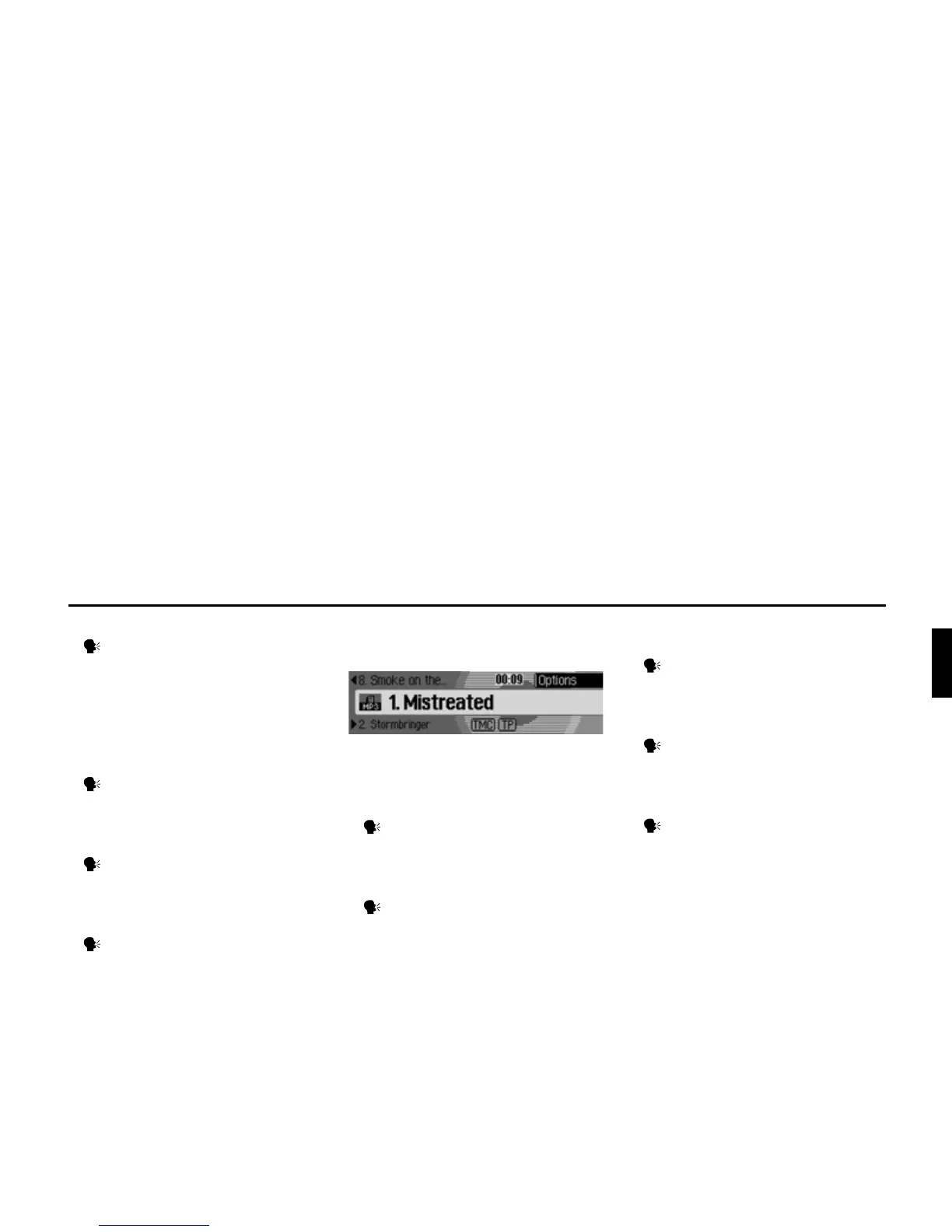
Commands for the media status
display
The following commands are available
in the media status display:
• Call up the Options menu.
Say the command Options or
Open options [menu].
• Call up the Play Mode menu (scan
function) (page 74).
Say the command Playmode or
Open playmode.
• Call up the Media main menu
(page 77).
Say the command Media menu.
Alternative commands:
[Open] media menu or [Open] menu.
• Switch on scan function.
Say the command Scan or Scan
on.
• Switch on track mix (random play
function) (page 75).
Say the command Track mix.
Alternative commands:
Track mix [on] or Activate track mix.
4003















 To Next Page