126
Voice mode
Navigation commands
If navigation is active, the following
commands are always available:
• Cancel route guidance (page 43).
Say the command Stop route guid-
ance.
Alternative commands:
End route guidance, Stop navigation
or End navigation.
• Enter a stopover (page 44).
Say the command Stop-over or
Enter stop-over.
• Switch directions on/off (page 46).
Switch on:
Say the command Instructions on.
Alternative commands:
Activate instructions or Activate
voice.
Switch off:
Say the command Instructions
off.
Alternative commands:
Deactivate instructions or Deactivate
voice.
• Repeat direction.
Say the command Instructions or
Repeat instructions.
Correction option for incorrect
destination entry
X Say the command Correction or
Correct.
The list display disappears and you can
spell the name correctly.
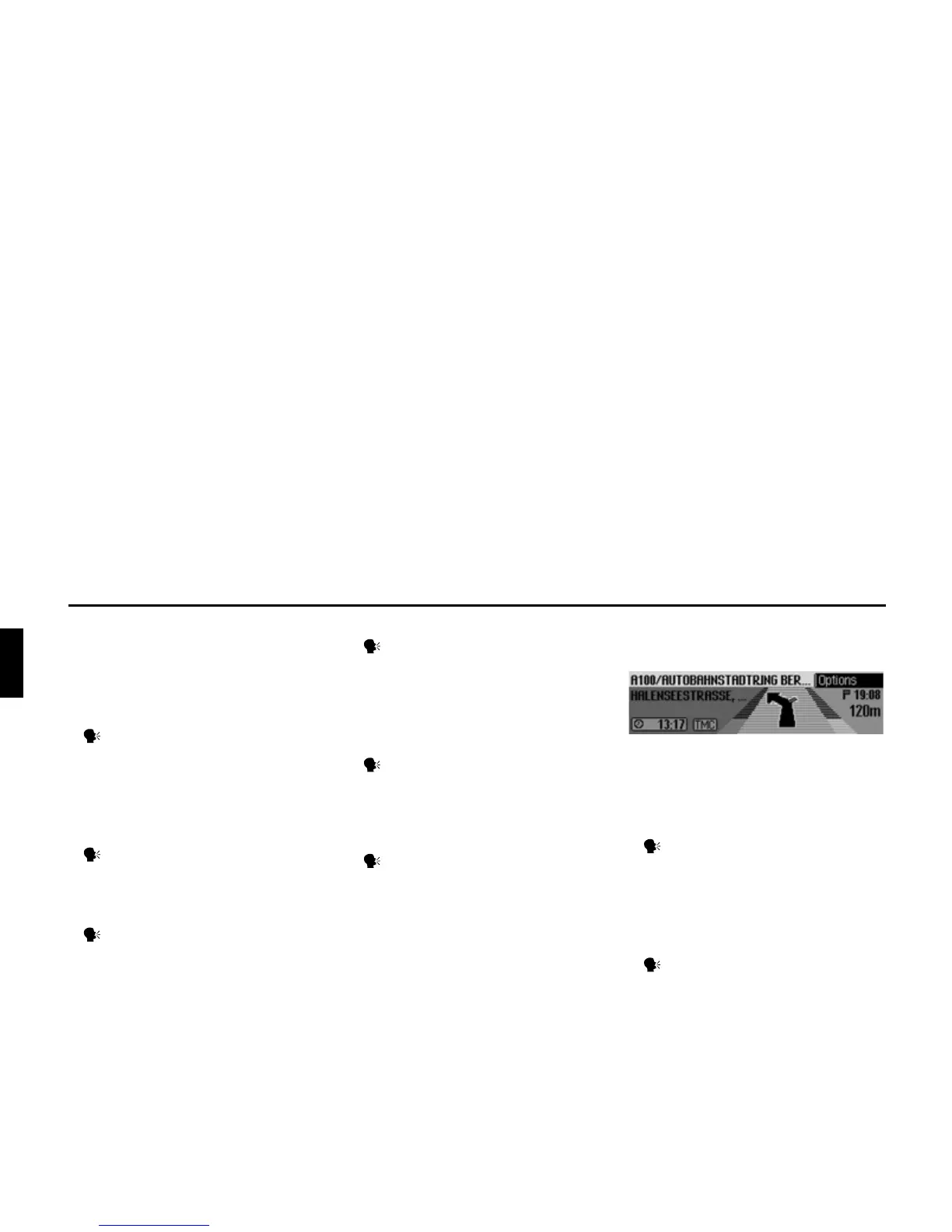
Commands for the navigation
status display
The following commands are available
in the navigation status display:
• Call up Navigation main menu
(page 23).
Say the command Navigation
menu.
Alternative commands:
[Open] navigation menu or [Open]
menu.
• Call up the Options menu (page 42).
Say the command Options or
Open options [menu].
2057















 To Next Page