114
Voice mode
Commands for radio mode
If radio mode has been set as the active
source, the following commands will
always be available:
• Select next station.
Say the command Next station or
Play next station.
• Select previous station.
Say the command Previous station
or Play previous station.
• Select station with assigned voice
entry.
Say the command Play station ...*.
Alternative commands:
[Listen to] [station] ...* or [Set] [sta-
tion] ...*.
• Switch on the mute function.
Say the command Mute on.
Alternative commands:
Mute radio, Mute audio or Mute
media.
• Switch off the mute function.
Say the command Mute off.
Alternative commands:
Unmute radio, Unmute audio or
Unmute media.
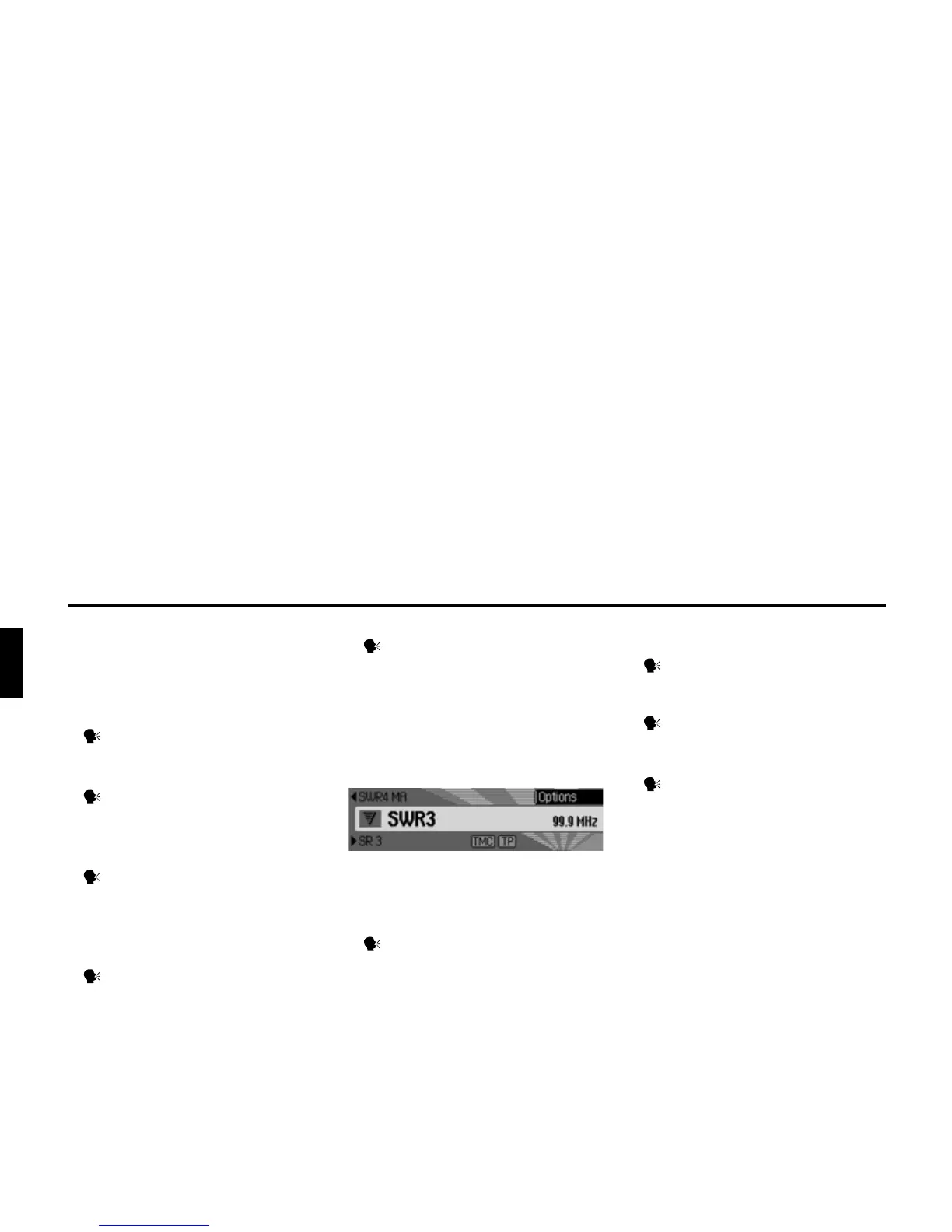
Commands for the radio status
display
The following commands are available
in the radio status display:
• Call up the options menu.
Say the command Options or
Open options [menu].
• Switch scan function on/off (page 58).
Switch on:
Say the command Scan [on] or
Play sample [station].
Switch off:
Say the command Scan off or
Deactivate play sample [station].
• Call up Radio main menu (page 55).
Say the command Radio menu.
Alternative commands:
[Open] radio menu or [Open] menu.
3003















 To Next Page