67
Radio mode
Scan search
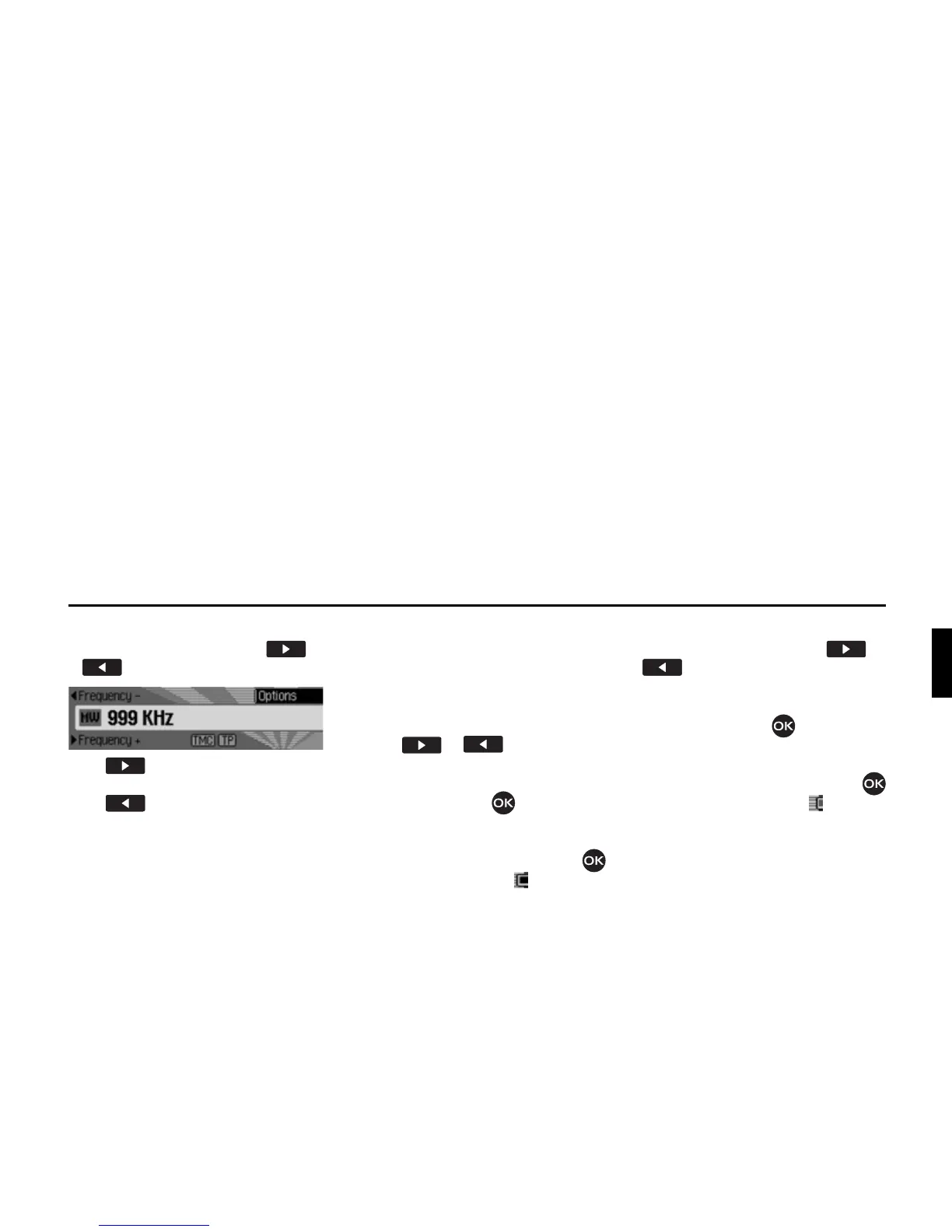
X In the status display, press or
.
Press to search for the next station
in ascending frequency order.
Press to search for the next station
in descending frequency order.
Scan function
All stations which can be received are
scanned briefly to enable you to select
the one you require.
X In the status display, press and hold
down or .
or
X In the status display, press the rotary
control/push button .
The Options menu appears.
X Select the 6FDQ entry.
X Press the rotary control/push button
to activate the function ( ).
The stations which can be received are
scanned briefly in descending/ascending
frequency order.
Aborting the scan function
X In the status display, press or
.
or
X In the status display, press the rotary
control/push button .
The Options menu appears.
X Select the 6FDQ entry.
X Press the rotary control/push button
to deactivate the function ( ).
The station currently being scanned is
set permanently and the scan function is
aborted.















 To Next Page