94
Settings
Settings
Calling up general settings
You can configure your Traffic Pro to
meet your requirements in the general
settings.
X Press .
The Information menu appears.
Voice mode
You can make settings for voice mode as
well as for traffic announcements and
other announcements here.
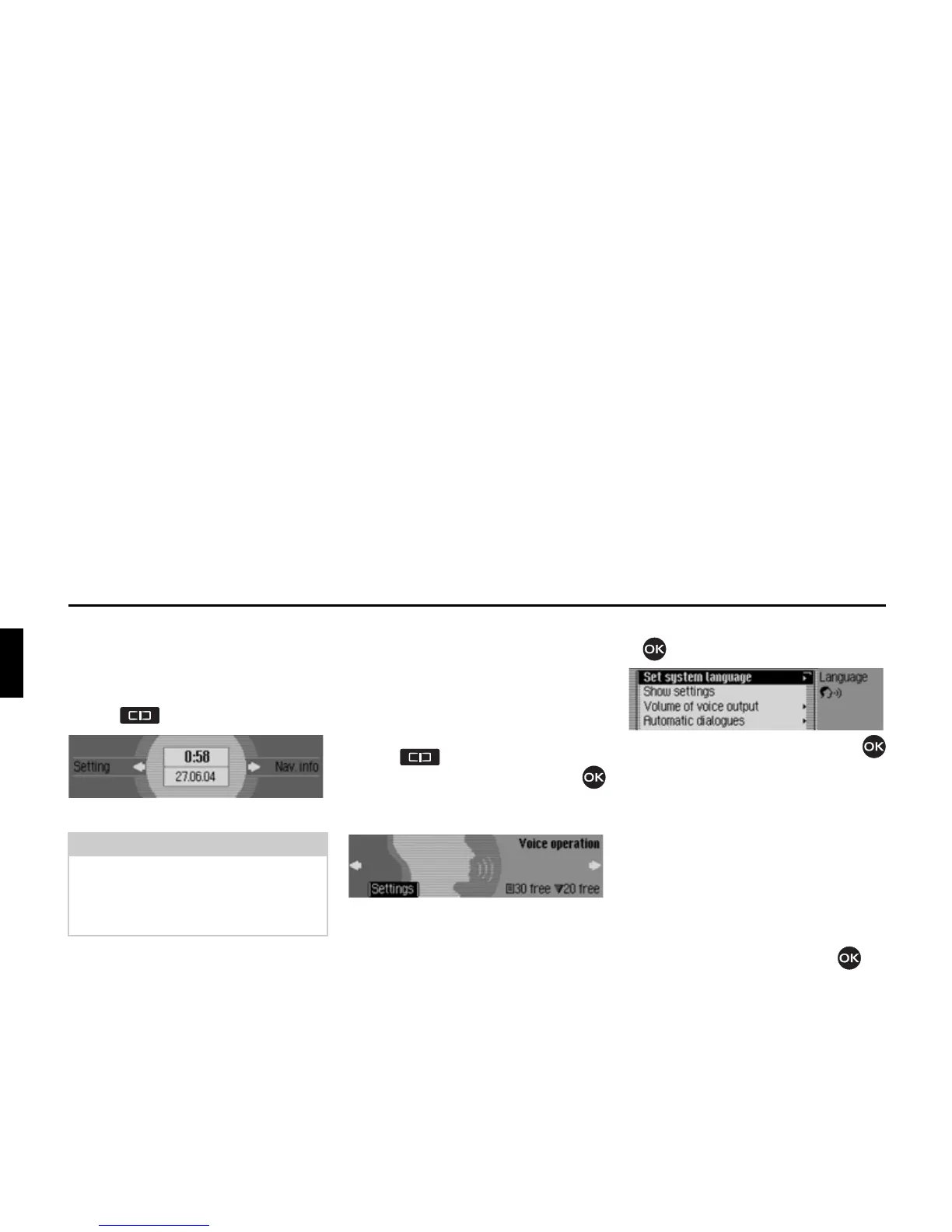
Calling up voice mode settings
X Press .
X Turn the rotary control/push button
counter clockwise until
9RLFH RSHUDWLRQ
appears at the top right of the display.
This display provides information about
the number of free voice entries still
available for address book entries and
radio stations. In the example, 30 are
available for address book entries and 20
for radio stations.
X Press the rotary control/push button
.
X Turn the rotary control/push button
to select one of the following options:
6HWV\VWHPODQJXDJH,
6KRZVHWWLQJV,
9ROXPHRIYRLFHRXWSXW,
$XWRPDWLFGLDORJXHV,
9RLFHHQWULHV,
9RLFHRXWSXW,
377H[WHQGHG or
5HSHDWYRLFHDQQRXQFHPHQW
X Confirm your selection by pressing
the rotary control/push button .
Note:
The General Settings menus will disap-
pear automatically once they have been
idle for a short period of time.
Any changes made will be saved.















 To Next Page