103
Settings
• 'HOHWHSHUVRQDOGDWD
Personal data is deleted. Settings are
not reset.
X In the following prompt, select <HV to
reset the settings or
1R to continue
without a reset.
A reset is performed if
<HV is selected.
The Traffic Pro switches itself off briefly
and then back on again automatically.
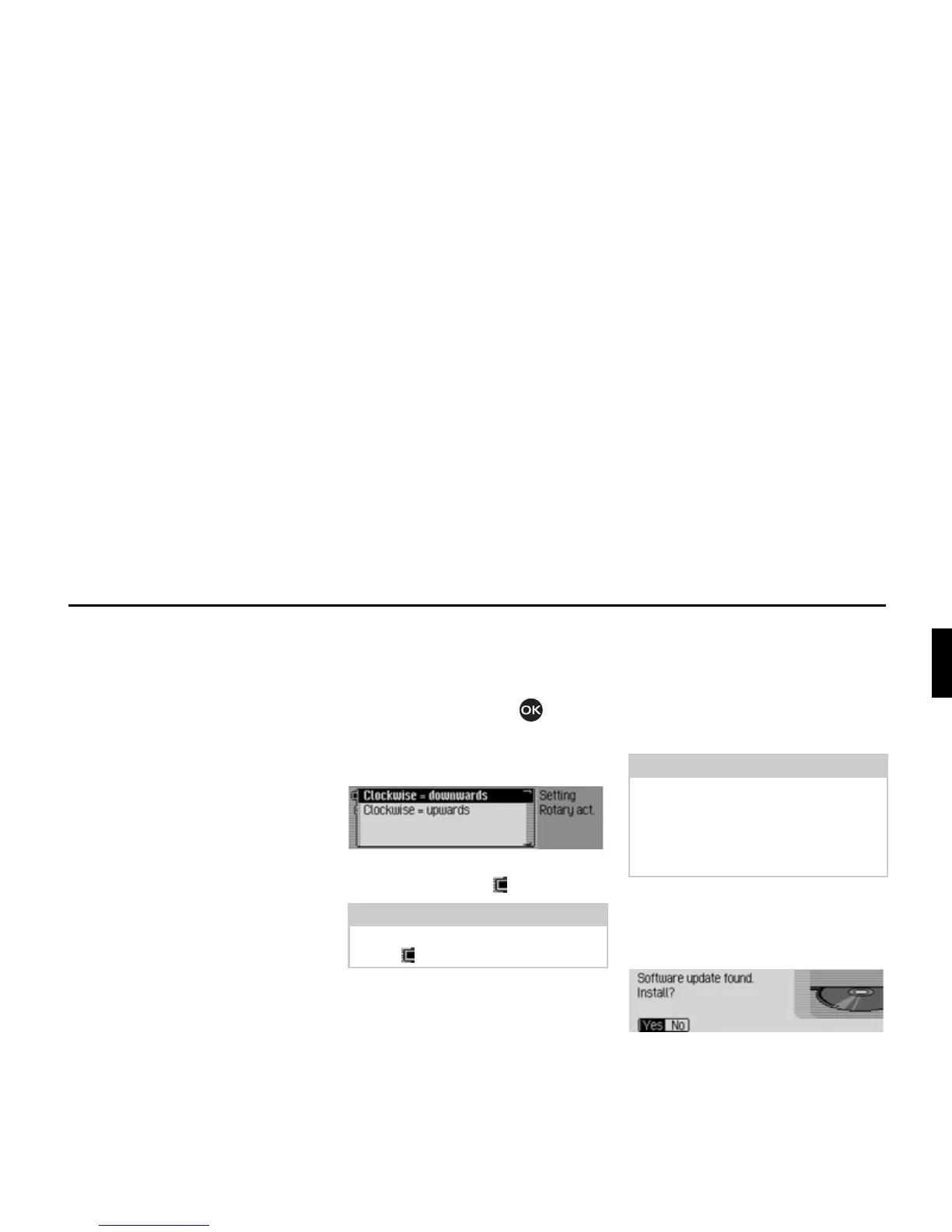
Direction of rotation of the
rotary control/push button
You can specify the direction in which
lists and menus are scrolled when the
rotary control/push button is turned.
X Select 'LUHFWLRQRIURWDU\DFWXDWRU in the
system settings.
X Select &ORFNZLVH GRZQZDUGV or &ORFN
ZLVH XSZDUGV
(on = ).
Software update
A software update for your Traffic Pro
can be carried out by inserting a CD.
New functions for your Traffic Pro can
be provided by means of a software
update.
X Insert the software update CD into the
CD slot with the printed side up.
After a short time, the following display
appears:
X Select <HV to install the update or 1R to
continue without updating.
The software update starts when
<HV is
selected.
Note:
Only one of the two settings may be
active ( ).
7025
Note:
Before carrying out an update, switch
the vehicle ignition on and leave it on
during the update.
The Traffic Pro cannot be used during
the software update.
7026















 To Next Page