102
Settings
Day/Night design
You can configure settings for the change-
over between day and night design on
your Traffic Pro.
X Select 'D\QLJKW GHVLJQ in the system
settings.
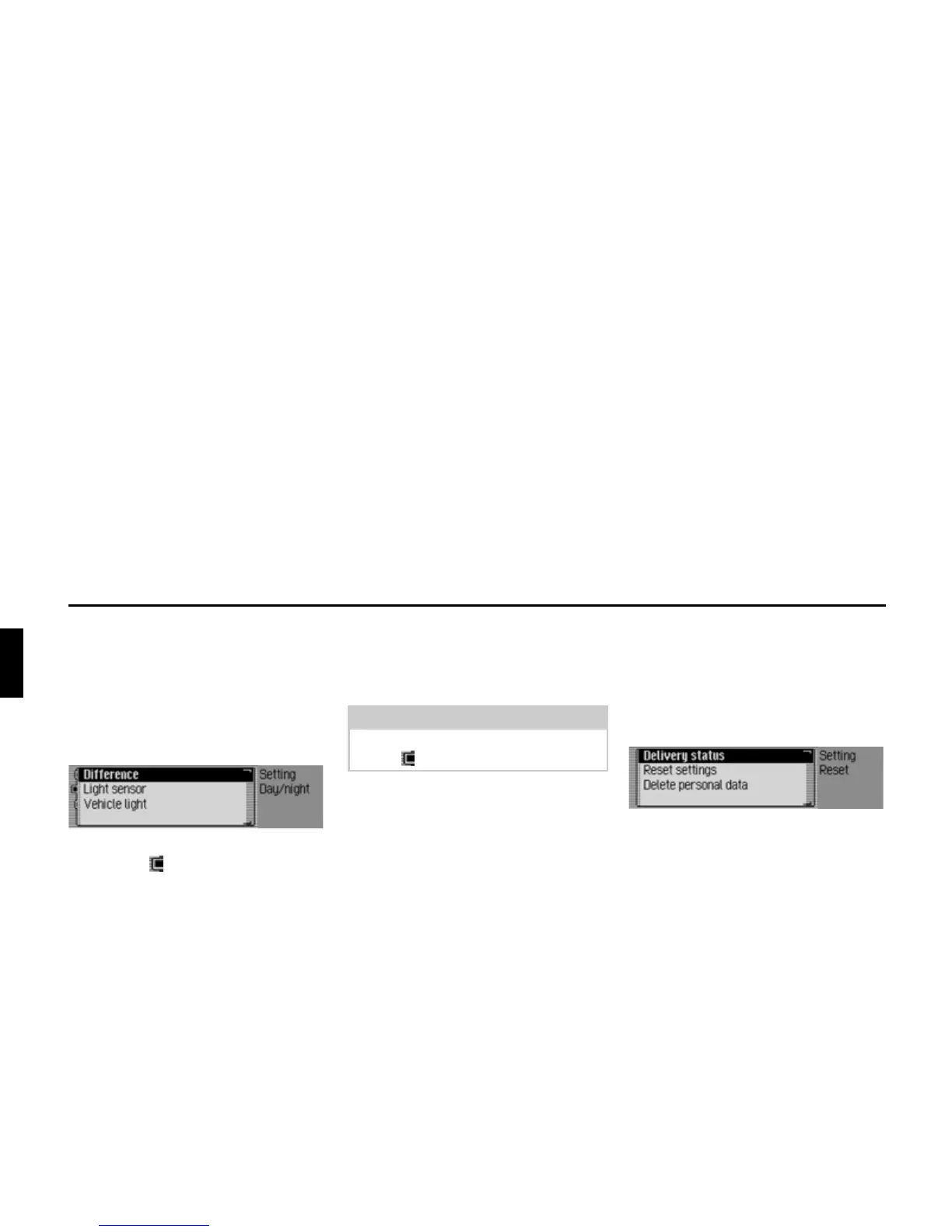
X Select 'LIIHUHQFH, /LJKWVHQVRU or 9HKLFOH
OLJKW
(on = ).
• 'LIIHUHQFH
Changeover between day and night
design takes place in operation at
short intervals. This setting protects
the display and prevents what is
known as the burning-in effect.
•
/LJKWVHQVRU
Changeover from day to night
design is performed by controlling
the light sensor which evaluates
ambient brightness.
•
9HKLFOHOLJKW
Changeover from day to night design
takes place when the vehicle lights are
switched on/off.
Reset function
You can reset the Traffic Pro to the
factory settings.
X Select 5HVHWIXQFWLRQV in the system set-
tings.
X You may now select 'HOLYHU\ VWDWXV,
5HVHWVHWWLQJV or 'HOHWHSHUVRQDOGDWD.
•
'HOLYHU\VWDWXV
The Traffic Pro is reset to the factory
settings. All settings are reset. Personal
data is deleted.
•
5HVHWVHWWLQJV
All settings made are reset to original
values. Personal data is not deleted.















 To Next Page