7-24
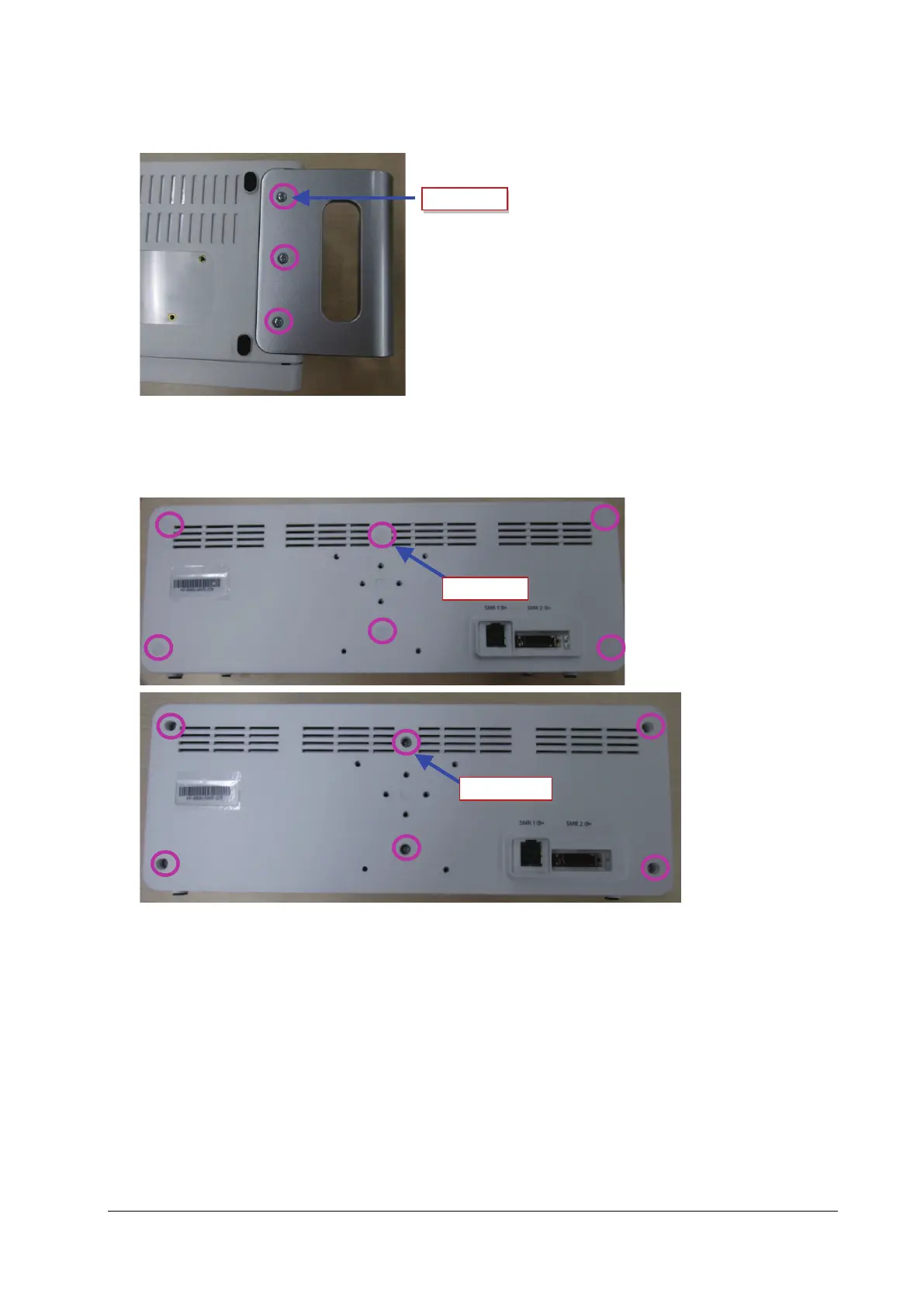
As shown in the following figure, loosen and remove the three M3×8 cross recessed countersunk head screws,
and remove the handle.
2. Removing the rear case of module rack
As shown in the following figure, use a tweezer to take out the six screw covers on the rear case, loosen and remove
the six M3X16 cross recessed pan head screw, and separate the front case from the rear case.
3. Removing the module rack interface board
Loosen and remove the two M3X8 cross recessed pan head screws, pull out the connection line between the
interface board and the internal module rack COM board, and then take out the interface board.



 To Next Page