149
Overview Display
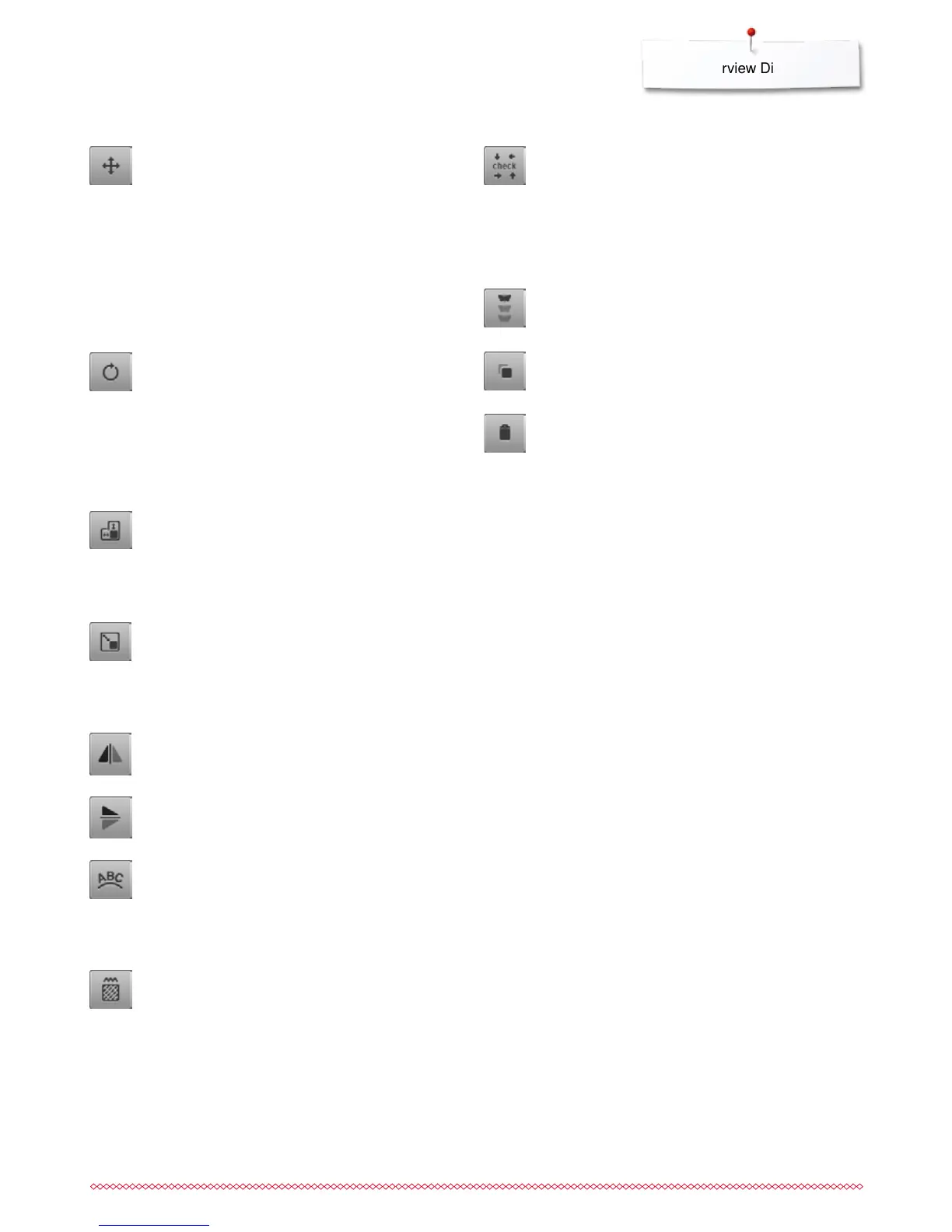
Moving the motif
Display of the alteration in 1/10 mm.
⦁
turn stitch width knob
►
the motif is moved in sideways (horizontally)
⦁
turn stitch length knob
►
the motif is moved lengthwise (vertically)
⦁
turn stitch width and stitch length knob
►
the motif is moved diagonally (the same number is
in both icons)
By using the finger or the Touchscreen pen the motif
can also be moved to any direction, directly in the
Display.
Mirror Image left/right
The motif is mirrored horizontally (left/right).
Altering the motif proportionally
Displayed alteration in %.
⦁
turn stitch width knob to the right
►
the motif is enlarged
⦁
turn stitch width knob to the left
►
the motif is reduced
Mirror Image down/up
The motif is mirrored vertically (down/up).
Rotating the motif
Display of position in degrees (°).
⦁
turn stitch width knob to the right
►
the motif rotates to the right
⦁
turn stitch width knob to the left
►
the motif rotates to the left
⦁
touch «+90»-icon 1-4x
►
the motif rotates to the right in 90°-steps (0°, 90°,
180°, 270°, 360°)
Deleting the motif
Active embroidery motif is deleted.
Altering the motif in height or width
Displayed alteration in %.
⦁
turn the stitch width knob
►
the motif is altered horizontally
⦁
turn the stitch length knob
►
the motif is altered vertically
Altering characters
⦁
turn stitch width knob
►
the distance between the characters is altered in
mm-steps
⦁
turn stitch length knob
►
the text is bent upwards or downwards
Altering stitch type
satin stitches can be changed to step stitches (fill
stitches)
alter stitch density
Checking motif size
The motif size is traveled by the four arrow icons.
⦁
touch «Motif center»-icon
►
the needle moves to the center position of the motif
⦁
turn the stitch width knob
►
the motif is moved horizontally
⦁
turn the stitch length knob
►
the motif is moved vertically
Endless Embroidery
Opens to Display to combine a border.
Duplicating the motif
Active embroidery motif is duplicated.



 To Next Page