55
Setup Program
⦁
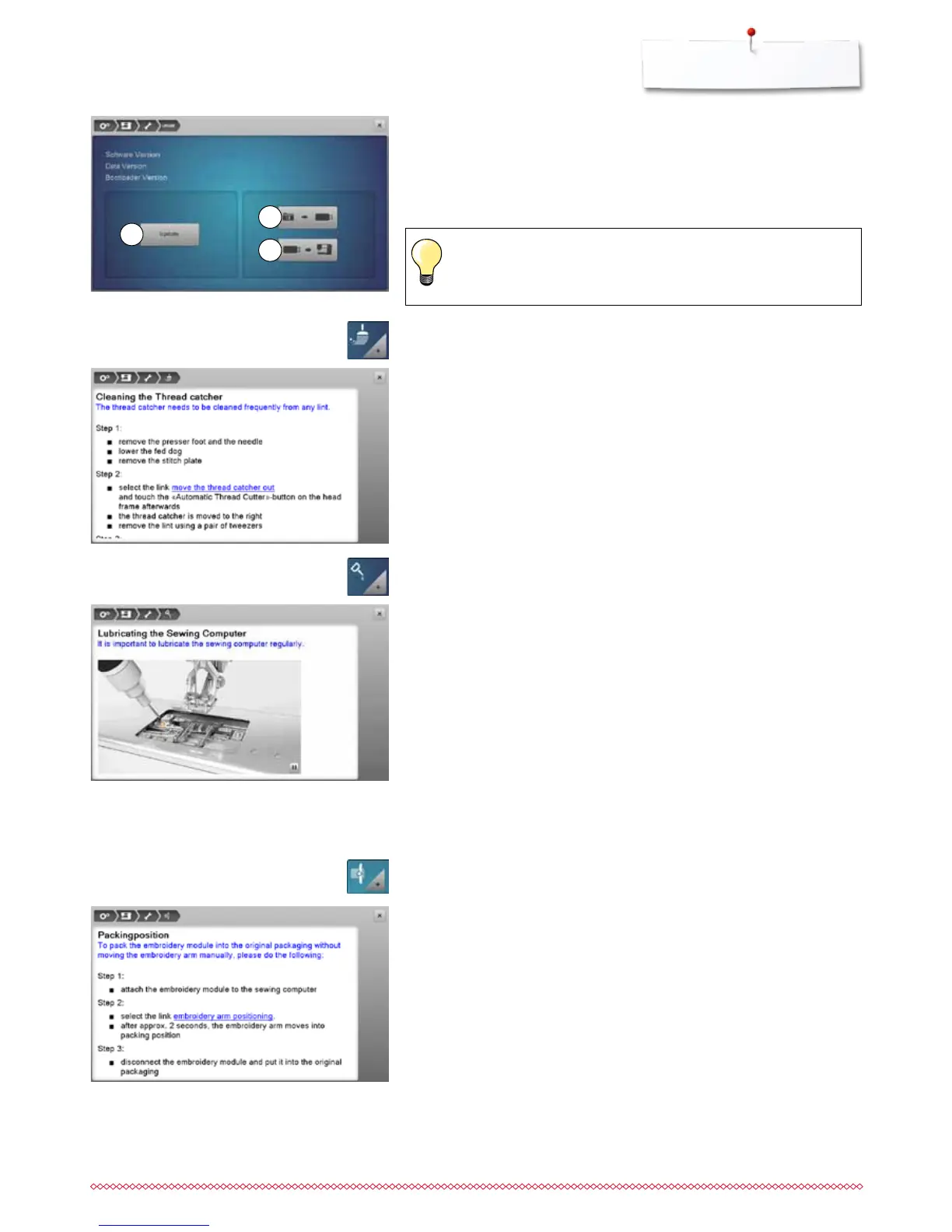
clean the thread catcher according to the instructions
⦁
oil the sewing-/embroidery computer according to the instructions and the
animation
Packing position
Do not move the embroidery arm of the embroidery module by hand. Follow
the on-screen instructions to fit the embroidery module back into its original
packaging.
⦁
touch «Packing position»-icon
Cleaning the thread catcher
⦁
touch «Cleaning»-icon
Lubricating the sewing-/embroidery computer
⦁
touch «Lubricating»-icon
►
if the update cannot be started or if there are problems during the update
process, an error message appears
If the data and the settings aren't on the sewing computer anymore after the
update:
⦁
touch icon 3
►
the data on the stick are saved on the sewing computer
1
3
2
Please find the latest version of Software at www.bernina.com



 To Next Page