M (E3.1) 1/2023 page 30/136
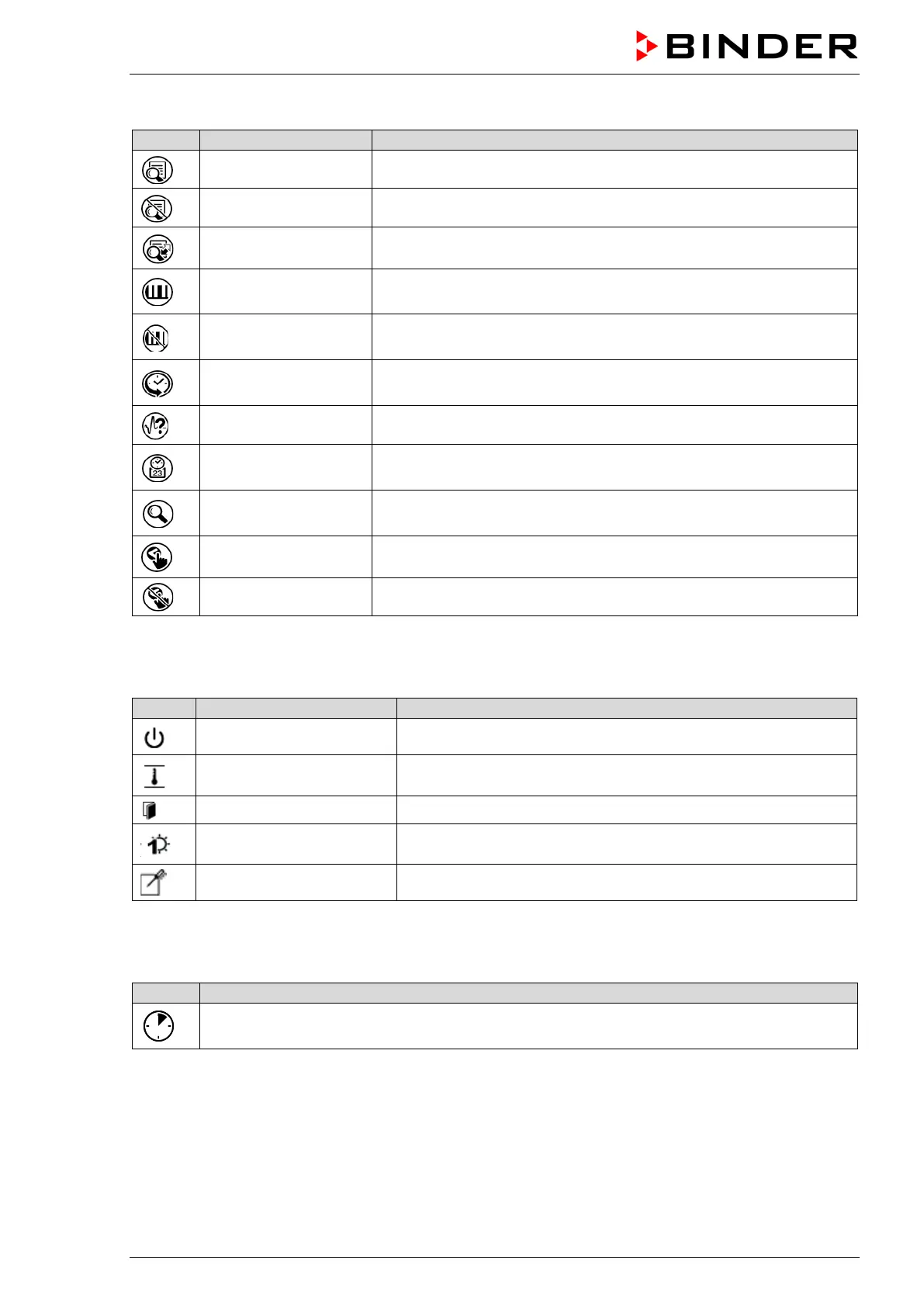
Functional icons in the chart recorder display
Show legend Show legend
Hide legend Hide legend
Switch legend Switch between legend pages
Show indications
Show the indications of temperature (A1), fan (A2), air flap (A3),
“Door open” (B1), and “Idle mode” (B2)
Hide indications
Hide the indications of temperature (A1), fan (A2), air flap (A3),
“Door open” (B1), and “Idle mode” (B2)
History display
Pause chart recorder and change to history display. Data recording
continues.
Curve selection Go to “Curve selection” submenu in the history display
Search
Go to “Search” submenu in the history display to select the required
instant
Zoom
Go to “Zoom” submenu in the history display to select the zoom
factor
Show scroll buttons Show scroll buttons in the history display to scroll to an instant
Hide scroll buttons Hide scroll buttons in the history display to scroll to an instant
Information icons referring to chamber conditions
“Idle mode” Controller in Idle mode
“Temperature range” Current actual temperature value outside the tolerance range
“Door open” Chamber door is open
“Switching output” Switching output is activated
“Object control”
Object temperature control activated (option)
Information icon for data processing
Waiting icon: Data processing is running.
Remaining time to touch the display when calibrating the touchscreen.



 To Next Page