M (E3.1) 1/2023 page 96/136
17. Chart recorder display
This view offers graphic representation of the measurement course. Data representation imitates a chart
recorder and allows recalling any set of measured data at any point of time taken from the recorded period.
17.1 Views
Press the Change view icon to access the pen recorder display.
17.1.1 Show and hide legend
Show legend
Hide legend
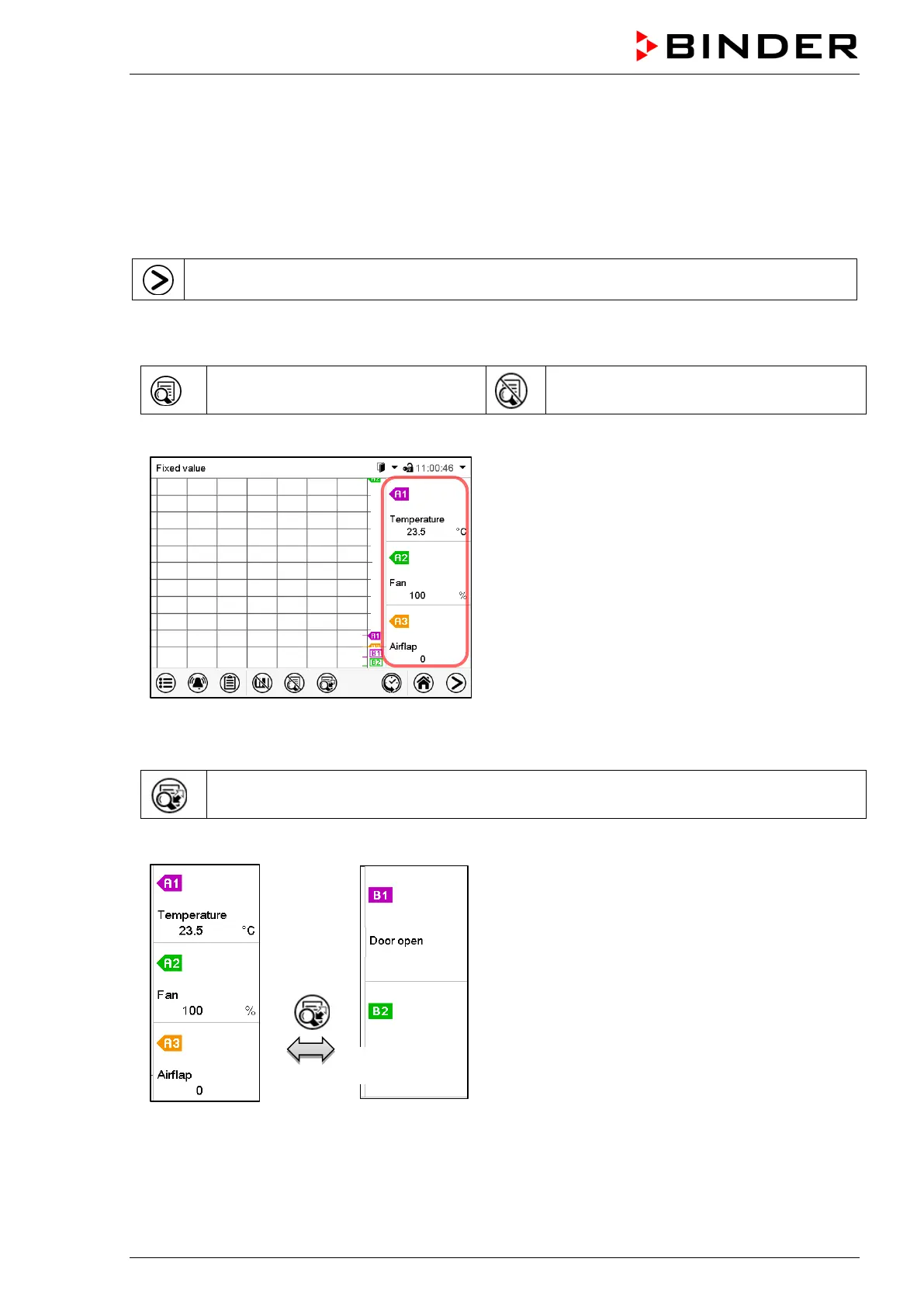
Press the Show legend icon to display the legend on the right side of the display
Legend shown on the right side of the display
17.1.2 Switch between legend pages
Switch legend
Press the Switch legend icon to switch between the legend pages
1
st
page
2
nd
page
Switching between the legend pages



 To Next Page