M (E3.1) 1/2023 page 36/136
5.8 Performance when opening the door
When you open the door, heating and fan turn off.
After closing the door, heating, and fan turn on again.
6. FailSafe function
The chambers are equipped with the "FailSafe" safety function: The chamber has two Pt100 temperature
sensors for mutual monitoring and function takeover in the event of an error.
The regular temperature sensor normally supplies the temperature data. In the event of an error, i.e. if it
no longer supplies any data that can be processed, the additional FailSafe temperature sensor takes over
the recording of the measured values. For information, the alarm message "Sensor defective!" is issued
(chap. 12.1.2), but the chamber continues to function and displays the correct temperature value.
Contact BINDER Service to replace the defective sensor.
7. Start up
7.1 Turning on the chamber
Insert the plug into a suitable socket (chap. 4.1).
• M up to size 115: Turn on the chamber at the on/off switch (4).
• M 260 and 720: Turn on the chamber at the main power switch (11) (chap. 2.4).
The lit pilot lamp shows the chamber is ready for operation.
When the on/off switch (4) or main power switch (11) is turned on and yet the controller display is dark, the
display is in stand-by mode. Press on the touchscreen to activate it.
Warming chambers may release odors in the first few days after commissioning. This is not a quality defect.
To reduce odors quickly we recommend heating up the chamber to its nominal temperature for one day
and in a well-ventilated location.
WARNING: If customer should use a BINDER chamber running in non-supervised continu-
ous operation, we strongly recommend in case of inclusion of irrecoverable specimen or
samples to split such specimen or samples and store them in at least two chambers, if this is
feasible.
7.2 Controller settings upon start up
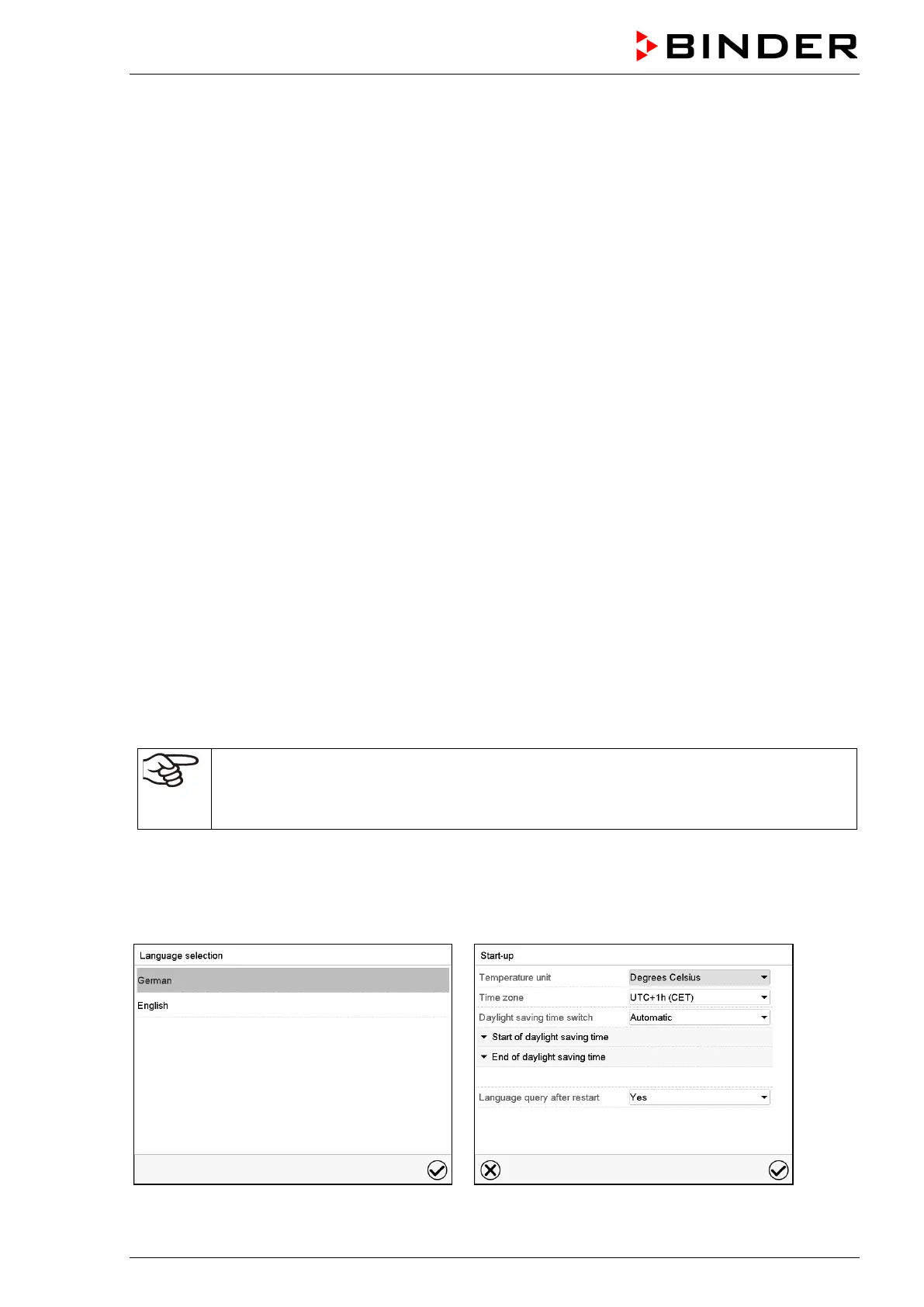
The window “Language selection” enables the language selection, in case that it’s activated in the “Start-
up” menu. Afterwards occurs a request of the time zone and the temperature unit.
The controller will function in the operating mode, which was active before the last shut-down. It controls
temperature in fixed value operating mode to the last entered value and in the program mode to the set
point achieved beforehand.



 To Next Page