M (E3.1) 1/2023 page 69/136
After completing the settings, press the Confirm icon to take over the entries and exit the menu, or press
the Close icon to exit the menu without taking over the entries.
If there are actual values outside the tolerance range the following information icons for the corresponding
parameter are displayed:
“Temperature range” The temperature value is outside the tolerance range
If the condition persists, an alarm is triggered after the configured interval (“range alarm delay”). It is visually
indicated in Normal display. If the alarm buzzer is activated (chap. 12.5) there is an audible alert. The zero-
voltage relay alarm output (option, chap. 13.3) switches to transmit the alarm. The alarm is shown in the
list of active alarms (chap. 12.3).
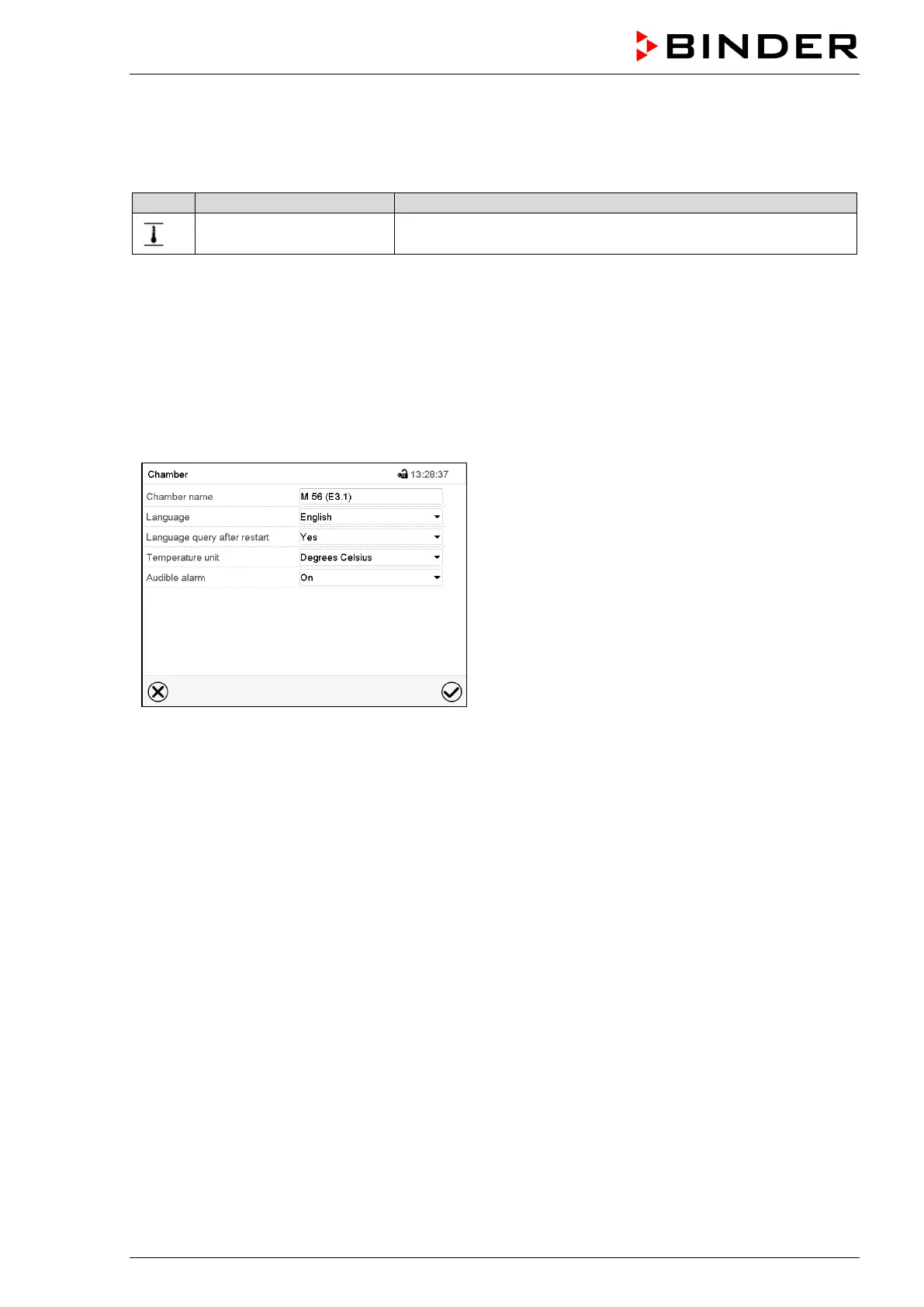
12.5 Activating / deactivating the audible alarm (alarm buzzer)
Path: Main menu > Settings > Chamber
“Chamber” submenu (example).
In the field “Audible alarm” select the desired setting
“off” or “on” and press the Confirm icon.



 To Next Page